
PNG exporting darker and more saturated in Illustrator
I drew an image on my tablet using Adobe Draw and in order to export the image I sent it both to Photosho and Illustrator (to see which worked best if it even made a difference). Both images were exported as PNG but I noticed the Illustrator one was much darker and more saturated. I can't post the image in question because of client confidenciality but here's another example of the same situation to a lesser extent.
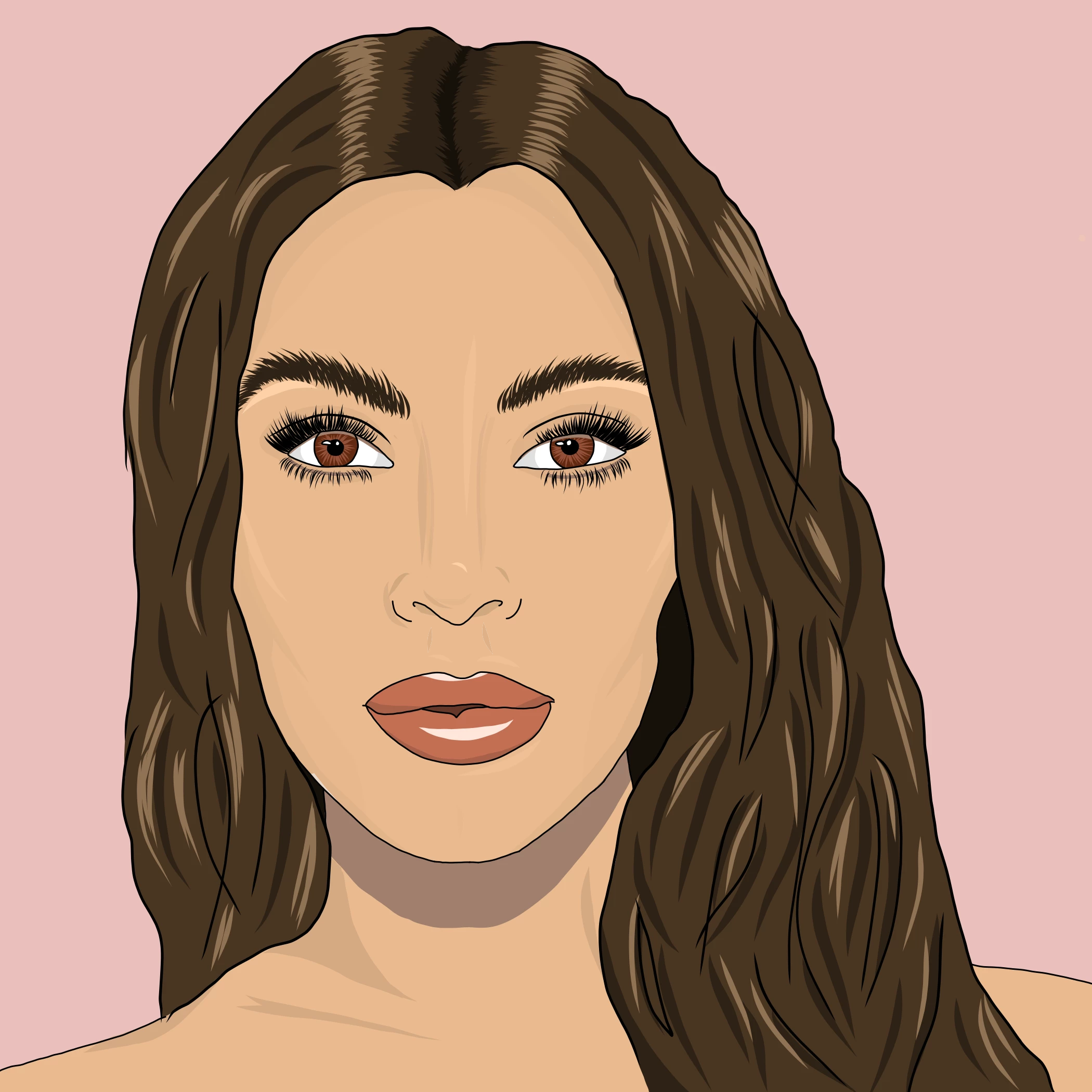

When you compare the two images you can see the shadowing around the eyes and cheeks is much darker and heavier in the Illustrator version.
I know its probably somthing to do with my color settings so heres a screenshot to what its currently set at.
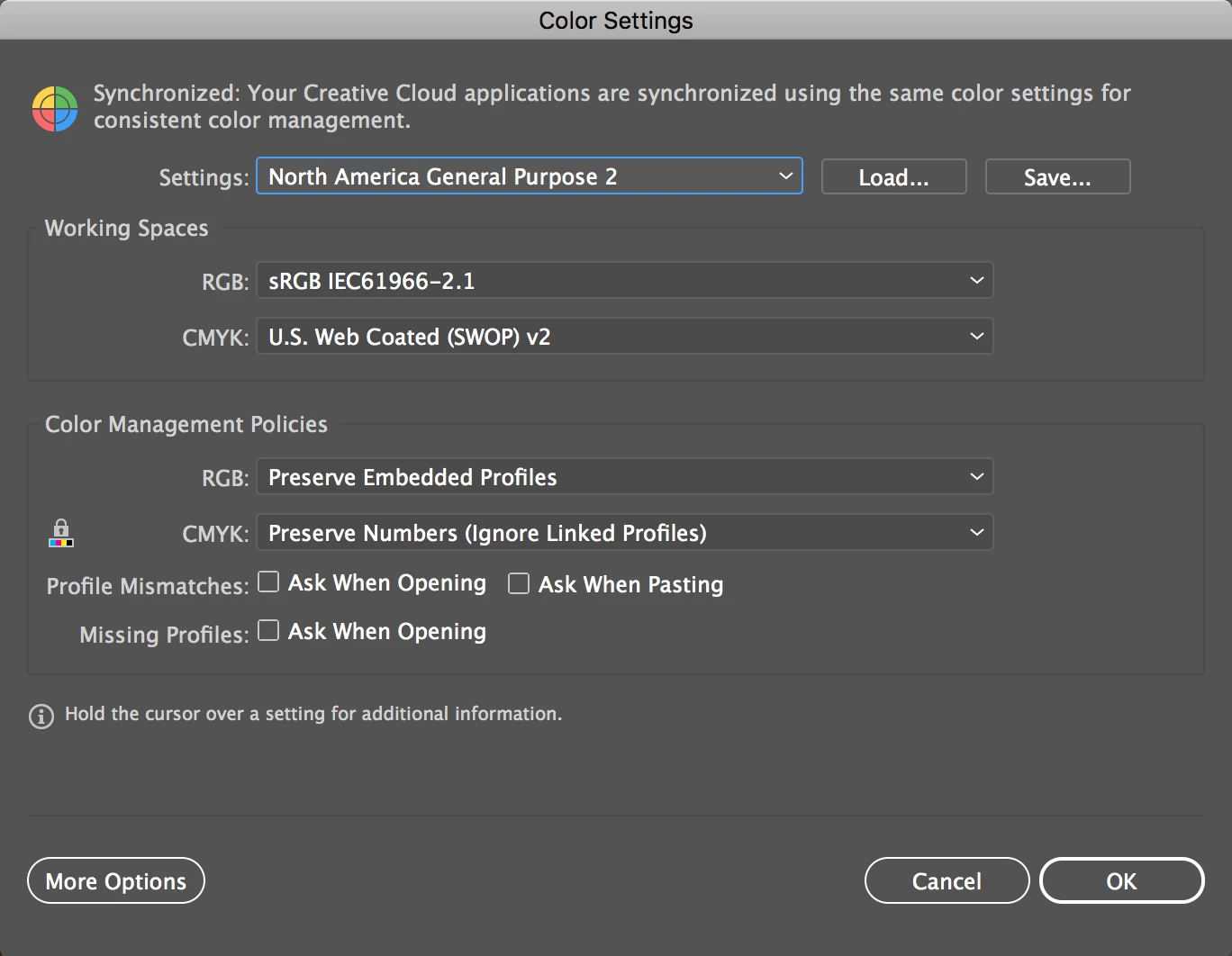
It could even be a problem with my photoshop settings as well I'm not 100% sure. I just want to make sure when I'm exporting an image for a client that it is consistant across all the platforms. Thanks in advance!
 AdChoices