
Question
png has white background in illustrator
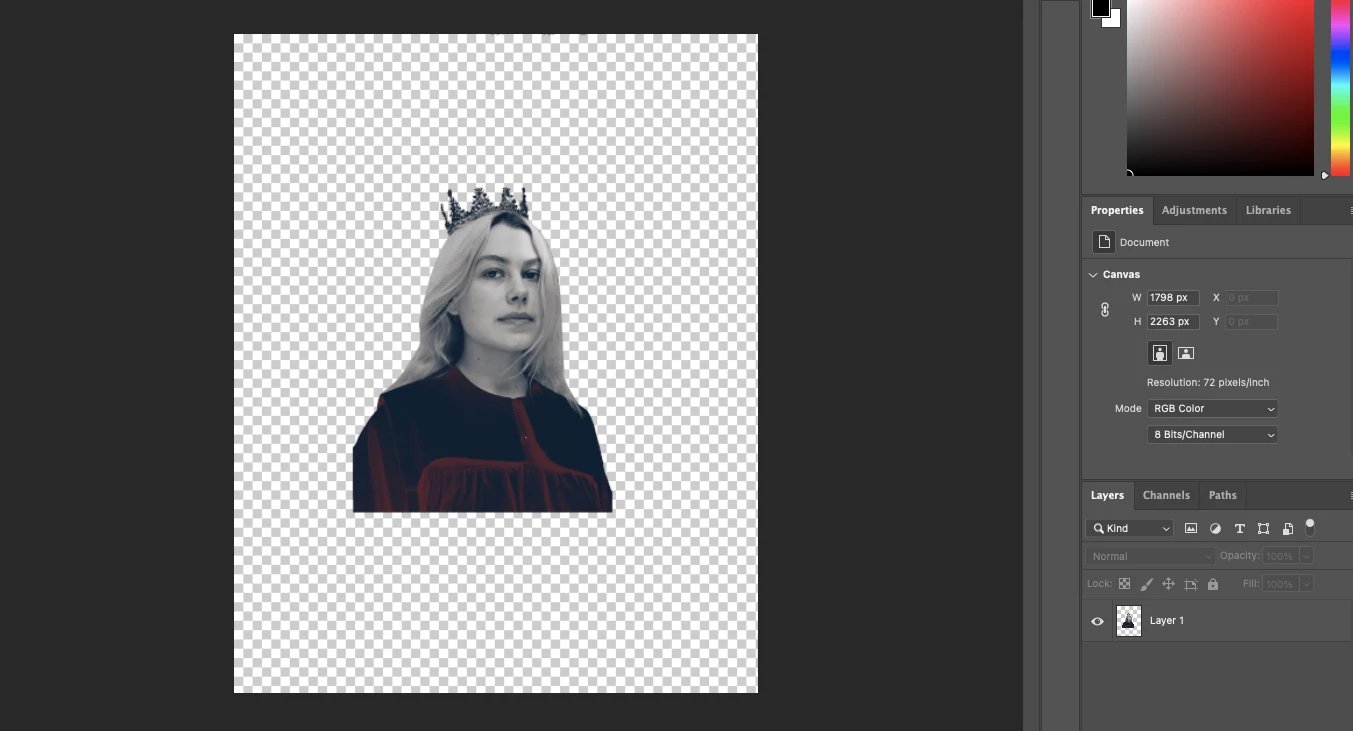
i've never had this issue before so i'm super confused, it was working fine up until last night? i create a png by removing the background of my image and i'll usually export it as a png w transparency ticked and open in illustrator or just drag straight from photoshop into illustrator and go as usual but now i'm getting this? it's got a white background? this is how it looks in photoshop after i've removed the background:
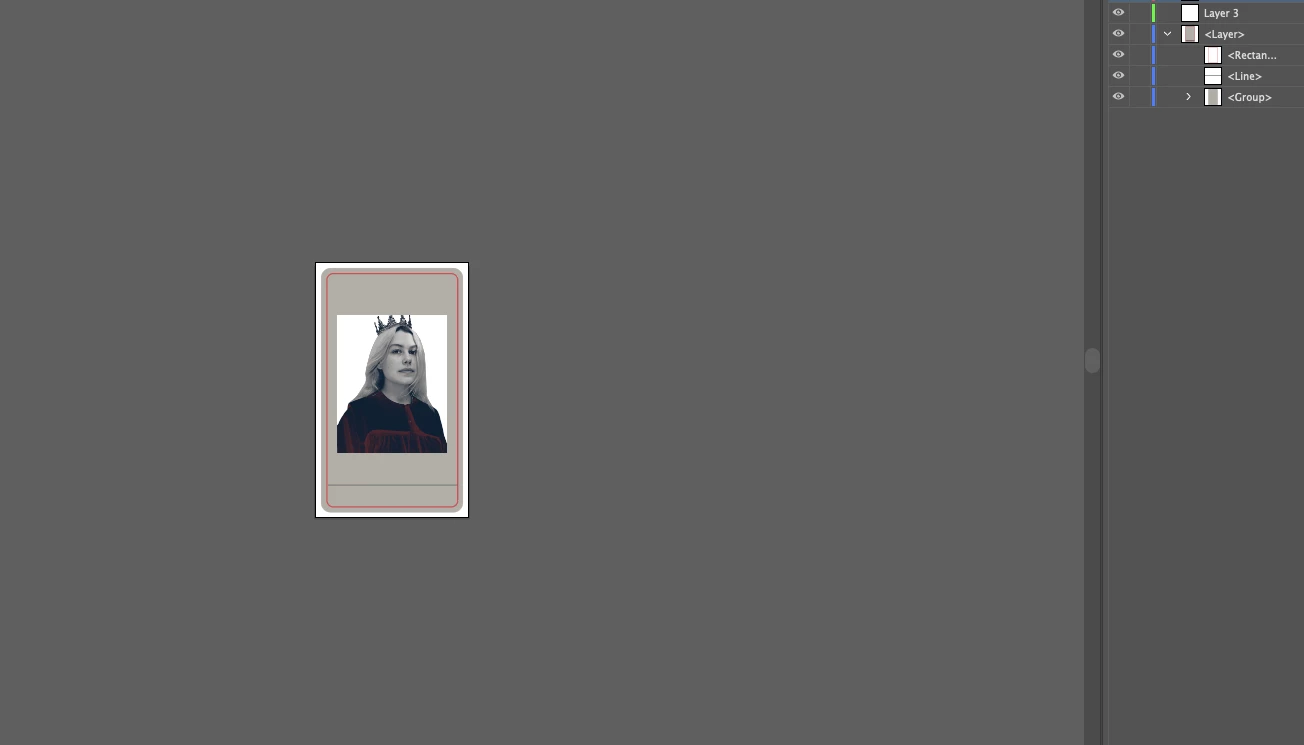
and this is what i get when i drag, copy & paste or place into illustrator:
 AdChoices