
Participant
July 20, 2018
Answered

PNG outlines show up in PDF

  • July 20, 2018
  • 2 replies
  • 2021 views

Hi Illustrator Community,

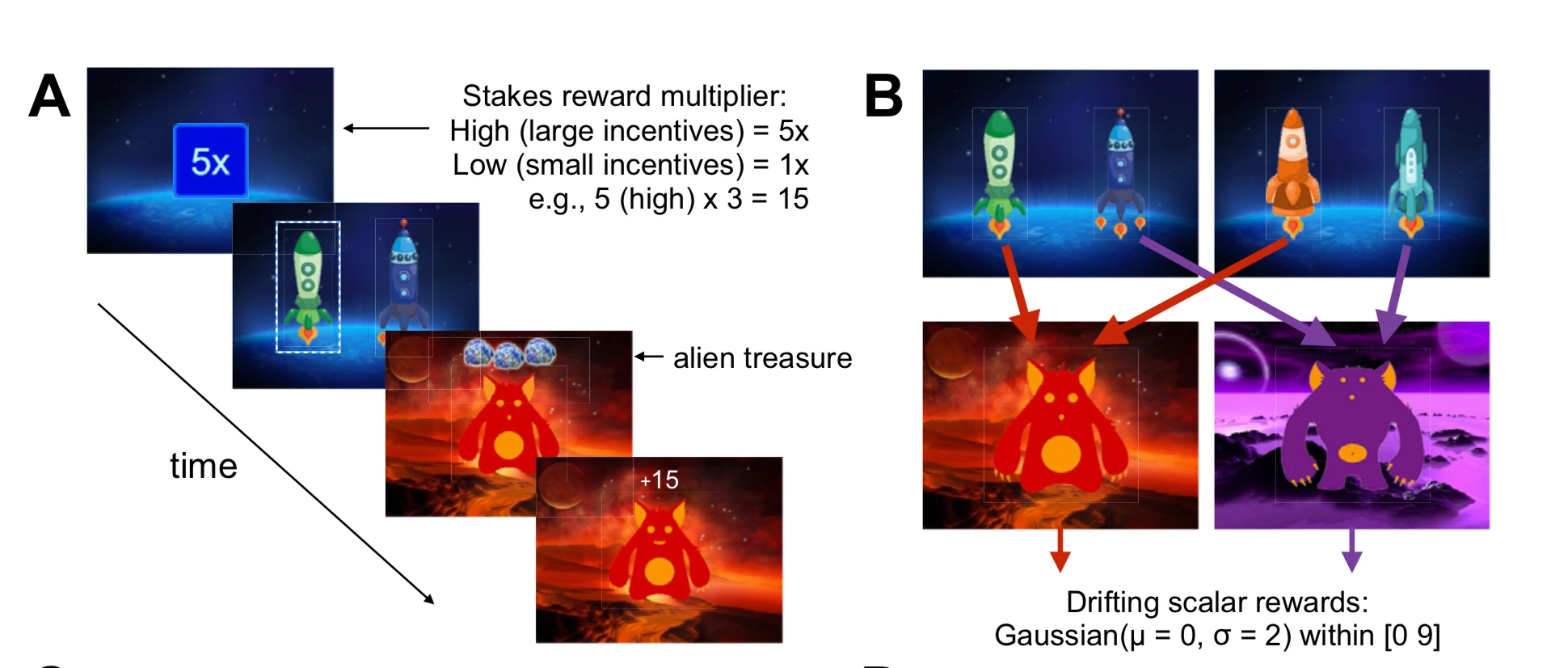
I created a PDF in Keynote for a scientific article, when I received the proofs from the editor it looks like the outlines of the PNGs that make up the image are visible - see below. How do I fix this? Couple ideas: Is it a layer issue? If I remake in Illustrator will it fix this?

-Edward
    This topic has been closed for replies.
    Correct answer Mariam Hovhannesyan

    You can control transparency issue with flat and transparancy

    Choose Edit > Transparency Flattener Presets

    see reference How to print and save transparent artwork in Illustrator

    2 replies

    Mariam HovhannesyanCommunity ExpertCorrect answer
    Community Expert
    July 21, 2018

    You can control transparency issue with flat and transparancy

    Choose Edit > Transparency Flattener Presets

    see reference How to print and save transparent artwork in Illustrator

    Monika Gause
    Community Expert
    Community Expert
    July 20, 2018

    Looks like transparency flattening issues.

    Participant
    July 20, 2018

    Thanks for the reply, how I would correct this?

    Monika Gause
    Community Expert
    Community Expert
    July 20, 2018

    In Keynote? I would assume you can forget about that.

    In Illustrator: it totally depends on how the graphic has been made.