
Known Participant
June 17, 2025
Answered

PNG to 3D with 3D Materials

  • June 17, 2025
  • 2 replies
  • 277 views

Hi all,


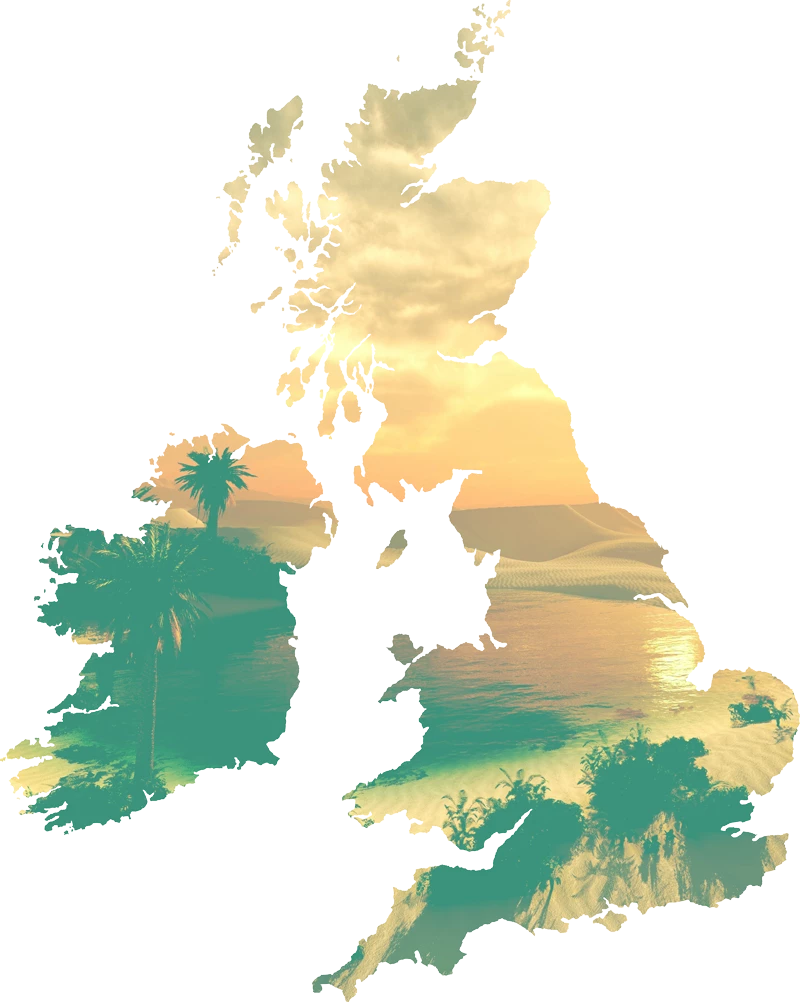
For a fantasy poster i want to set this PNG image I edited in Photoshop with transparency and color layers/layer mask in 3D with 3D & Materials, but now its now working, even when i'm doing Image Trace I get only a sketch.

I want the image without background.


What can I do?


Correct answer Ton Frederiks

That is all in Photoshop, you cannot apply a 3D effect to an image in Illustrator, you may use the image as a material on  a 3D object in Illustrator.

2 replies

Known Participant
June 17, 2025

This is my workflow: Photoshop version is 26.07.0


stefaniedesigns
Ton Frederiks
Community Expert
Ton FrederiksCommunity ExpertCorrect answer
Community Expert
June 17, 2025

That is all in Photoshop, you cannot apply a 3D effect to an image in Illustrator, you may use the image as a material on  a 3D object in Illustrator.

Anubhav M
Community Manager
Community Manager
June 17, 2025

Hello @stefanie20,

Could you share more details, like the version of the OS/Illustrator installed, and a small screen recording of your exact workflow, so we can better assist you?

Looking forward to hearing from you.

Anubhav