Copy link to clipboard
Copied
good morning
i need to export png from illustrator with white and transparency too
something like that:
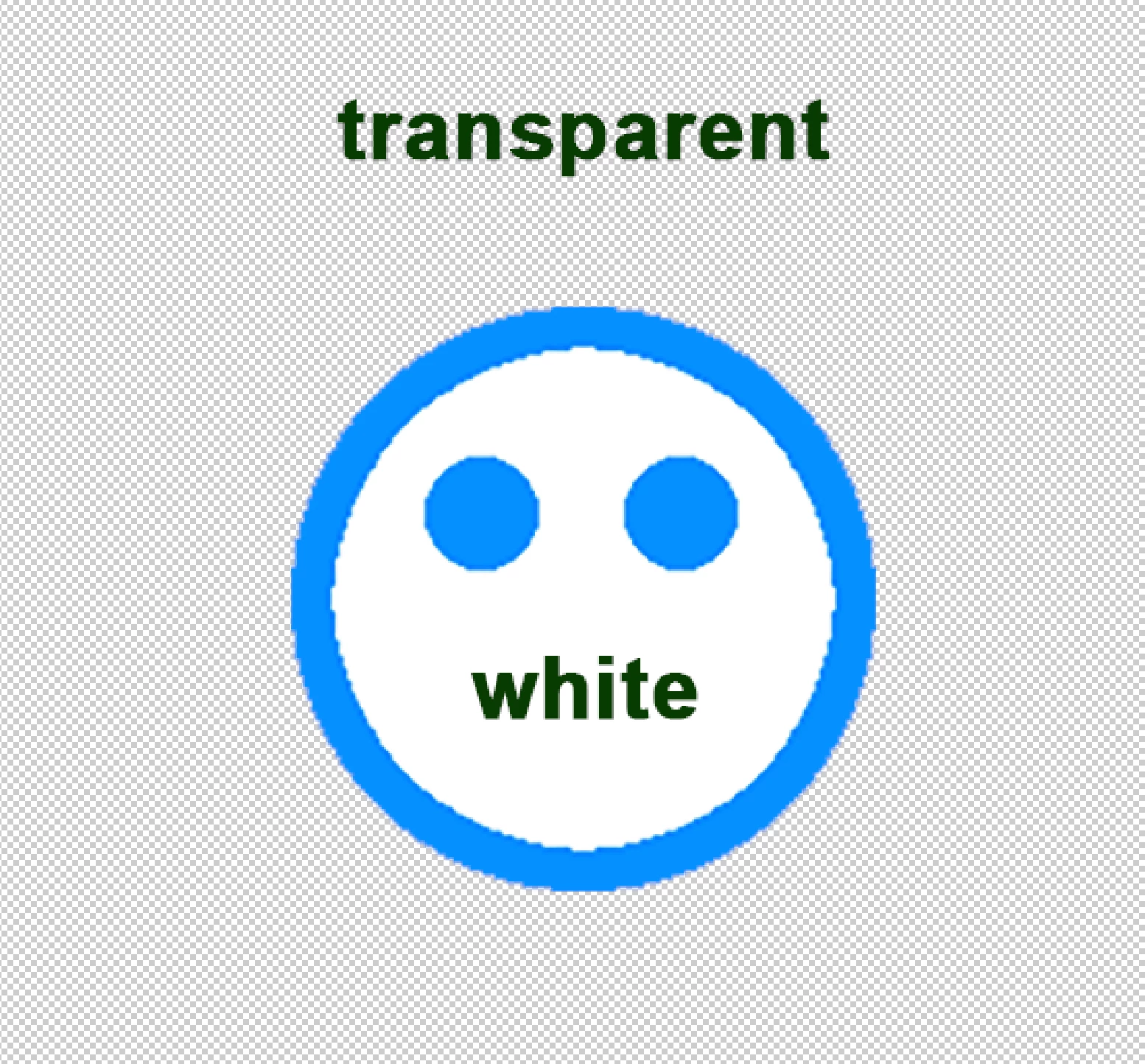
how to ?

Copy link to clipboard
Copied
What have you tried so far and what is going wrong?
Copy link to clipboard
Copied
I tried to put a white circle under the colored graphics, leaving the area outside the white circle transparent and free from graphics.
I also tried to give a flat white instead of the standard white.
I would like to avoid creating a non-white white (example 254, 254, 254)
I tried to export to PNG8 from illustrator obtaining transparency in the entire area where there was originally white
Copy link to clipboard
Copied
What software are you using to check the transparency?
Copy link to clipboard
Copied
Did you try Export for Screens?
Copy link to clipboard
Copied
yes, I tried.
if I export with the "transparent" checkbox all the white or empty parts become transparent, while I want only the empty areas to be transparent
Copy link to clipboard
Copied
How do you check the file, open in Photoshop?
Copy link to clipboard
Copied
do you mean how I check the transparency ?
in photoshop, indesign, preview app in macos
Copy link to clipboard
Copied
Can you share an example file? AI and PNG if possible.
Copy link to clipboard
Copied
purtrppo no.
anyway,
you and Tom put me on the right track, thanks.
suspecting a problem with my document (dont know where is the problem), I created a new document, same graphics.
now I export PNG with the desired look.
I apologize
Copy link to clipboard
Copied
M,
There is no reason for apologizing. Strange inexplicable thing happen.
Some of those are corruptions of different kinds and degrees, and they can even be temporary or permanent.
One kind is preference corruption which you can sometimes heal by just closing down Illy or the computor, at other times you need to resetthem or even reinstall.
Another kind is document corruption as in your case here, which is (normally) permanent but it is sometime possible to salvage some or all of the artwork by copying over in a new document.
Get ready! An upgraded Adobe Community experience is coming in January.
Learn more