
Syntax_One
Known Participant
February 2, 2024
Question

Presets in mm even if I set the preferences to inches

  • February 2, 2024
  • 3 replies
  • 878 views

Hi!


Without any document open, I go to Illustrator's preferences, and I set my general units to inches.
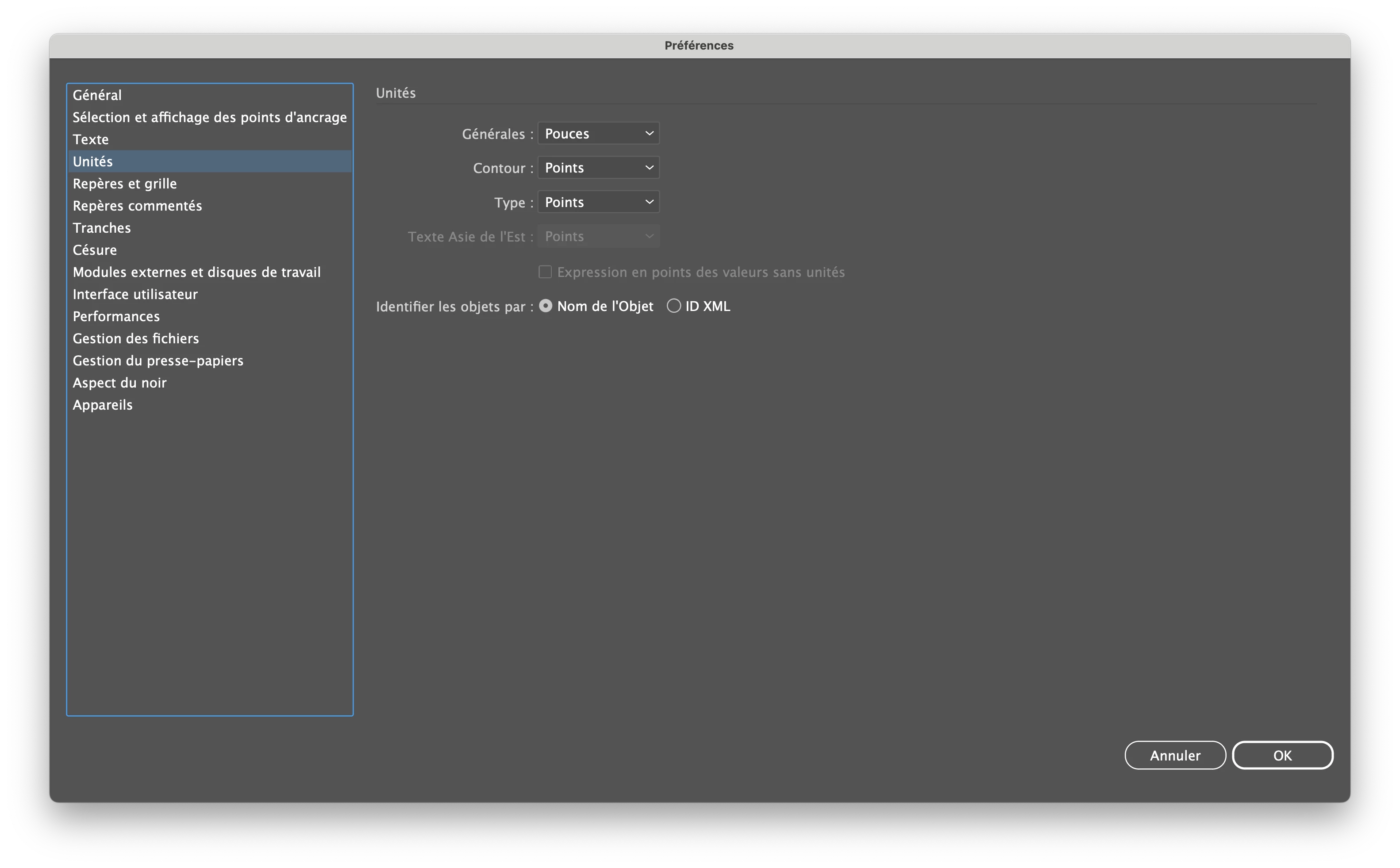


However, every time I choose a preset, it goes back to millimeters.
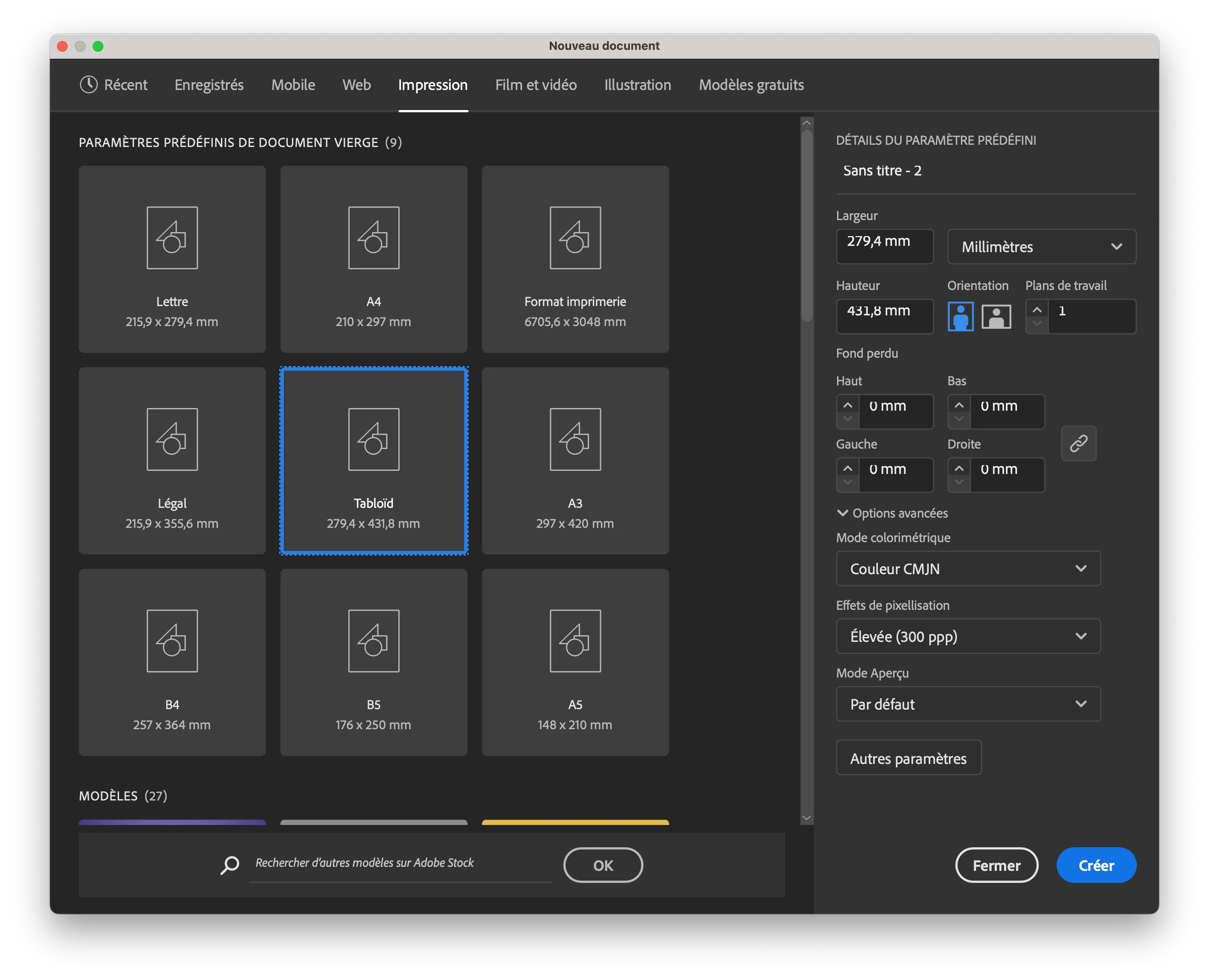


Is there a solution?


Thank you!


Chris.

This topic has been closed for replies.

3 replies

Anubhav M
Community Manager
Community Manager
February 3, 2024

Hello @Syntax_One,


Thanks for reaching out. Would you mind trying to use Templates as suggested by Monika and Ton and checking if it helps:

Looking forward to hearing from you.


Thanks,

Anubhav

Ton Frederiks
Community Expert
Community Expert
February 4, 2024

Monika and myself were not talking about templates, but about New Document Profiles.

You can do a lot with templates, but they have one big disadvantage, they are not color managed, don't contain a color profile and don't get one from your color settings.

You can customize your default settings by modifying the New Document Profile files: Print.ai (CMYK), Art & Illustration.ai (RGB), Web.ai, Film & Video.ai and Mobile.ai or creating a new one with a custom name.

These files create documents with the profiles from your color settings.

It is best to use the New Documents Profiles folder in the Mac Library Application support folder or Windows Documents and Settings.

See: https://helpx.adobe.com/illustrator/kb/create-custom-new-document-profile.html


Syntax_One
Known Participant
February 5, 2024

Hi!


Thank you!


Unfortunately, there are two issues:


1_ Illustrator isn't located in this directory: ~/Library/Application Support/Adobe/Adobe Illustrator <version>/<locale>.


2_ My students are unable to make any modifications on the school's computers without an administrator username and password.


Thanks again!


Chris.

Ton Frederiks
Community Expert
Community Expert
February 2, 2024

The unit settings in Illustrator's Preferences are only used when a document is opened that has no units, like an image or a PDF.

Illustrator will use the units of a document you open (if it has units).

To use inches in new documents, set inches when creating one or use a preset that has inches as its unit setting. Preset can be made or changed by editing New Document Profiles.

Monika Gause
Community Expert
Community Expert
February 2, 2024

Illustrator does nok like that. general units are document based. You can cange them in the New document profileas and it will carry over