Answered
problem backing
I can no longer save to my external hard drive. since adobe cloud offers the choice to back up to their cloud. How can I start backing up directly to my external hard drive?
THANKS

I can no longer save to my external hard drive. since adobe cloud offers the choice to back up to their cloud. How can I start backing up directly to my external hard drive?
THANKS
I never needed to do this. but where do I have to give access? I'm going to watch 🙂 hehe
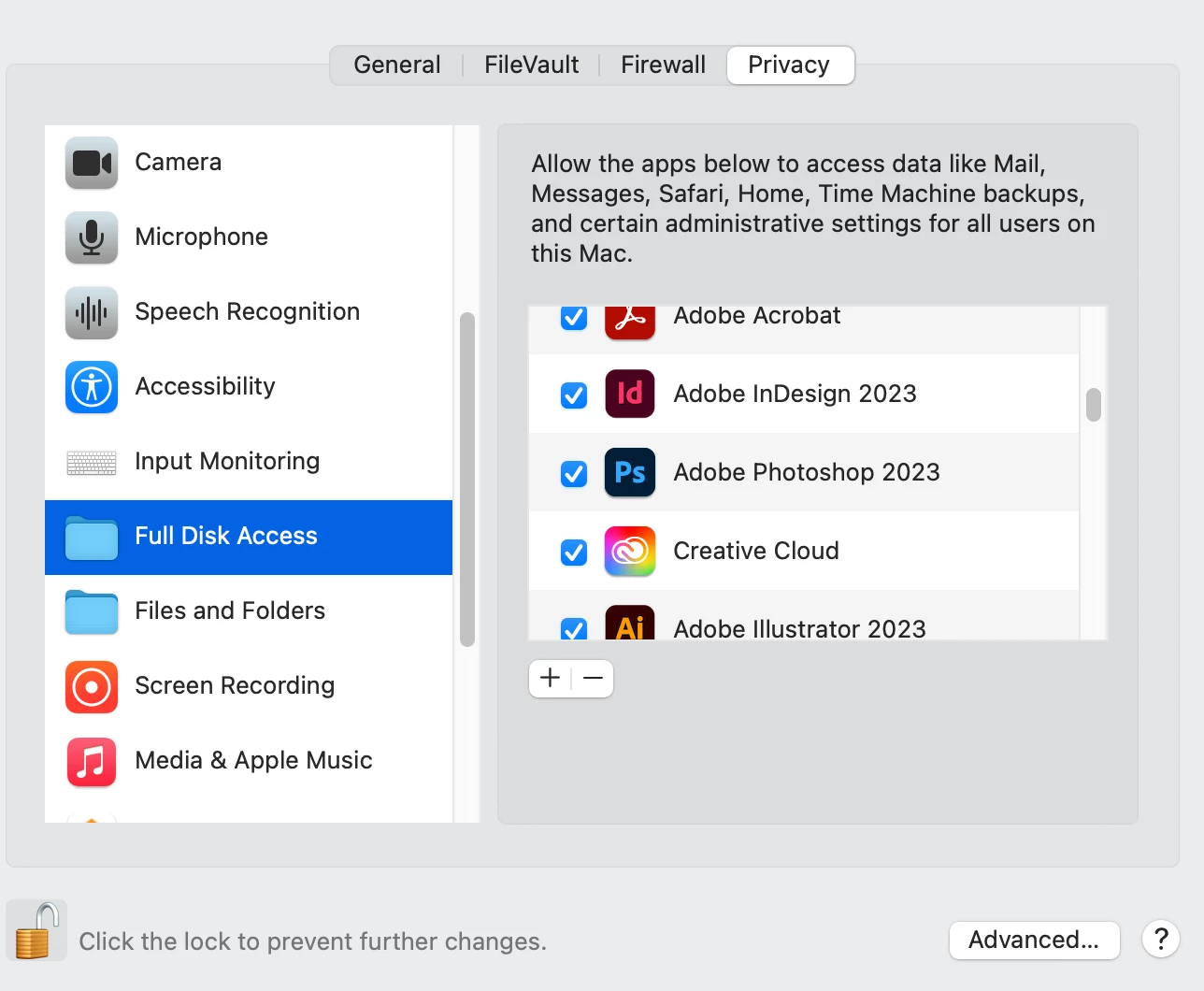
The Full Disk Access thing is an Apple issue, so if you are on a Mac and have recently upgraded to/updated Monterey or Ventura, check that your Full Disk access permissions haven't been reset: System Preferences > Security & Privacy > Full Disk Access : your Adobe apps should be listed and checked. If not, add them back.
Already have an account? Login
Enter your E-mail address. We'll send you an e-mail with instructions to reset your password.
 AdChoices