
Problem of double layers of strokes after Image Trace
I am having this problem and not sure at what part of the process it is occuring. My ultimate goal is to take a photograph and convert it to discrete stroked sections to run through a vinyl cutter.
But here are the steps I take:
- Place a photograph into Illustrator - it has been cleaned up in Phtoshop
- Run Image Trace - color, fills, usually with cutout Method (but same thing happens with abutting)
- Expand
- Clean up image - at this point it is just fills of different colors, no strokes
- When I select all and assign a stroke value, it adds double layers of strokes - but not in total, just in parts; so it is very hard to isolate and clean up. This causes a problem when I run the vinyl cutter because it runs twice in parts.
I have tried to merge, flatten, all kinds of things, and nothing works.
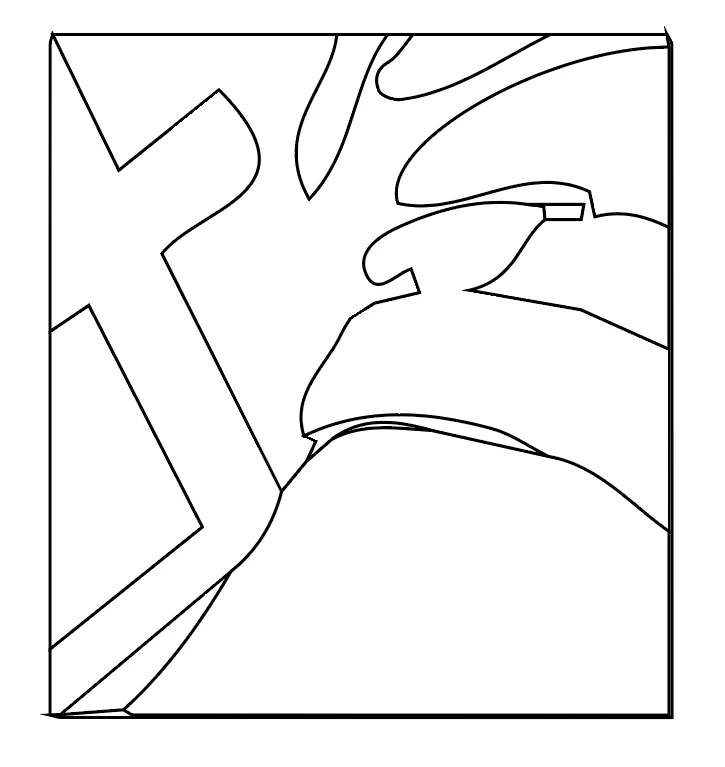
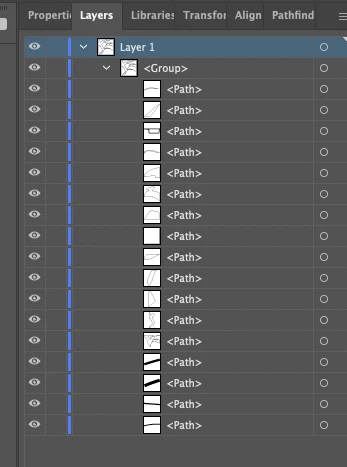
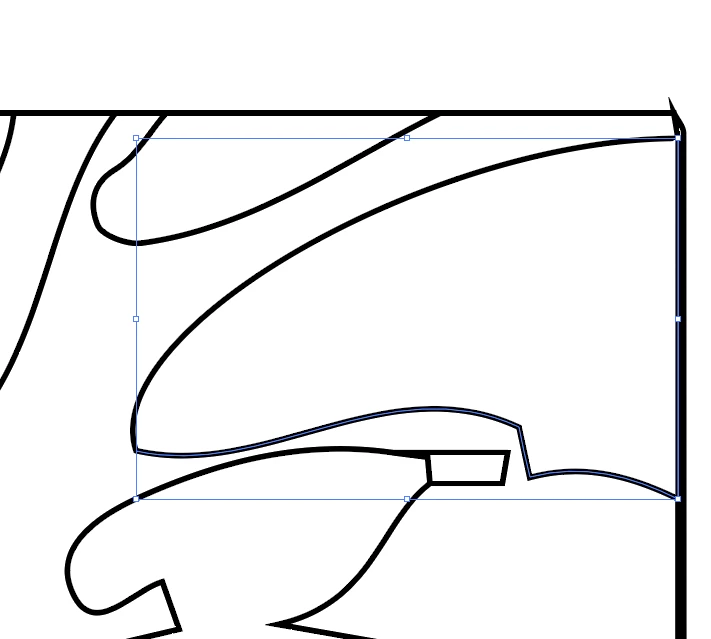
Trying to attach several images here to help explain. In the first, there is the expanded fills; in the second is the strokes, fills removed; third is the layers; fourth is where I have clicked on a stroke and deleted it, which removes a segment and leaves the second layer beneath. But like I said, it is not two full layers, but partial - some parts have two layers of strokes, some only one.
This is causing me hours of extra work to clean up large images - any advice would be greatly appreciated!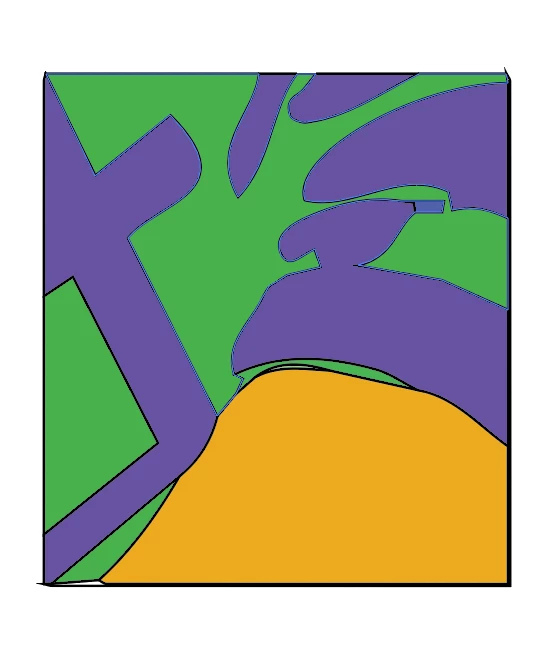
 AdChoices