



ontstudios
Participant
July 3, 2020
Answered

Problem when importing an SVG

  • July 3, 2020
  • 1 reply
  • 397 views

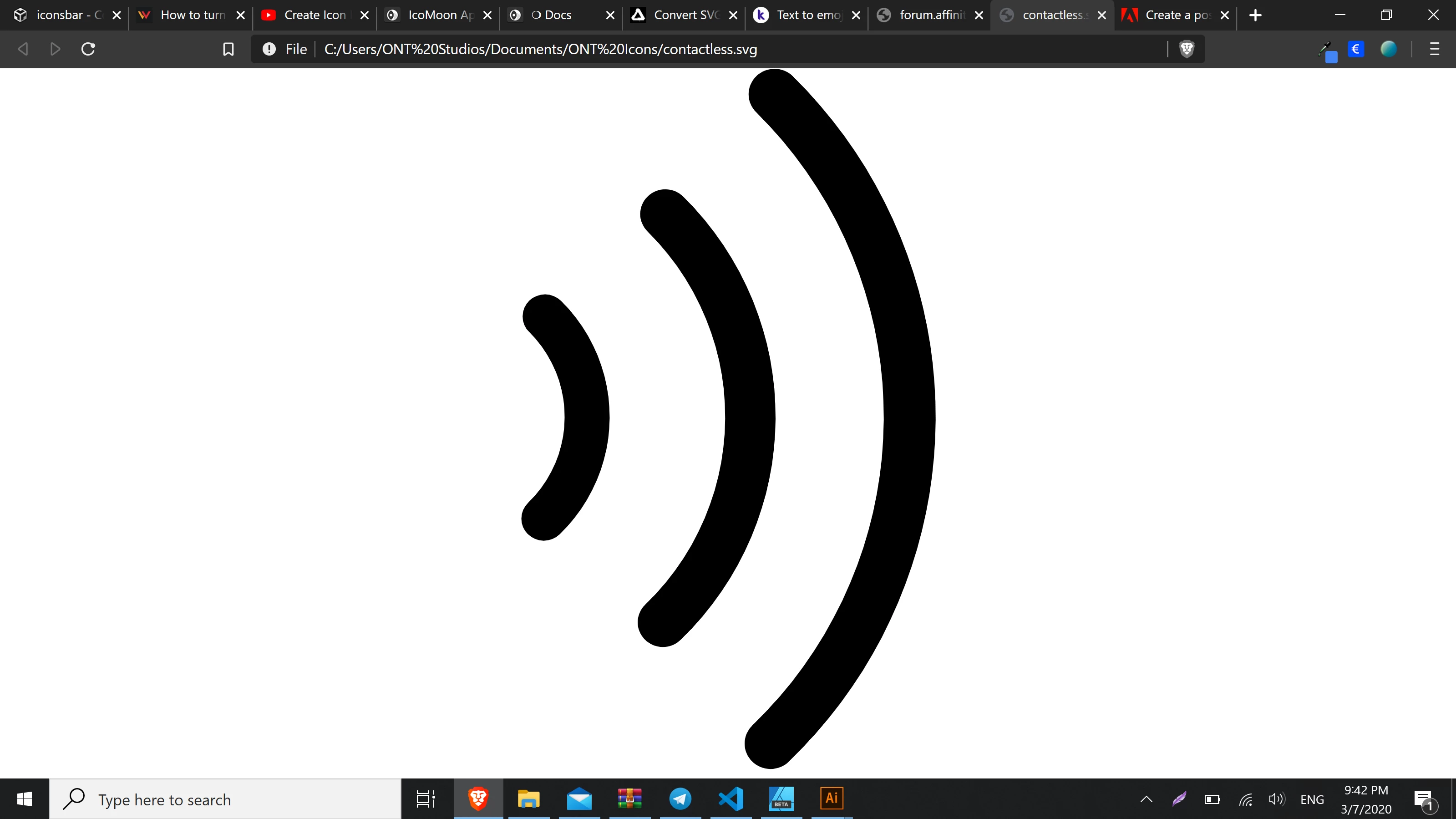
Hi, I exported an SVG with affinity designer and when I import it to Illustrator, the lines get...thinner?
See this:


Browser:
 

Illustrator:
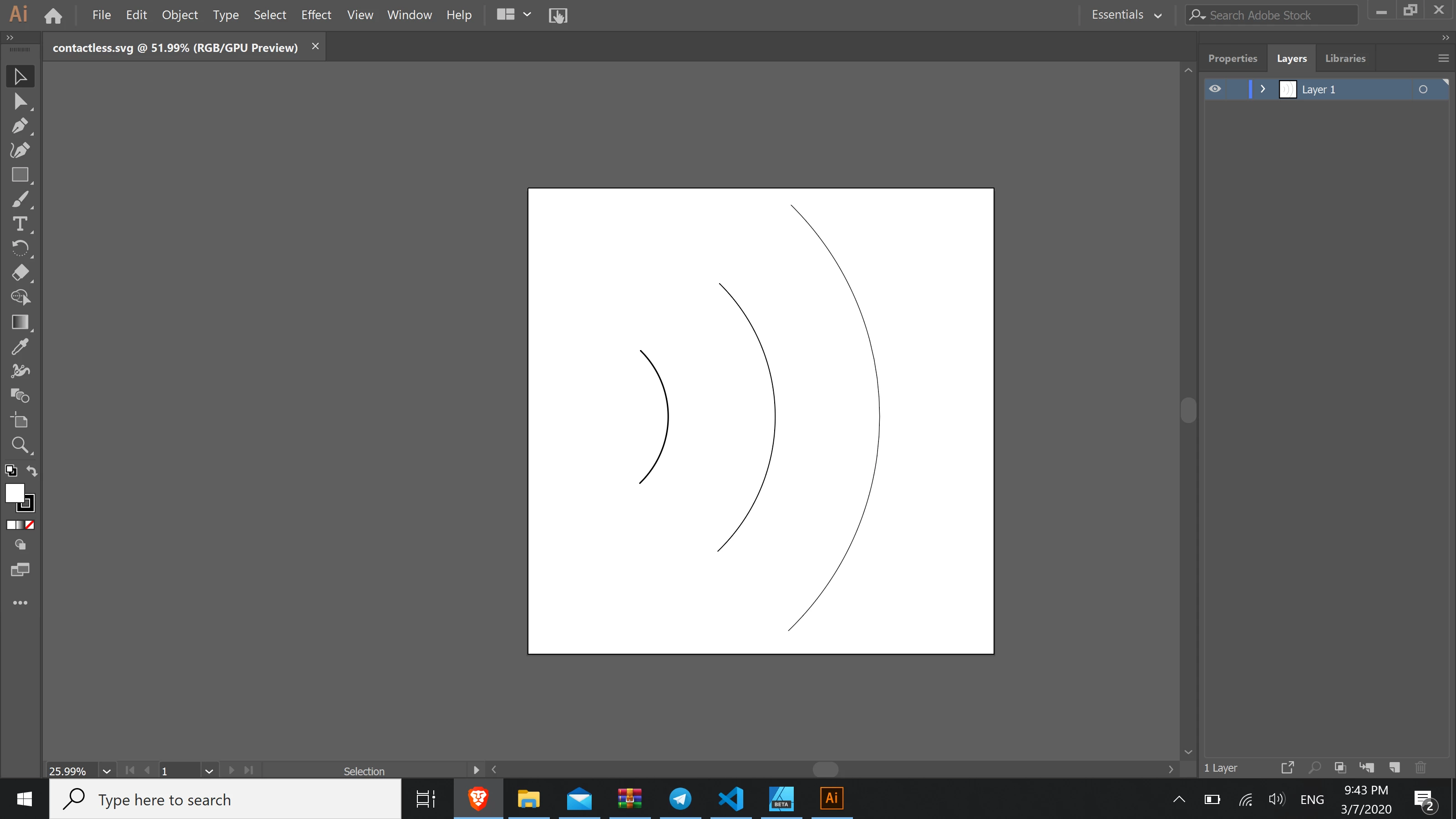
 

I am also attaching the SVG to this post.

Apologies if this is very simple, I am a newbie migrating. 


Regards


This topic has been closed for replies.
Correct answer Monika Gause

In SVG, applications tend to format some attributes differently. Some other apps understand those variants of the SVG definition, other apps don't.


Please post bugs & feature requests to http://illustrator.uservoice.com

Please do attach your SVG to the bug report, so the deleopers can check it as well.


To migrate your files, you could check out PDF.

1 reply

Monika Gause
Community Expert
Monika GauseCommunity ExpertCorrect answer
Community Expert
July 4, 2020

In SVG, applications tend to format some attributes differently. Some other apps understand those variants of the SVG definition, other apps don't.


Please post bugs & feature requests to http://illustrator.uservoice.com

Please do attach your SVG to the bug report, so the deleopers can check it as well.


To migrate your files, you could check out PDF.