
Question
Problem with direct selection tool (moving only for the center how to fix it?)
I have a small but furious problem before, I calmly moved the direct selection tool, but now the pepets
Hello everyone!
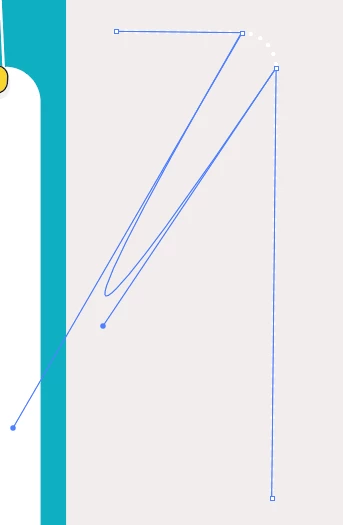
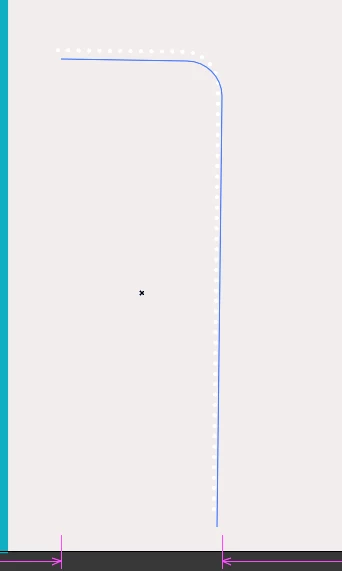
Such is the problem - when I click on an object, it does not stand out, as if it is not there. And when I put the arrow on the edge of the object and click it, it is selected, but the problem is that it is impossible to move the object in this way, because it moves only if you hold it by the edges. The direct selection tool does not select an object ... (when dragging to an angle, the point is selected, it can be moved), but there is no general selection of the entire object
Object Selection by Path Only unchecked ...
you can only move beyond the center, and if you move beyond the point, the object will be deformed
 AdChoices