
Problems with making envelope out of top object
Hello,
I am a complete novice at this but can tell I will love it once I learn it. I have been trying to create a logo for a business card and I need it asap. I have searched the 2017 handbook and this forum for 2 days and still can't figure some things out. I am trying to create this:
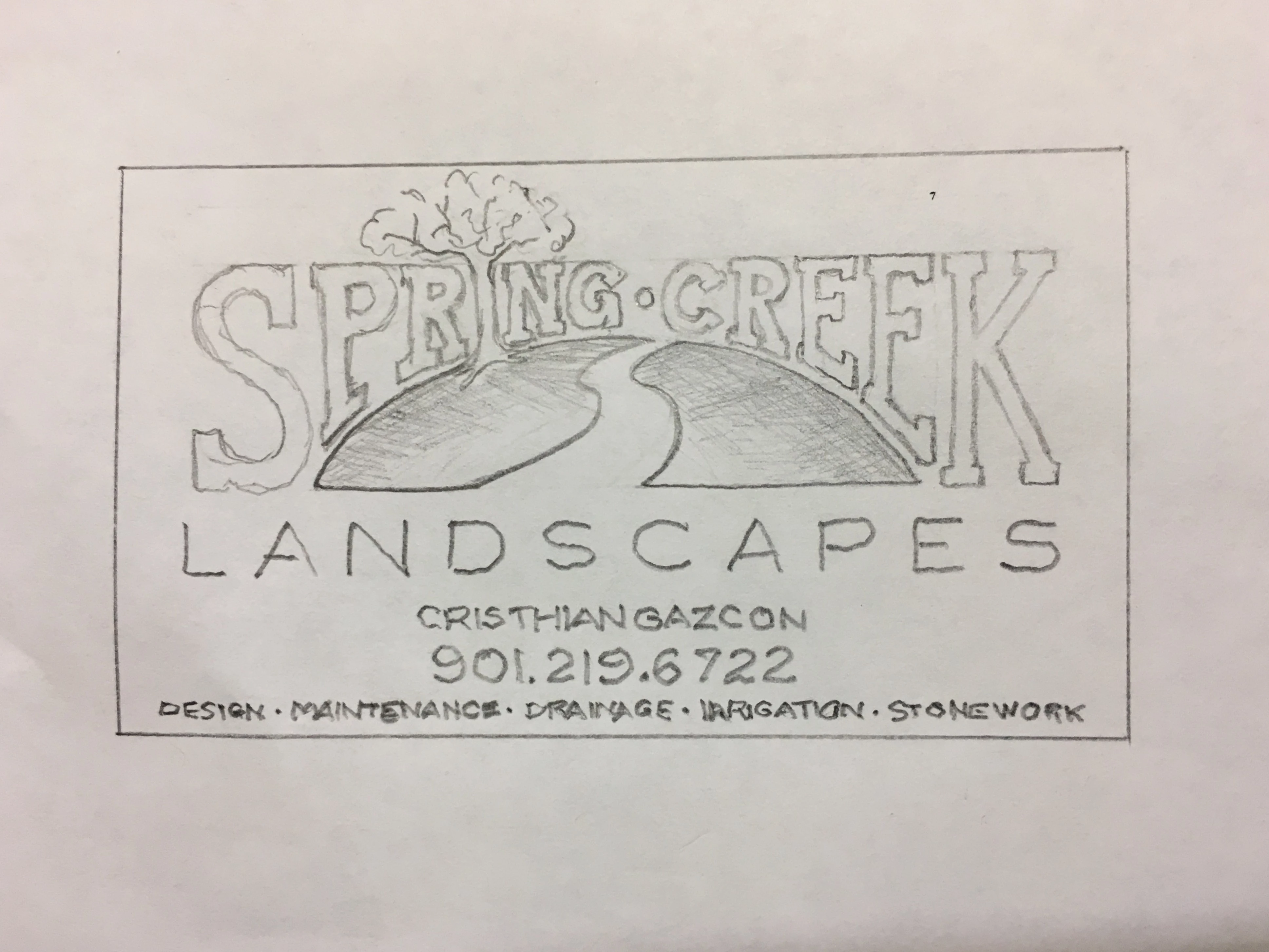
I decided to do what I think will be the hardest first, which is warping the text for Spring Creek. I created a shape with a rectangle and an ellipse like this:

It kept telling me that I could not create an envelope out of the top object because it wasn't a single path or mesh. After a lot of headaches I managed to create a single path (or shape or whatever, not sure) by outlining the object and typing the text. But when I created the envelope, the text warped in a weird way (NOT strait up and down) and definitely not with the shape, and it CHANGED THE SHAPE. The arc went up higher and the inside bottom corners curved.....

Anyway, I see a lot of threads saying to create a shape with the pen tool which I AM NOT seeing what is so simple about that, I cannot understand how in the world to manipulate that tool. BUT I HAVE THE PERFECT SHAPE. I just want the text in that shape!
So I give up. Can someone tell me how to do that, and to help me out because I know I'll be back on here and I need to get this project done asap, just tell me the easiest and fastest way to achieve my logo? I can probably handle the text at the bottom......but then again, maybe not ...
...
Thanks in advance!
 AdChoices