
Inspiring
December 28, 2023
Question

question about SVG

  • December 28, 2023
  • 2 replies
  • 1001 views

Hello,

I have created a SVG with Illustrator (I selected only the circle and exported the selection) :
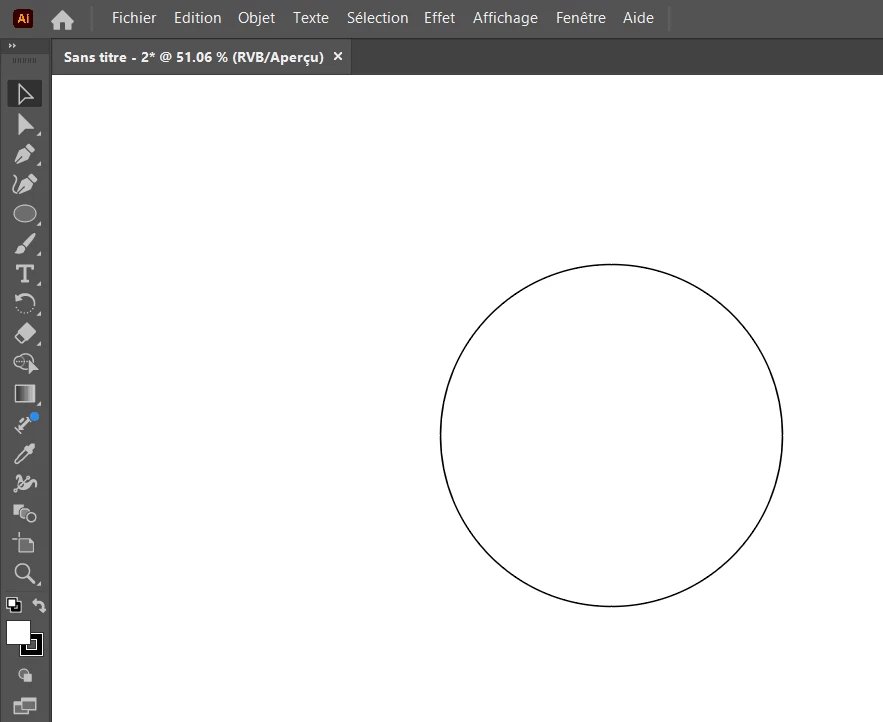
 

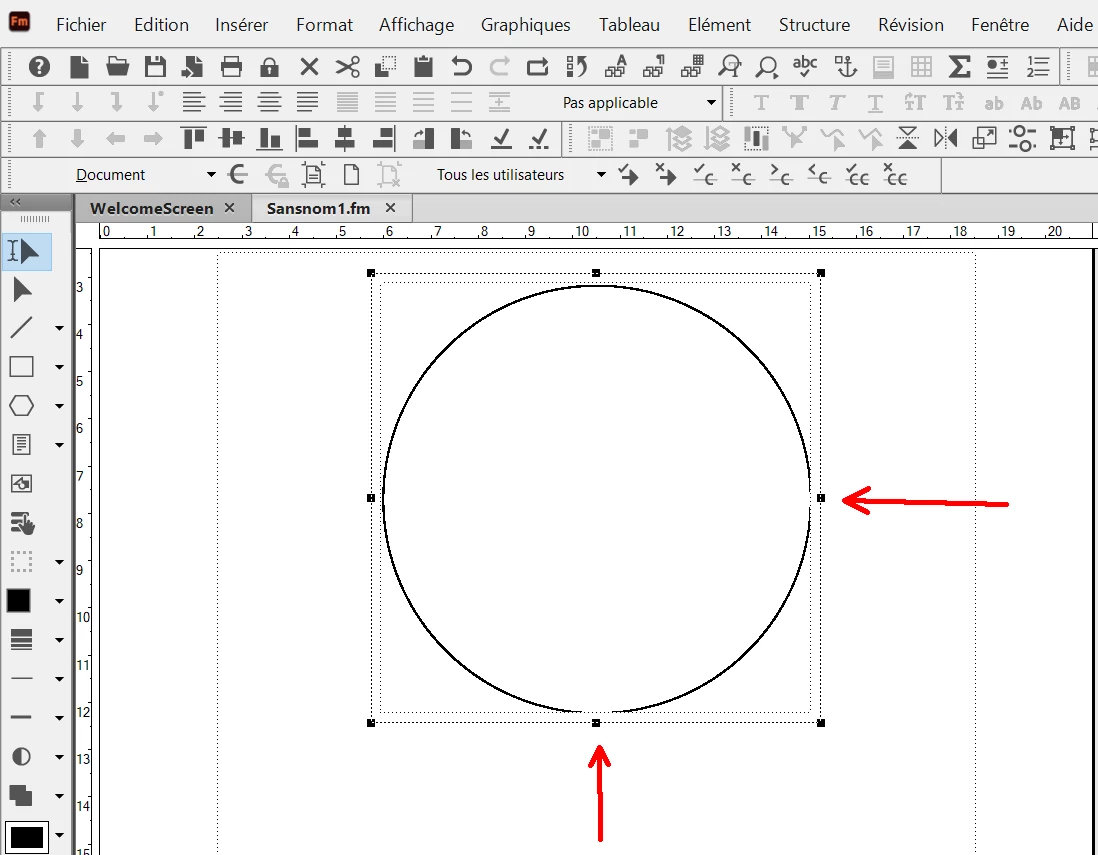
And In Adobe Frame Maker I have done Insert/image, so it imports the SVG but as you can see I have some display problems (see red arrows). And if I print with Frame Maker I have the same problem. Why ?
 

This topic has been closed for replies.

2 replies

Inspiring
January 1, 2024

I have opened a thread in Frame maker community forum. 


But About Illustrator, I have noticed that there is a difference between :

1) "Save As" and "File/Export the selection" : Adobe Frame Maker does not support this type of SVG.

2) "Export As" : Adobe Frame maker works well with this type of SVG.


Why ?

In Illustrator, is there is a different standard setting (for SVG) between "Save as" and "Export as", that could explain the Frame maker behavior ?

Monika Gause
Community Expert
Community Expert
January 1, 2024

There actually is a difference. "Save as" produces the older code.

Monika Gause
Community Expert
Community Expert
January 1, 2024

Here are the two SVG files in attachment of the same graphic :

1) "export the selection" (made by selecting the graphic, then File/Export the selection).

2) "Export as mode" (made by doing object/artboard/fit to artwork bounds, then export as).

Do you see any differences ?


There's an additional grou in one of them:

Monika Gause
Community Expert
Community Expert
December 28, 2023