
Inspiring
December 28, 2023
Question

question about SVG

  • December 28, 2023
  • 2 replies
  • 1001 views

Hello,

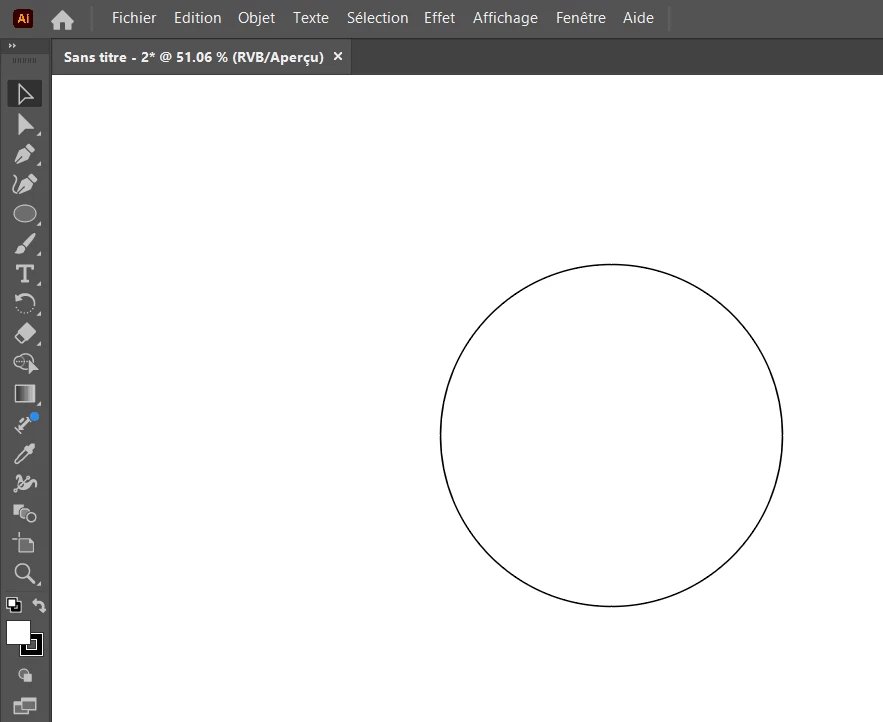
I have created a SVG with Illustrator (I selected only the circle and exported the selection) :
 

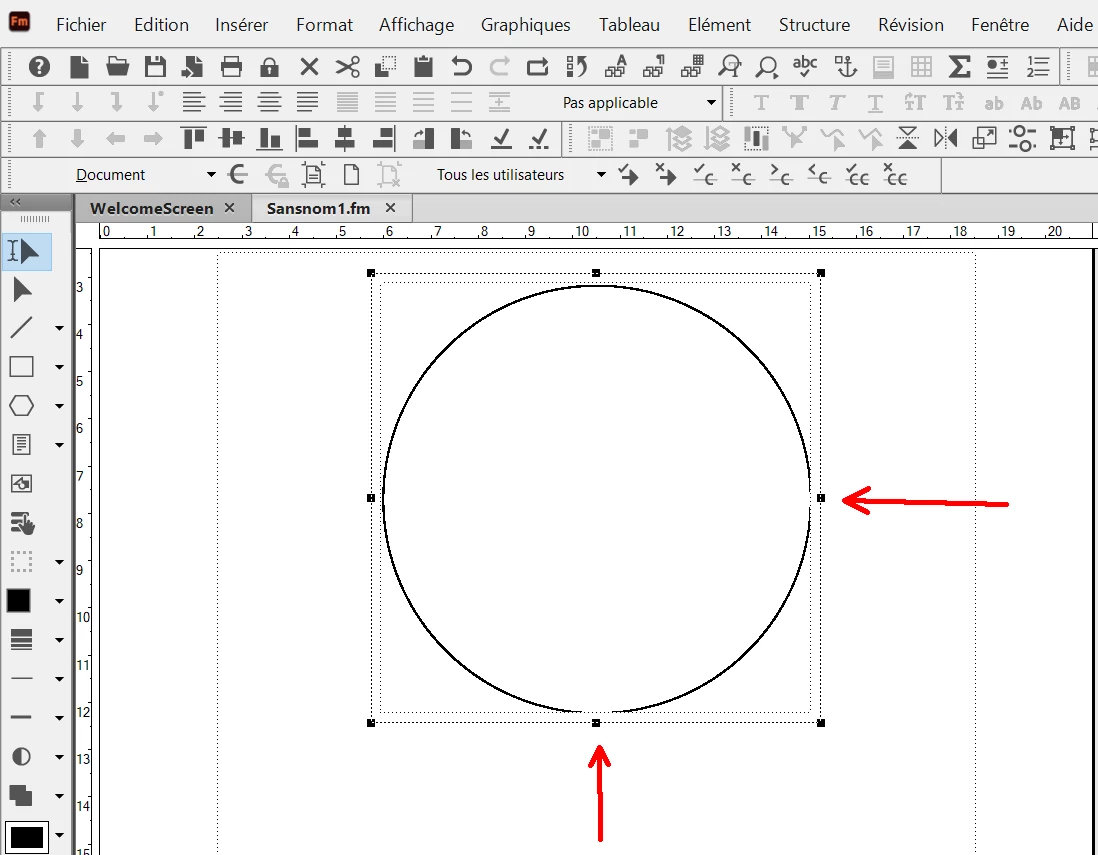
And In Adobe Frame Maker I have done Insert/image, so it imports the SVG but as you can see I have some display problems (see red arrows). And if I print with Frame Maker I have the same problem. Why ?
 

This topic has been closed for replies.

2 replies

Inspiring
January 1, 2024

I have opened a thread in Frame maker community forum. 


But About Illustrator, I have noticed that there is a difference between :

1) "Save As" and "File/Export the selection" : Adobe Frame Maker does not support this type of SVG.

2) "Export As" : Adobe Frame maker works well with this type of SVG.


Why ?

In Illustrator, is there is a different standard setting (for SVG) between "Save as" and "Export as", that could explain the Frame maker behavior ?

Monika Gause
Community Expert
Community Expert
January 1, 2024

There actually is a difference. "Save as" produces the older code.

Monika Gause
Community Expert
Community Expert
January 1, 2024

So, the two SVG are different. In that case, why the SVG "export the selection" is not working well with Frame maker ? and why the SVG "export as mode" is working fine with Frame maker ?


The SVGs are different because of the selection. Apart from that the code is the same logic.


Why FrameMaker cannot deal with that group you should ask in the Frame Maker forum.

Monika Gause
Community Expert
Community Expert
December 28, 2023