
Answered
Quicker way to smooth out scanned hand drawn pictures?
Hello,
I am an artist who uses Illustrator to color, correct, and add details to my hand drawn sketches. You can see my work on Instagram: FromReToZ
When I put a drawing into Illustrator:
1. Scan It
2. Live Trace
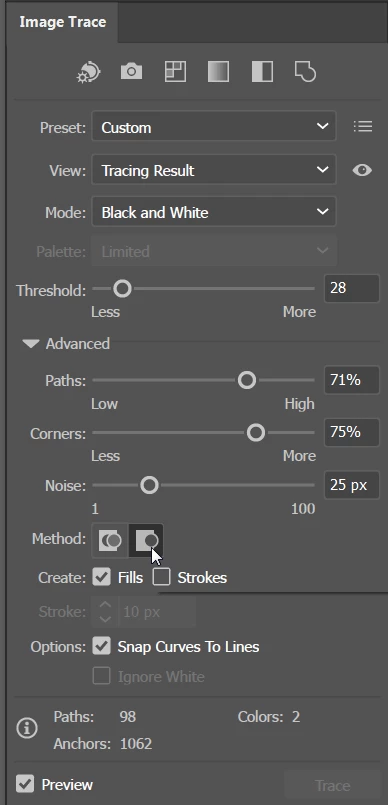
3. Preset: Comic Art
4. Live Paint
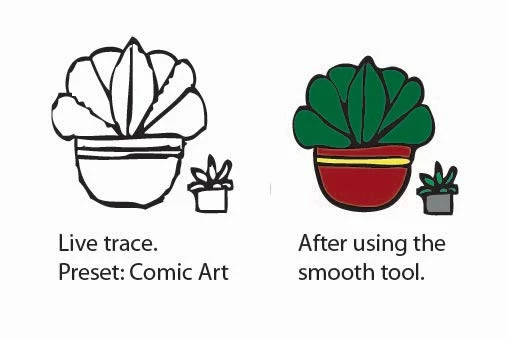
Often times after I do all this, the images get lumpy/too vectory. I use the smooth tool but it takes a lot of time to fix and it is still a little wonky (see image below).
Is there a better way to scan/trace/paint drawings that stay more true to the original hand drawn sketch or is there a blanket "smooth" tool option or way to smooth an image out in a quicker manner than just using the smooth tool. Maybe I need a better scan resolution?
I'm self taught on Illustrator so I appreciate any help.
 AdChoices