
Inspiring
June 26, 2018
Answered

quickest way to change stroke size after drawing stroke?

  • June 26, 2018
  • 3 replies
  • 3202 views

when I draw a stroke, thought I could use the bracket keys to change its size but cannot (dont know where I got that crazy idea from).. so I click "stroke" in the header bar and can type a stroke size in to the stroke field pop up, however I wanted a more dynamic way of updating the stroke is there one or a script for this?

This topic has been closed for replies.
Correct answer bluefire777

vote if you like the idea , basic things but for me would aid workflow a lot, both folders for brushes and adjusting stroke increments and using keyboard commands.
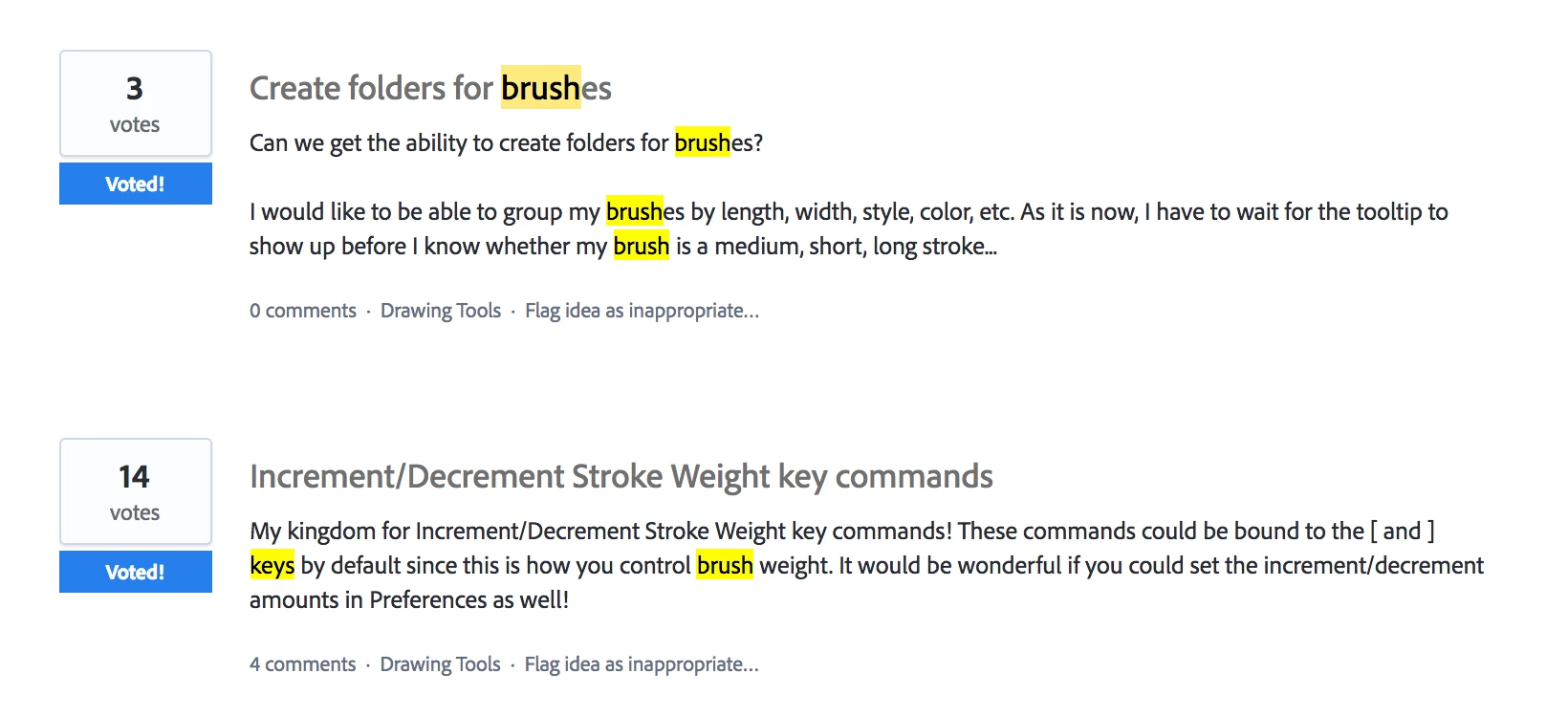
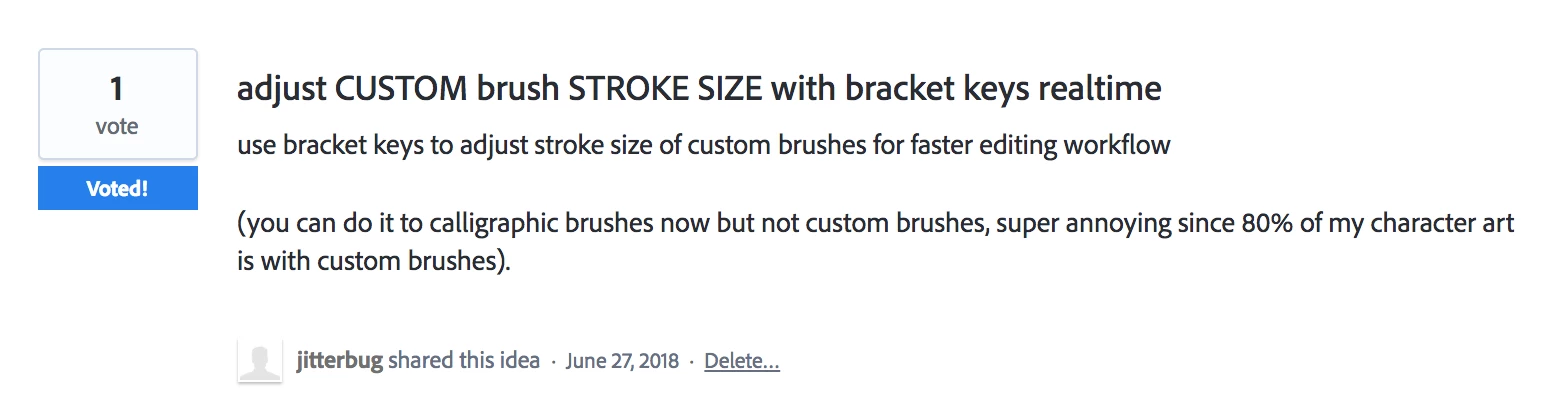
https://illustrator.uservoice.com/forums/333657-illustrator-feature-requests?query=adjust%20custom%20brush%20size%20with%20bracket%20keys%20realtime

my feature request.

https://illustrator.uservoice.com/forums/333657-illustrator-feature-requests/suggestions/34672999-adjust-custom-brush-stroke-size-with-bracket-keys

3 replies

jane-e
Community Expert
Community Expert
June 26, 2018

bluefire777  wrote

when I draw a stroke, thought I could use the bracket keys to change its size but cannot (dont know where I got that crazy idea from).. 

If you use Photoshop, you may have gotten the idea from there. The brackets work to change the size of any of the brush tools (including Clone Stamp, Healing Brush, etc., before they are used.

In Illustrator, the brackets work with the eraser, brush, and symbol sprayer tools before they are used to change the brush size.

Inspiring
June 26, 2018

ah what i`m experiencing now is the bracket keys only work with the calligraphic brushes, once you draw a path with calligraphic brush you can use bracket keys to adjust the strokes size after you draw the path. But I can`t adjust stroke size when using custom made brushes... I use custom brushes most of the time for my character work.  (illustrator 22.1)

I`ve upvoted a prior feature request from another user with a similiar idea:

bluefire777AuthorCorrect answer
Inspiring
June 26, 2018
Myra Ferguson
Community Expert
Community Expert
June 26, 2018

If you're using the Paint Brush Tool, you can use the bracket keys to increase the size of the brush prior to applying a stroke. What tool were you using?

Monika Gause
Community Expert
Community Expert
June 26, 2018

Do you want them all the same size? Please describe in more detail.

Inspiring
June 26, 2018

Hi Monika, not really, I was just free hand drawing strokes like hatch marks to texture the surface of my form, but I want different sized strokes each time, but I want to manually control their sizes so was hoping for a quick method like using shortcut keys when on the brush tool to resize the stroke after I draw it, like pressing left/right bracket keys to adjust stroke size but that doesnt work. I think all that is available is clicking the stroke name in the header above and typing in a new size in the pop up field.