
hyes40040804
Participant
September 28, 2018
Answered

Quickly move between text boxes, in illustrator?
  • September 28, 2018
  • 2 replies
  • 1722 views

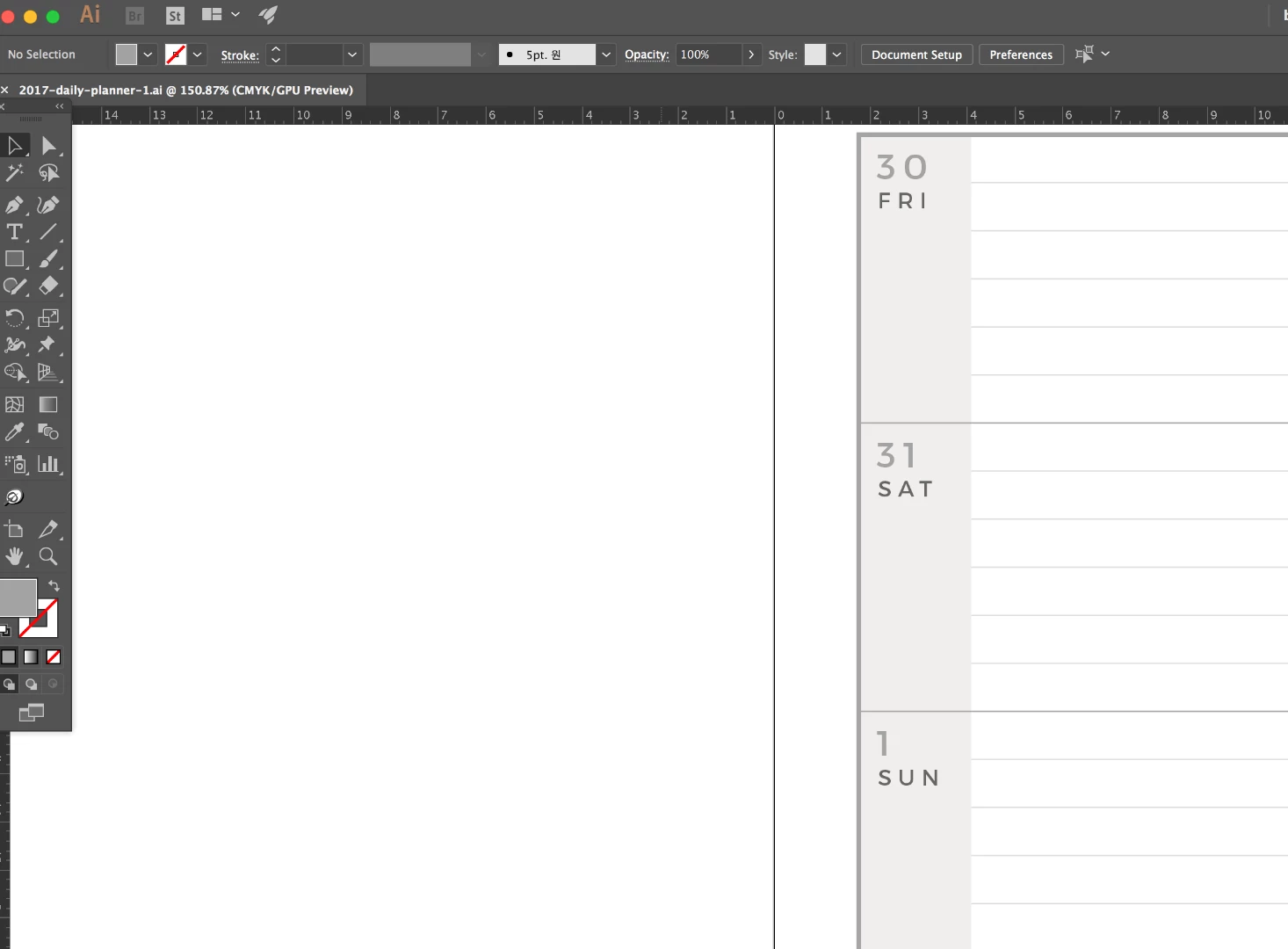
I am working on this calendar-like planner pages. This was for 2017 and I need to change all the text boxes to create 2019 calendar.

Is there any way to move between text boxes? I am clicking and typing each numbers and my ankle soring

This topic has been closed for replies.
Correct answer warm_genius6C13

You can link all the text boxes, and when they are sized to fit the dates then pressing tab key on your keyboard will move to the next box by shifting all dates in the other text boxes. You can also delete dates to shift all dates up. In this way you don't have to retype all dates but just shift them to fit the new calendar.

2 replies

warm_genius6C13Correct answer
Inspiring
September 28, 2018

You can link all the text boxes, and when they are sized to fit the dates then pressing tab key on your keyboard will move to the next box by shifting all dates in the other text boxes. You can also delete dates to shift all dates up. In this way you don't have to retype all dates but just shift them to fit the new calendar.

Participant
May 22, 2023

I know it is a lot to ask but could you show a demonstration? I can't find how to link the existing boxes. I'm working on different "tag" names like the ones that are used in a conference. I have to create many using the existing design and changing the names in each one is getting tedious. 

Thank you so much! 

Sjaani
Community Expert
Community Expert
September 28, 2018

Do you have access to InDesign and would you consider recreating your document there?

That way you could use Tables which can then easily be tabbed between in order to move from one box to the next.

I don't think there is an easy way to move between independent text boxes in Illustrator