
Answered
"Appearance of Black" Function Not Working - All Blacks Remain "Rich" On Screen
The "Appearance of Black" function has not been working ever since I updated Illustrator a few months ago. I do a lot of manual trapping and need the black to appear as 100K Black instead of Rich so I can see the overprints. No matter what I do, I can not get Illustrator to display it correctly, so I'm forced to use an old computer with an old version of Illustrator.
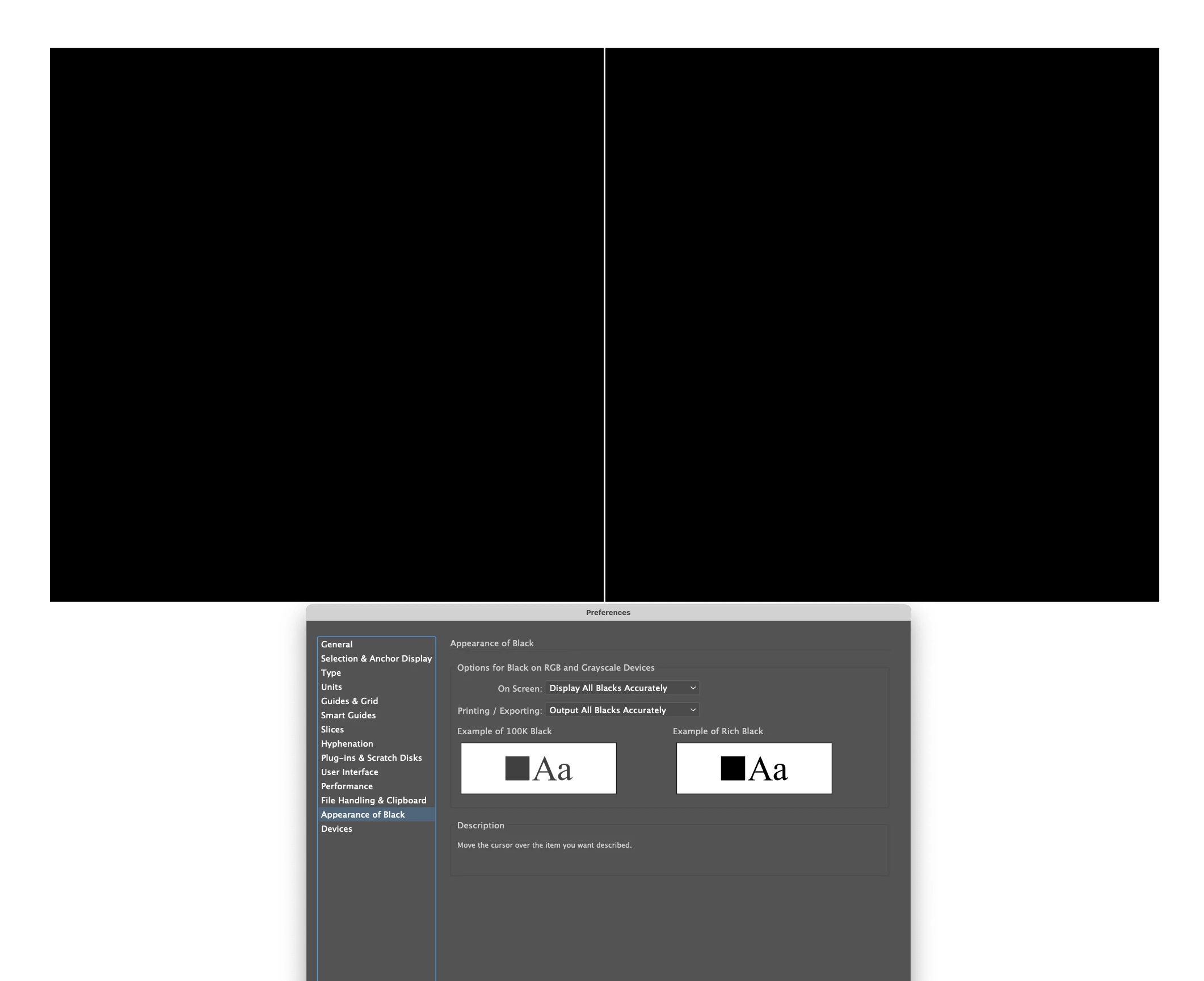
Attached is a screen shot showing 2 boxes - the one on the left is 100% K only, the one on the right is 100% CMY and K - they both look identical. Below that shows how I have my preference set. Is there a fix for this?
I am using a MacBook Pro (15-inch, 2018) running OS 11.2.3, Illustrator version 25.2.3
 AdChoices