

CypherPoet
Known Participant
February 18, 2023
Question

"Quick Actions" Menu is extremely hard to find

  • February 18, 2023
  • 2 replies
  • 3346 views

Apologies if this has been mentioned already, but I'm finding that the location of Illustrator's "Quick Actions" menu is extremely unintuitive and hard to find.


Is there a reason it can't just be another panel that I can dock on my interface -- rather than being a menu that I need to get into by clicking on the "Search" icon... which opens a separate window called "Discover"... which then contains dropdown item called "Quick Actions"... which I might notice if I knew to look down within a section called "Browse"? 😕😕
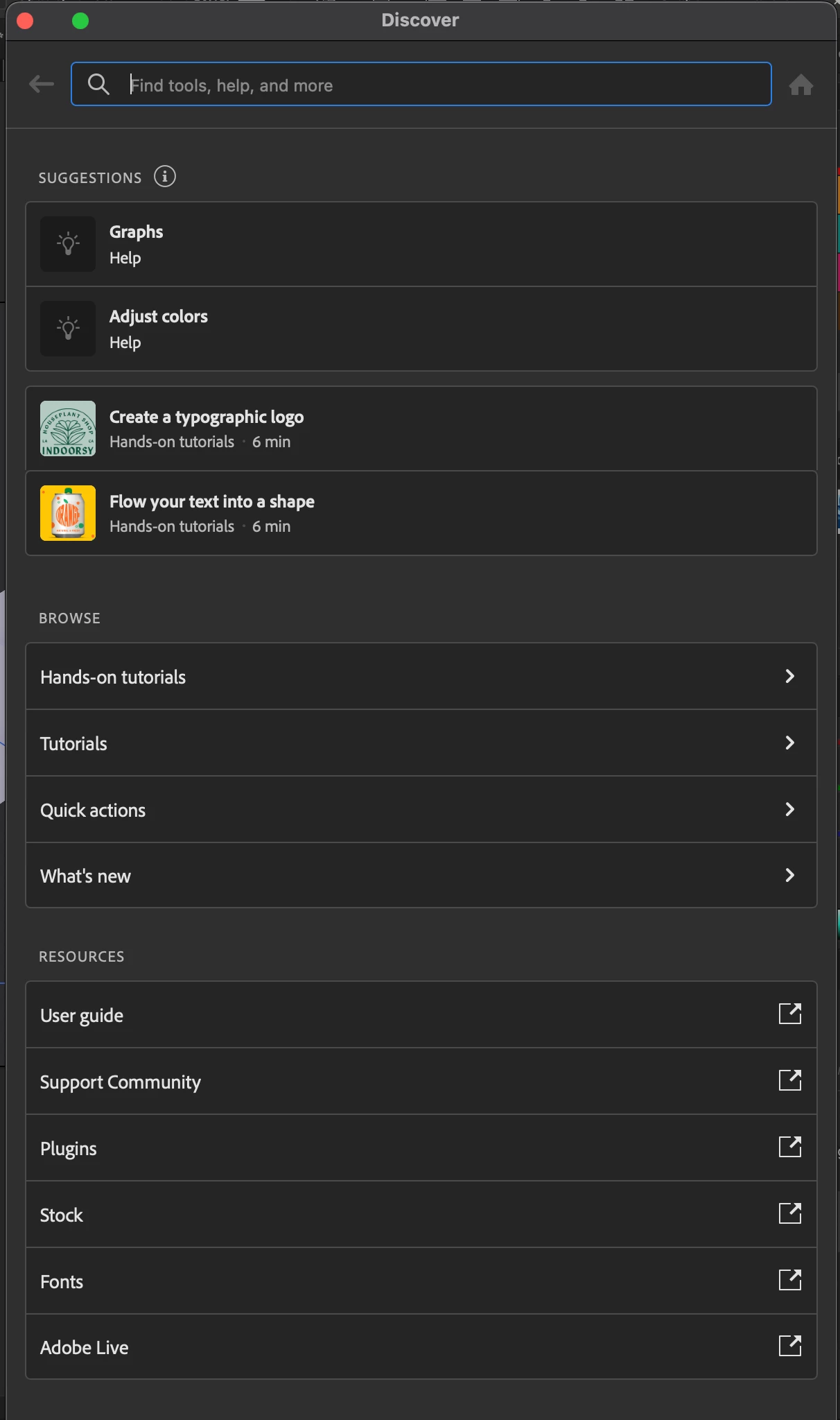


Dont get me wrong: I love the potential of the new "Quick Actions" interface. It's just a shame that it's... not so quick... to access.

This topic has been closed for replies.

2 replies

Met1
Legend
February 20, 2023

F1 doesn't work for you?

CypherPoet
Known Participant
February 20, 2023

My shortcuts list F1 as being mapped to `Illustrator Help`, but nothing happens when I press it.


(Illustrator 27.2, macOS 12.6)

Met1
Legend
February 20, 2023

Any other issues you've been having? I don't want to suggest you create a new user and instal into that if this is your only problem.

Monika Gause
Community Expert
Community Expert
February 18, 2023

This is a public forum with 95% of users being not even staff.

You might want to bring this to the attention of the developers by posting to https://illustrator.uservoice.com

CypherPoet
Known Participant
March 5, 2023

I understand that. However, I wanted to post here because it was more of an abstract idea -- and I was hoping to get more discussion going on it.


Also... the Adobe Illustrator "new feature" summary documentation recommends sharing ideas here 🤔 🤔.