
Copy link to clipboard
Copied
Hello there !
I'm currently struggling with creating a specific pattern made of cut lines (photo below).
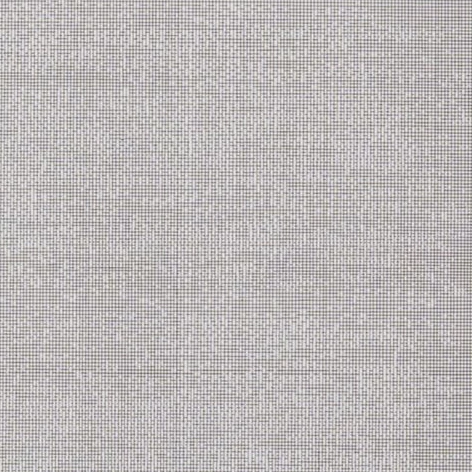
Do you have any idea of how i can create such thing easily ?
The randomness of the cut lines is just awesome and i'd love to get it.
Thanks for your answers !
Copy link to clipboard
Copied
If it needs to be vector artwork you could try to set up custom scatter brushes using their various random options (size, distance etc.) and apply the brushes to parallel horizontal lines.
Copy link to clipboard
Copied
Hello Kurt !
You really helped me on this one !
I tried your solution with scattering a blank rectangle on the lines and it worked very well, thank you !
Just a little question, do you know if there's a way to scatter the rectangle on the lines and keeping these visible without creating a new layer ?
I have to copy/paste my lines layer underneath the scattered one to see the result.
Thank you again !
Copy link to clipboard
Copied
I'm not quite sure what you mean by your additional question.
Can you provide the sample .ai file that causes the issue, whatever it may be? Then I or someone else may have a look at it.
Copy link to clipboard
Copied
Sure ! You can find it here !
Copy link to clipboard
Copied
Well, obviously your scatter brush element consists of two white rectangles and therefore the straight lines on the second layer called "Line layer" are required to see the visual effect.
Is there some specific reason why you don't just use black filled or stroked paths to make the scatter brush?
Get ready! An upgraded Adobe Community experience is coming in January.
Learn more