
Answered
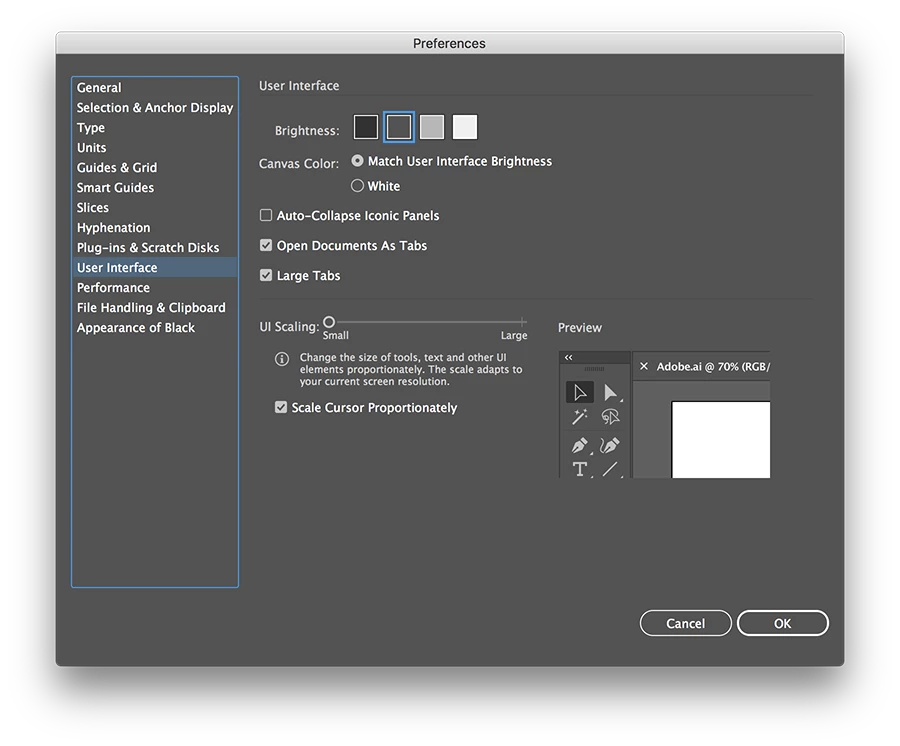
Recent upgrade has upsized the Illustrator interface, I want the old size back.
Hi,
after the recent upgrade suddenly the Illustrator interface is much bigger than it used to be. And I want my space back.
This is on a 27" Retina iMac, with macOS 10.13.6 and latest (as of today) CC apps.
Here is a comparison between Illustrator, InDesign, and Photoshop where you clearly can see the difference in size (i.e look at the font size).
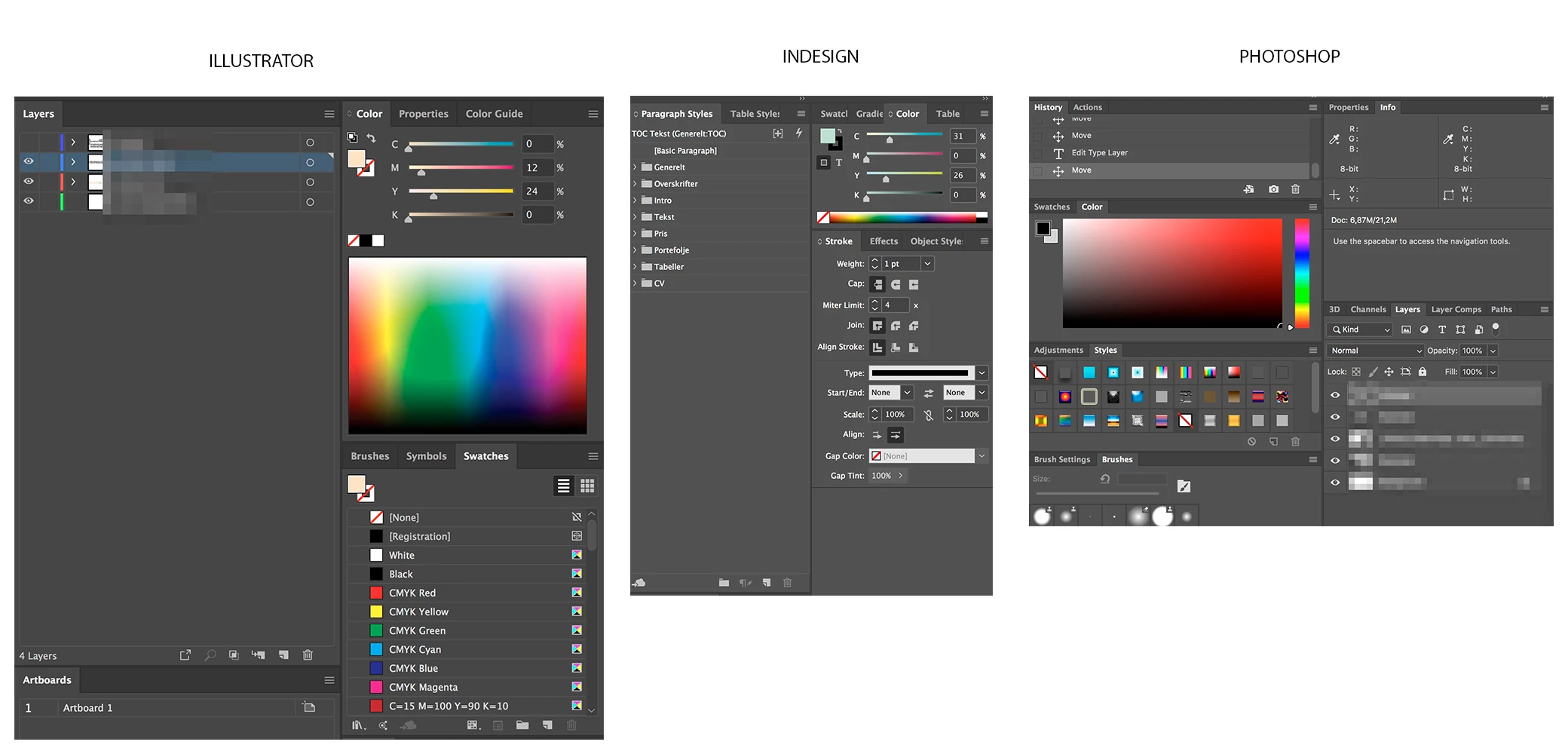
How do I get the Illustrator size to go back to normal? Thanks.
(I tried searching, but did not find any other post about this, if it exists, please link me there.)
 AdChoices