Jessie2023
Participant
January 21, 2019
Answered

Red lines by the margin

  • January 21, 2019
  • 2 replies
  • 474 views

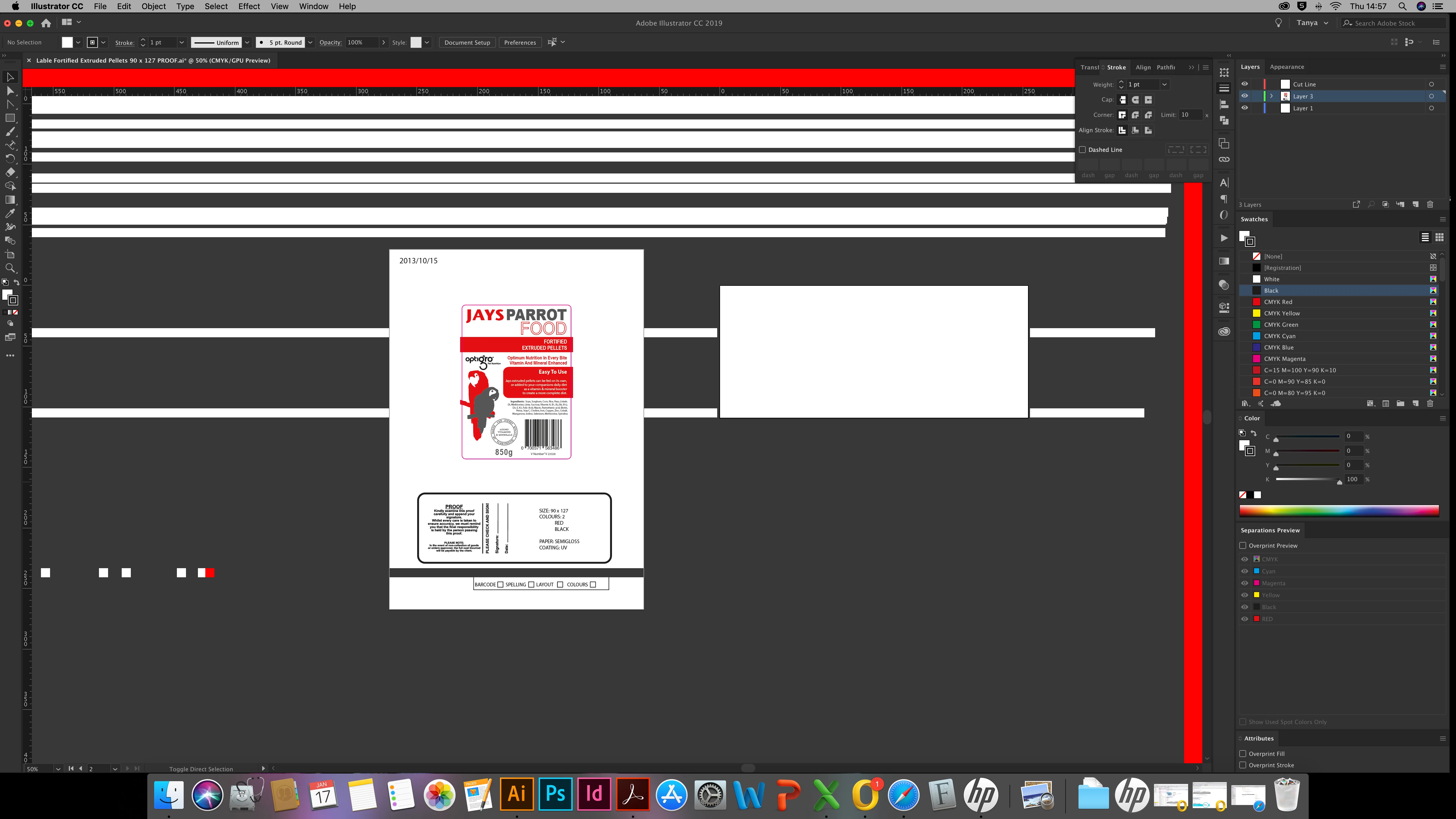
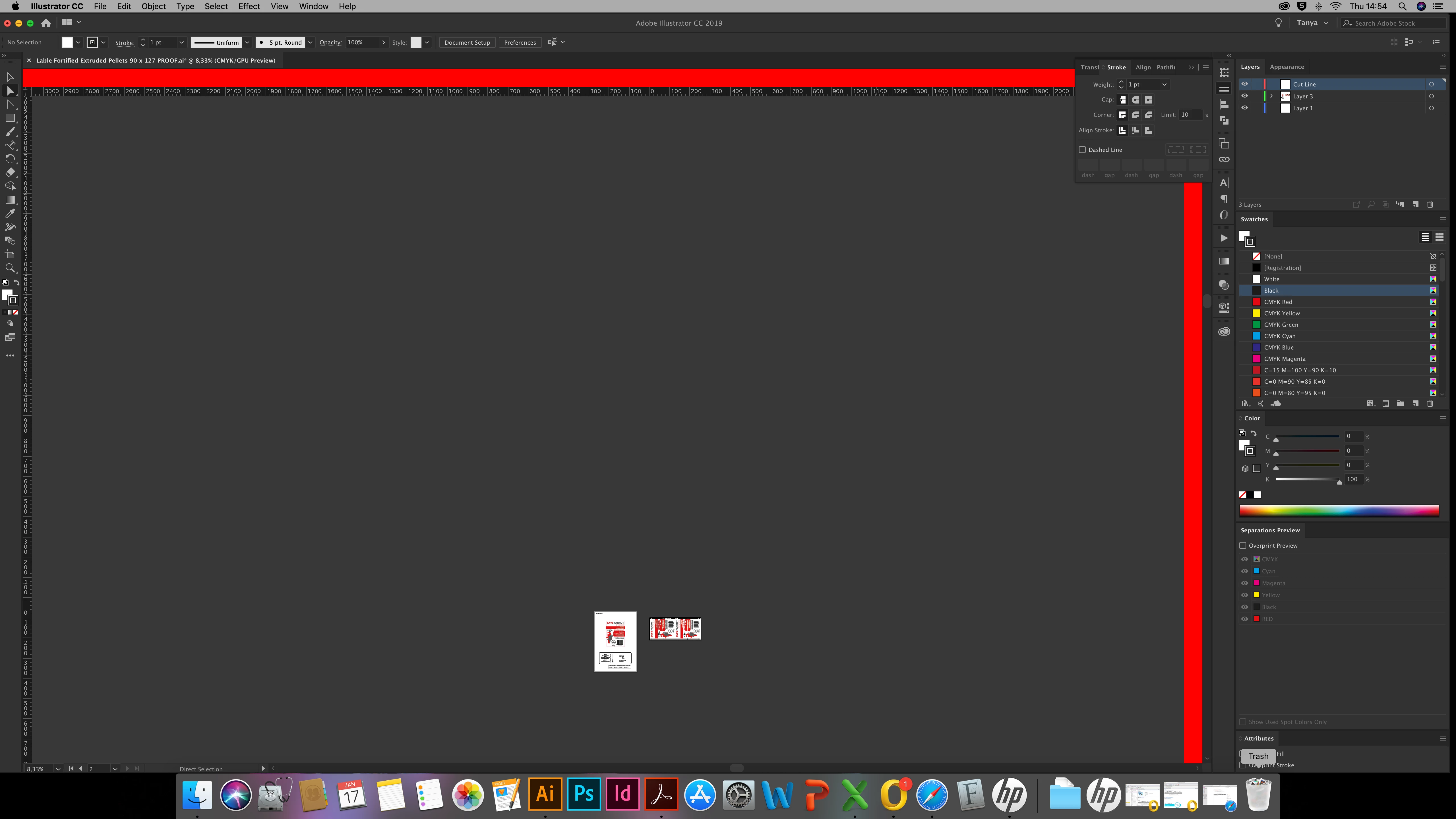
when all of us open a specific file we get these red lines by the margin area and when we move the artboard around we get white lines all over the document as per attached. we had to recreate the document but can anyone tell us what this is or how we can fix it?

Thank you
    This topic has been closed for replies.
    Correct answer Jacob Bugge

    Tanya,

    What happens if you Ctrl/Cmd+E, then move the Artboard round a bit more?

    2 replies

    Anna Lander
    Inspiring
    January 21, 2019

    What is the precise system/Illustrator versions?

    Is this happened with just one file or repeated sometimes?

    does this file have any specific options?

    Jessie2023
    Participant
    January 21, 2019

    its with this file and some other files but they are old files, maybe something to do with the older version.

    I have the latest version but somehow Ctrl/Cmd+E worked

    Monika Gause
    Community Expert
    Community Expert
    January 21, 2019

    There's an issue with your graphics card. You might try and see if there's a driver update available.

    Jacob Bugge
    Community Expert
    Jacob BuggeCommunity ExpertCorrect answer
    Community Expert
    January 21, 2019

    Tanya,

    What happens if you Ctrl/Cmd+E, then move the Artboard round a bit more?

    Jessie2023
    Participant
    January 21, 2019

    it somehow worked, thank you so much ,, I dont know why it worked but it did

    Jacob Bugge
    Community Expert
    Community Expert
    January 21, 2019

    Tanya,

    It is simply a matter of the GPU/CPU setting.

    Ctrl/Cmd+E toggles between GPU and CPU Preview, GPU causing the issue.

    This is what GPU is about:

    https://helpx.adobe.com/illustrator/kb/gpu-performance-preview-improvements.html

    Graphics cards have been included in the system requirements:

    https://helpx.adobe.com/illustrator/system-requirements.html

    Apart from an inadequate card, the issue can be caused by lack of driver updating, lack of proper recognition of the card by the computer, and whatnot (including rifts in the space time, moon, weather, and the fact that Illy sometimes moves in mysterious ways)..

    Here are a few more pages about GPU troubleshooting:

    https://helpx.adobe.com/illustrator/kb/gpu-performance-errors-troubleshooting-workarounds.html

    https://helpx.adobe.com/illustrator/kb/illustrator-gpu-performance-driver-update.html

    Hi Monika.