
Known Participant
May 1, 2021
Answered

Reduce the layer line thickness After applying (Image Trace) on it

  • May 1, 2021
  • 1 reply
  • 4081 views

Hello ,
As the title suggests I have this image I converted into Vector using (Image Trace)

And this is the result,
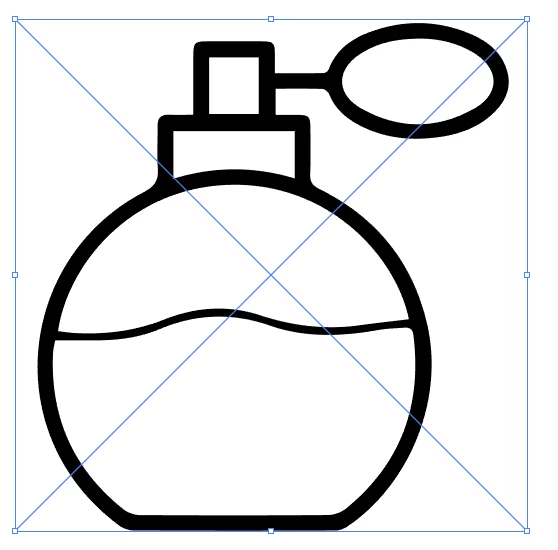

Is there a way to reduce the thickness of the line ?...


Thanks in advance

Correct answer Monika Gause

Inside the Image trace you could try out if the threshold perhaps helps a little.

For easier editing use the option "Ignore White"

After using Image trace, first Expand it

Then try out Object > Path > Offset path (or the same command in the Effects menu, but then you need to use Expand appearance afterwards)

1 reply

Monika Gause
Community Expert
Monika GauseCommunity ExpertCorrect answer
Community Expert
May 1, 2021

Inside the Image trace you could try out if the threshold perhaps helps a little.

For easier editing use the option "Ignore White"

After using Image trace, first Expand it

Then try out Object > Path > Offset path (or the same command in the Effects menu, but then you need to use Expand appearance afterwards)

hisoka.95Author
Known Participant
May 1, 2021

Hello,


(Object > Path > Offset) path work with me to increase the thickness of the line , but in my case want to decrease the thickness of the line 

Monika Gause
Community Expert
Community Expert
May 1, 2021

Just input a negative value.