Answered
Reducing Artboards
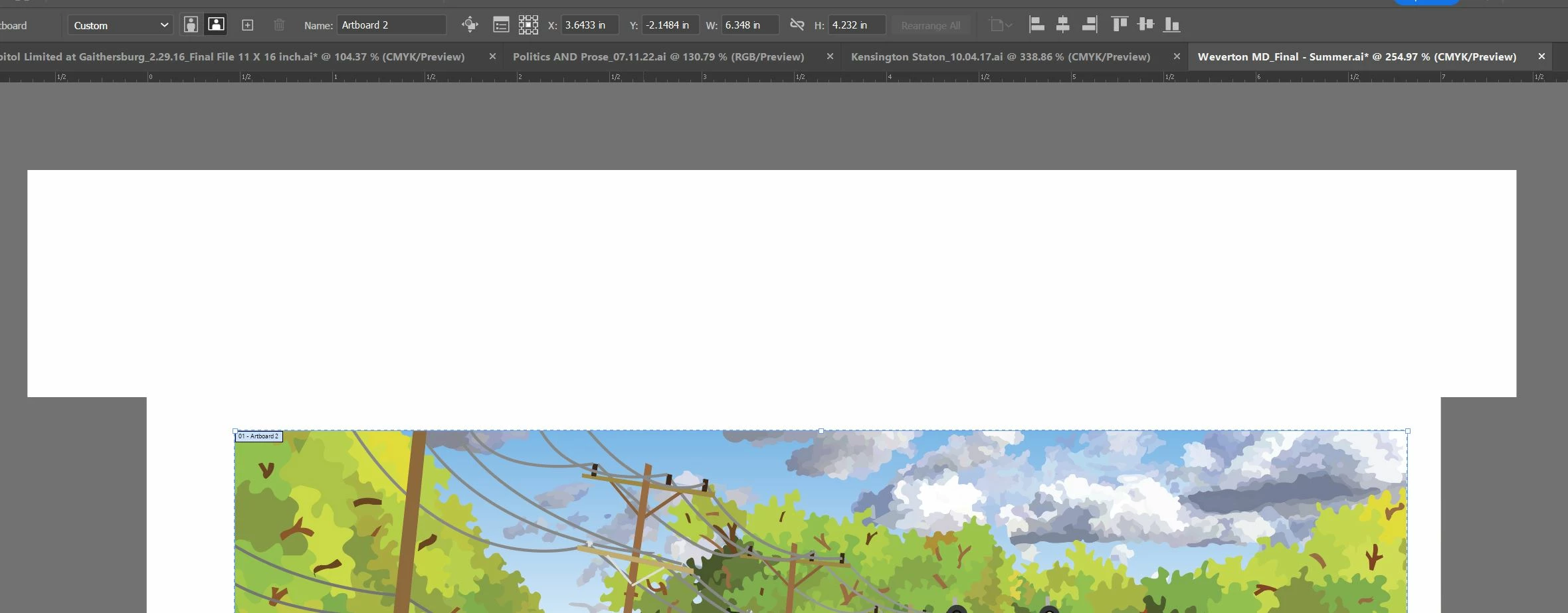
Hi,
I seem to have end-up having multiple, unneeded Artboards in one file. How do I remove the ones without the artwork?
Matthew

Hi,
I seem to have end-up having multiple, unneeded Artboards in one file. How do I remove the ones without the artwork?
Matthew
Hi @Trains1985,
Thanks for reaching out. Met1 has provided the correct instructions. First, click on the Artboard tool and delete the extra Artboards by pressing the delete button on your keyboard. If that doesn't work, you can go to the Window menu > Artboards, and the Artboards panel will appear. Then, select the extra artboard and click the delete button icon in the right corner.
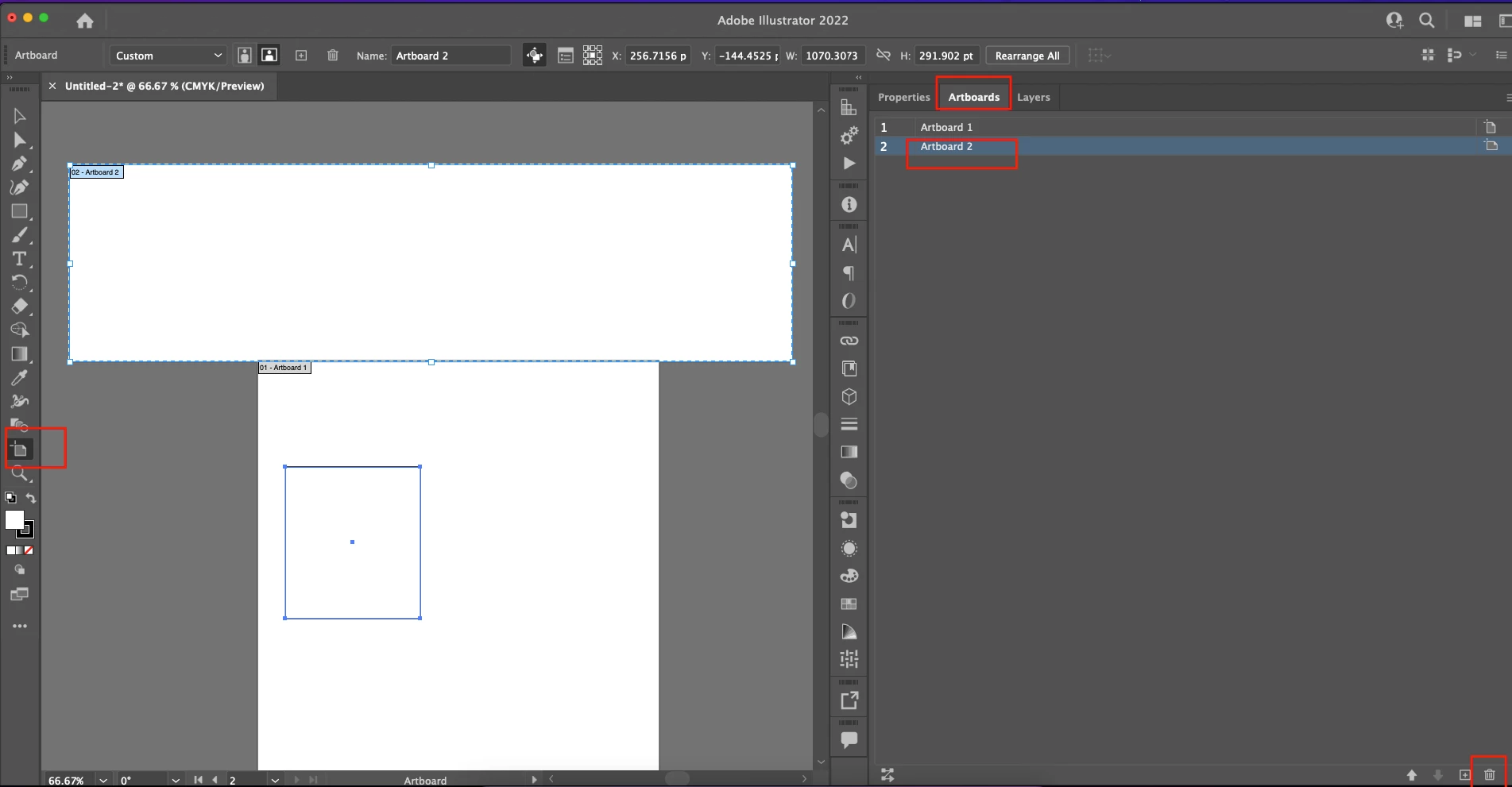
However, if you don't see any extra Artboard, it is possible you have accidentally drawn a rectangle or shape with a white Fill. Then go to the layers panel or use the selection tool to delete the shape.
I hope it helps!
Regards,
Anshul Saini
Already have an account? Login
Enter your E-mail address. We'll send you an e-mail with instructions to reset your password.
 AdChoices