
janamaiuri
Participant
May 25, 2018
Answered

Removing hundreds of gradients at once in a low poly image

  • May 25, 2018
  • 3 replies
  • 704 views

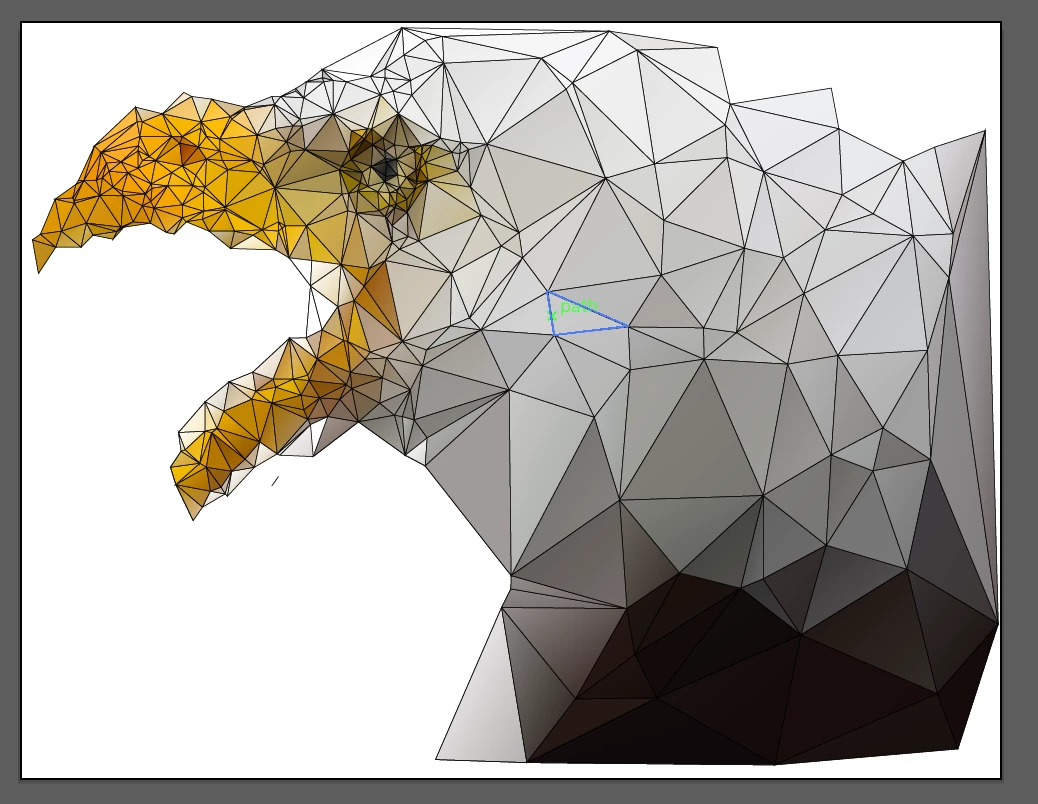
So I used a web tool to make one of those low poly mesh images that look like 3d modeling. It's not this image, but the same style.  There are hundred of triangles that make up this image, and most of them are filled with unique gradients. I would like to "flatten" these gradients to the average value of each triangle (so I would keep some of the 3d look but I could alter for screen-printing). Any ideas? I know I can click on each triangle individually. Should I move to photoshop and posterize?
This topic has been closed for replies.

3 replies

ceyhun_akgun
Legend
May 27, 2018

With a high MagicWend selection of tolerance values, you may be able to select and combine certain gradients.

Graphic Designer Educator / PrePress Consultant
c.pfaffenbichler
Community Expert
Community Expert
May 26, 2018

It might be possible to automate the task with a Script but if it’s worth the trouble is doubtful.

What are the gradients like exactly?

Please post meaningful screenshots including all pertinent Panels.

Monika Gause
Community Expert
Community Expert
May 25, 2018

In the past 1,5 hours since you posted this you would probably have been done with doing it manually.

janamaiuri
Participant
May 26, 2018

Yup- I did it manually. Just interested to know if there's a simple way to do it that I'm missing- I'm a beginner. But most forum answers seem to be pretty dismissive of beginner questions.

Thanks anyway.

c.pfaffenbichler
Community Expert
Community Expert
May 26, 2018

If you need to edit hundreds or thousands of different objects (in this case the gradients probably differ both in directions and the colors) a simple solution may just not be available.

How frequent do you expect the task to be for you in the future?

If you expect to do this often you may want to look into Illustrator Scripting and ask for advice over on:

Illustrator Scripting