Known Participant
December 30, 2016
Answered

Removing the dots in tabbed info

  • December 30, 2016
  • 2 replies
  • 6300 views

Hi,

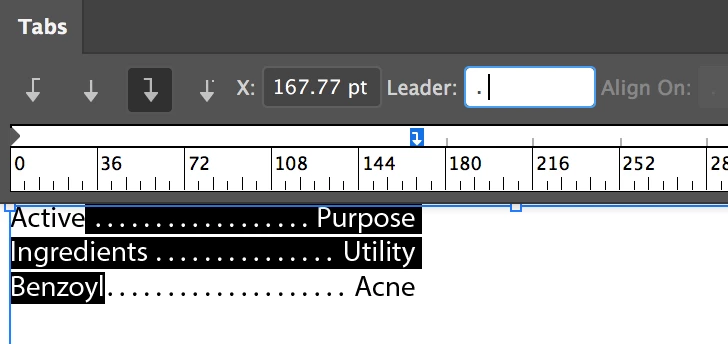
As you'll see in the attached, I have dots going from one word to another using tabs created by putting a period in "align on". I'd like to maintain those tabs but remove the dots. However, I can't seem to remove the dots. I thought I could just select the type and delete the period from "align on" but its grayed out. How can I resolve this?

Thanks!
    This topic has been closed for replies.
    Correct answer jane-e

    There are two more steps before deleting the period from the Leader field to make this work:

    Step 1: Select the text

    Step 2: Select the tab stop (You have three, I have one. None of yours are selected.)

    Step 3: Delete anything in the Leader field, as Monica said. Mine has a period and a space.

    To clarify: I just realized that both of us answered for best practices: right-aligned tab with a dot leader.

    The four tab types are Left | Center | Right | Decimal Justified.

    The Align On only works with Decimal Justified, and yours are Left- and Right-aligned.

    If you were change a tab to the fourth option, you could align to a period, close paren, a dash, or any character you choose.

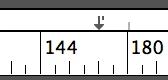
    This is what a Decimal Justified tab looks like:

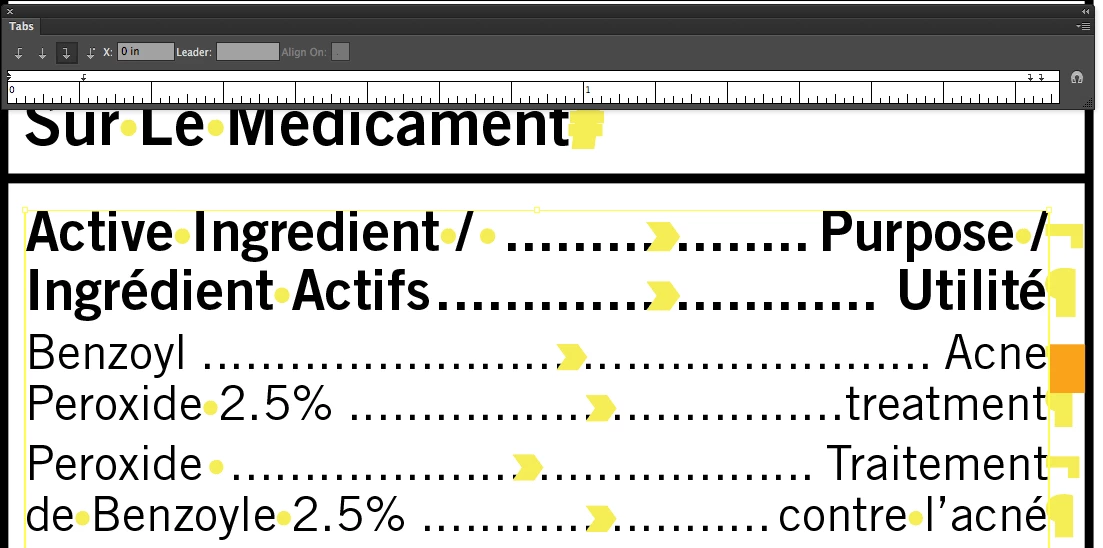
    This is similar to what you have.

    2 replies

    jane-e
    Community Expert
    jane-eCommunity ExpertCorrect answer
    Community Expert
    December 30, 2016

    There are two more steps before deleting the period from the Leader field to make this work:

    Step 1: Select the text

    Step 2: Select the tab stop (You have three, I have one. None of yours are selected.)

    Step 3: Delete anything in the Leader field, as Monica said. Mine has a period and a space.

    To clarify: I just realized that both of us answered for best practices: right-aligned tab with a dot leader.

    The four tab types are Left | Center | Right | Decimal Justified.

    The Align On only works with Decimal Justified, and yours are Left- and Right-aligned.

    If you were change a tab to the fourth option, you could align to a period, close paren, a dash, or any character you choose.

    This is what a Decimal Justified tab looks like:

    This is similar to what you have.

    Known Participant
    December 30, 2016

    Selecting the tab stop was the missing piece. Thanks!

    Monika Gause
    Community Expert
    Community Expert
    December 30, 2016

    The dots are set as "Leader" for one of the tabs.

    Work with tabs in Illustrator

    You need to delete the point in the "Leader" field of the corresponding tab

    Known Participant
    December 30, 2016

    Thanks, but there is no point in the Leader field. Its in the "align on" field, and its grayed out and can't be deleted.

    Monika Gause
    Community Expert
    Community Expert
    December 30, 2016

    You need to check all the tabs