Exit
  • Global community
    • Language:
      • Deutsch
      • English
      • Español
      • Français
      • Português
  • 日本語コミュニティ
  • 한국 커뮤니티
0

Rendered pdf takes time to load (layer by layer)

Community Beginner ,
Feb 23, 2023 Feb 23, 2023

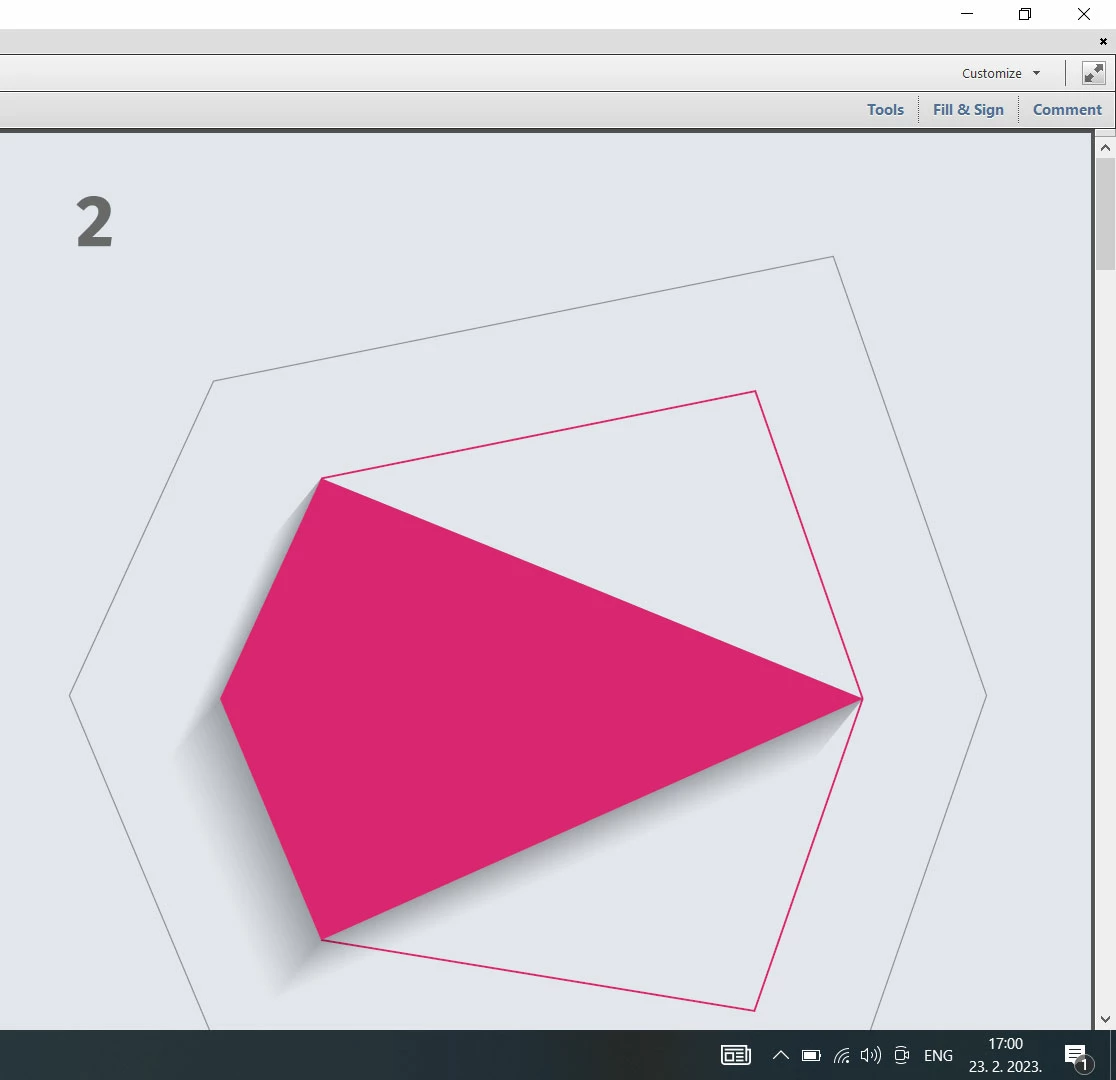
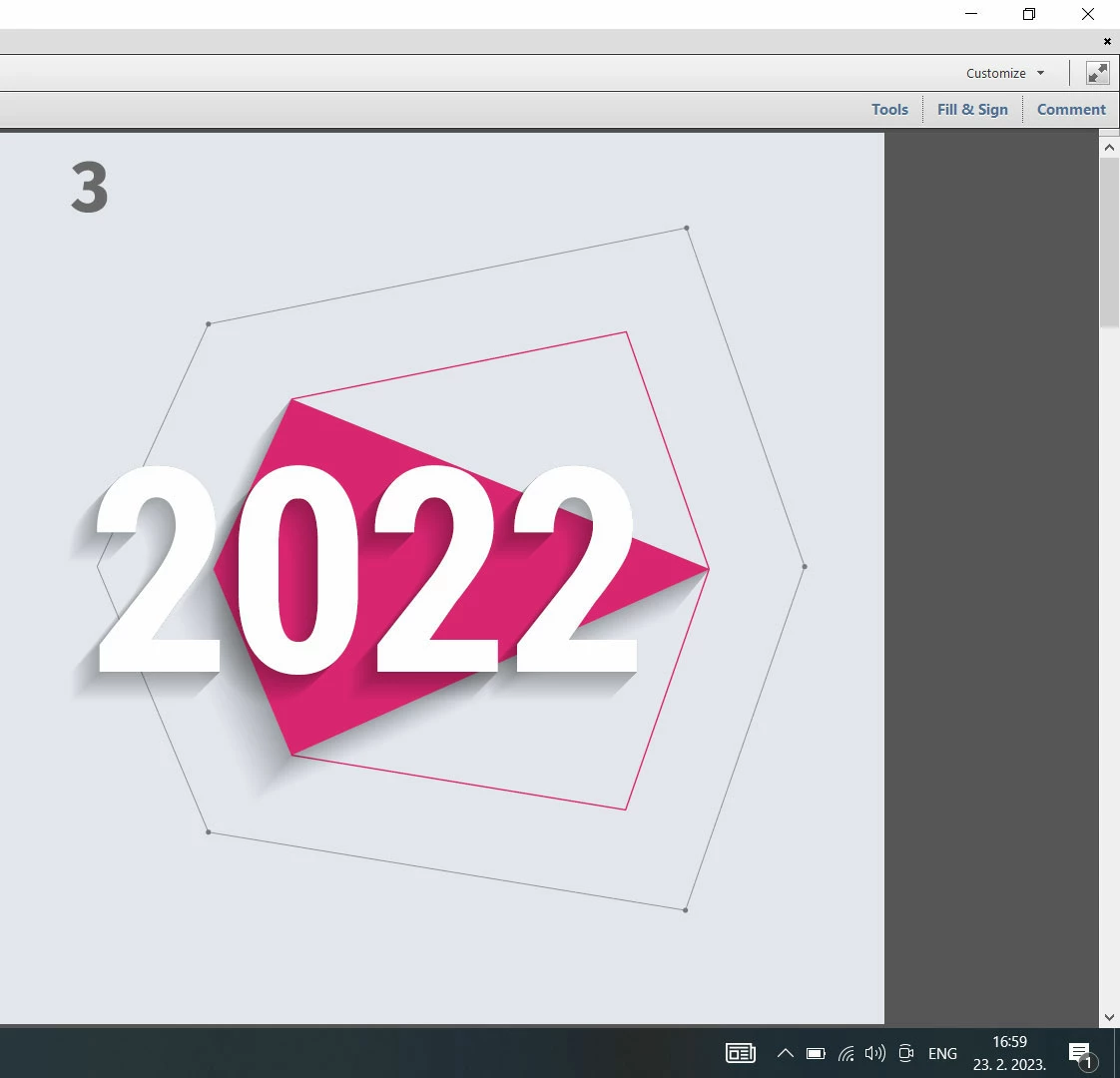
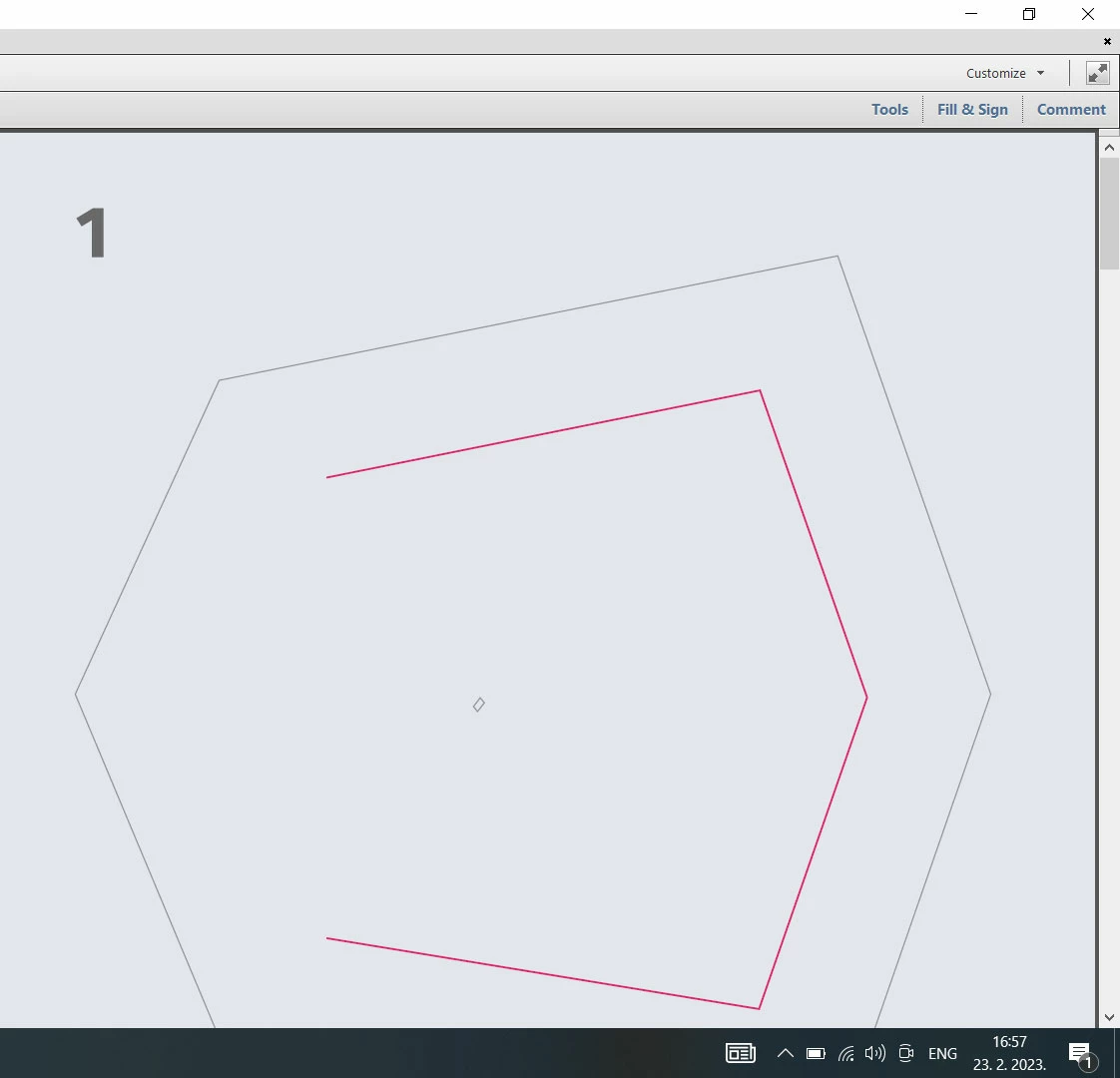
I created a brochure in Illustrator and exported it as a pdf. When I open that pdf file, it takes time to fully load, it seems to me that is opening layer by layer. It takes 2-3 sec to fully open. Also, the same problem happens when zooming. Please take a look at the attachments to better understand.


What I did in Illustrator, is that I created shadows via blend mode, and I think that's causing the problem.

So, what can I do to solve the problem? Except, to remove the shadows.


Thanks,

Goran
 

1.jpg2.jpg3.jpg


TOPICS
Bug , Performance
1.7K
Translate
Report
Community guidelines
Be kind and respectful, give credit to the original source of content, and search for duplicates before posting. Learn more
community guidelines
Adobe
Community Expert ,
Feb 23, 2023 Feb 23, 2023

What is that shadow? A blend? or transform effect with a couple gazillion steps?

Translate
Report
Community guidelines
Be kind and respectful, give credit to the original source of content, and search for duplicates before posting. Learn more
community guidelines
Community Beginner ,
Feb 23, 2023 Feb 23, 2023

Yeah, that is blend shadow, created with smooth colors, black and white, and multiply transparency

Translate
Report
Community guidelines
Be kind and respectful, give credit to the original source of content, and search for duplicates before posting. Learn more
community guidelines
Community Expert ,
Feb 23, 2023 Feb 23, 2023

Most probably those are just too many objects.

Translate
Report
Community guidelines
Be kind and respectful, give credit to the original source of content, and search for duplicates before posting. Learn more
community guidelines
Community Expert ,
Feb 23, 2023 Feb 23, 2023

You could try to rasterize the shadow.

Translate
Report
Community guidelines
Be kind and respectful, give credit to the original source of content, and search for duplicates before posting. Learn more
community guidelines
Community Beginner ,
Feb 23, 2023 Feb 23, 2023

I tried, but nothing. It creates a solid color shadow

Translate
Report
Community guidelines
Be kind and respectful, give credit to the original source of content, and search for duplicates before posting. Learn more
community guidelines
Community Expert ,
Feb 23, 2023 Feb 23, 2023

Which you can use with a blend mode like darken or multiply.

Translate
Report
Community guidelines
Be kind and respectful, give credit to the original source of content, and search for duplicates before posting. Learn more
community guidelines
Community Beginner ,
Mar 03, 2023 Mar 03, 2023

When I removed the blended shadow and added a drop shadow, everything worked fine.

The question remains, why did the blend cause a problem ...

Translate
Report
Community guidelines
Be kind and respectful, give credit to the original source of content, and search for duplicates before posting. Learn more
community guidelines
Community Expert ,
Mar 03, 2023 Mar 03, 2023

Because a blend is made up of many intermediate objects.

Translate
Report
Community guidelines
Be kind and respectful, give credit to the original source of content, and search for duplicates before posting. Learn more
community guidelines
Community Beginner ,
Mar 03, 2023 Mar 03, 2023

My blend options were smooth colours between solid black and transparent white.

Is there a better way to get this shadow effect with blends?

Translate
Report
Community guidelines
Be kind and respectful, give credit to the original source of content, and search for duplicates before posting. Learn more
community guidelines
Community Expert ,
Mar 03, 2023 Mar 03, 2023
LATEST

You don't see the intermediate objects inside Illustrator. But when exporting the PDF, the intermediates get expanded and then there are objects.

Blend will always create this.


If you want a block shadow, use the plugin AG Blockshadow. It will create an object that can have a gradient applied. The plugin is commercial and comes at a cost. The alternative would be to create you object manually. You can also try the method outlined here: https://www.vektorgarten.de/long-shadows-with-illustrator.html

Translate
Report
Community guidelines
Be kind and respectful, give credit to the original source of content, and search for duplicates before posting. Learn more
community guidelines