laurajanegreggs
Participant
March 15, 2022
Question

Retain Corner Radius when freely resizing and changing the rations of a shape

  • March 15, 2022
  • 2 replies
  • 2476 views

I am trying to get illustrator to retain the corner radius (anchor points) when I scale a shape including when I 'distort' it from its original shape. But InDesign and XD do this.

For example:

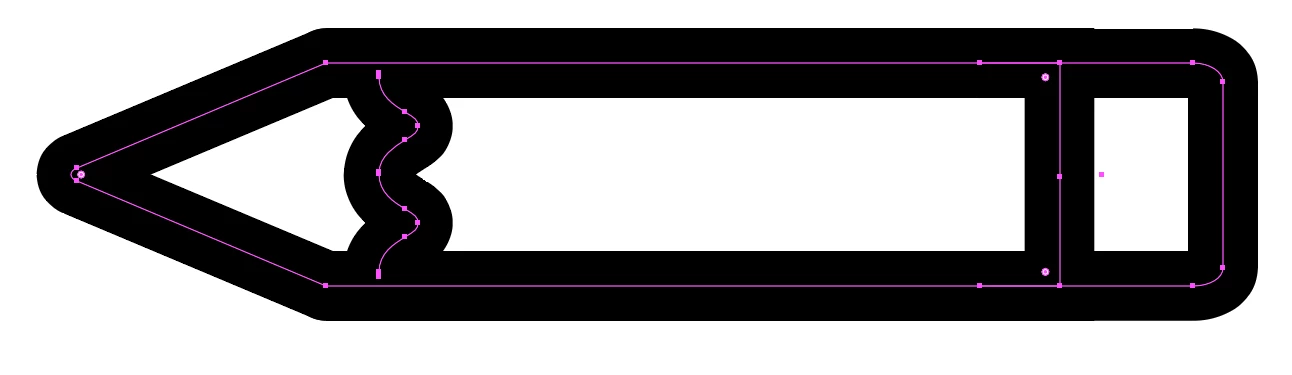
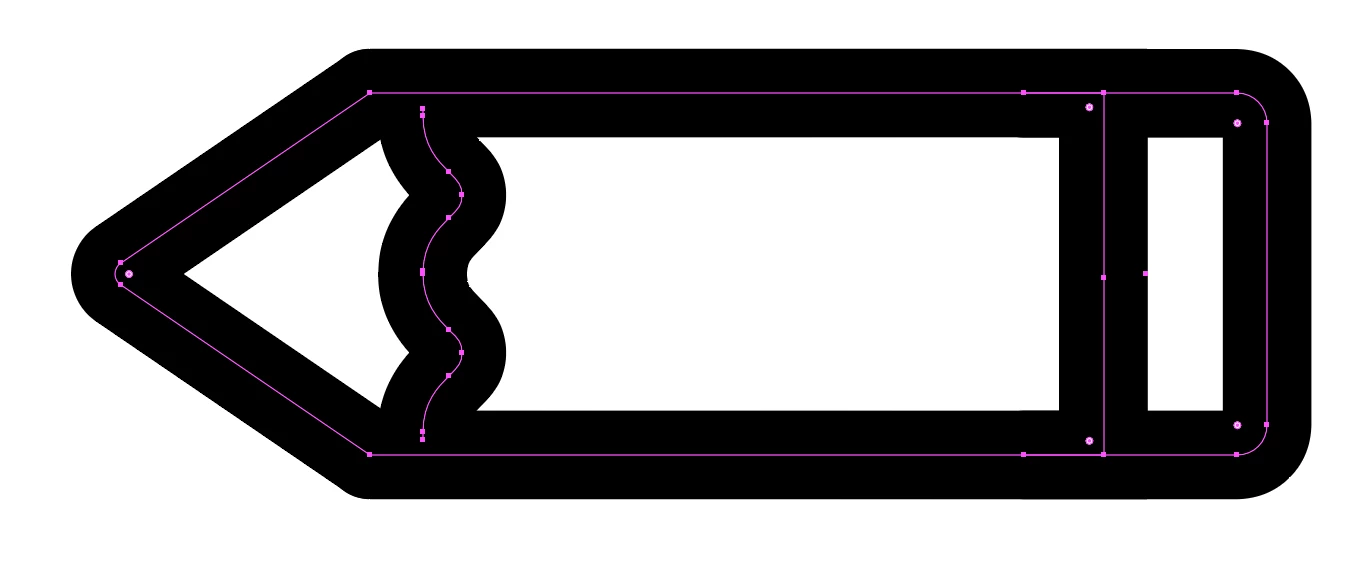
I draw a fat rectangle, I use the corner anchors to curve the corners, I then decide to make the rectangle thinner (not proportionally), the corners are now warped into strange curvatures, and some have lost their anchor points altogether. This applies to 4 sided closed path shapes of all varieties, and also to open path sections such as L or U shapes.


I am almost certain this used to be possible within illustrator.


This topic has been closed for replies.

2 replies

Jacob Bugge
Community Expert
Community Expert
March 15, 2022

Laura,


In many cases you can thin the rectangle by Direct Selecting the Anchor Points on one side and ClickDragging them (just start by ClickDragging over all of them); in this case you need to scale the wavy border of the full pencil body by itself), and the line marking the the beginning of the eraser has a middle Anchor Point you may wish to delete.


Jacob Bugge
Community Expert
Community Expert
March 15, 2022

Laura Jane,


I believe you will be happier if you abstain from multiple Anchor Points at the corners and just work with the Live (single) Corners (widgets).


https://helpx.adobe.com/search-results.html?q=live+corner+illustrator&scope=%5B%22helpx%22%5D&subscope=%5B%5D&limit=10&start_index=0&sort_orderby=relevancy&sort_order=desc&post_facet_filters=%7B%22applicable_products%22%3A%5B%5D%7D


laurajanegreggs
Participant
March 15, 2022

Thanks Jacob, I am trying but illustrator is adding these for me automatically when I curve the corner: 


Jacob Bugge
Community Expert
Community Expert
March 15, 2022

Ah, Laura, looking properly at your original screenshots, I believe you have Scale Strokes and Effects on (Transform panel). How about having it off?