New Participant
February 18, 2021
Question

RGB Colors Dull in Illustrator

  • February 18, 2021
  • 3 replies
  • 439 views

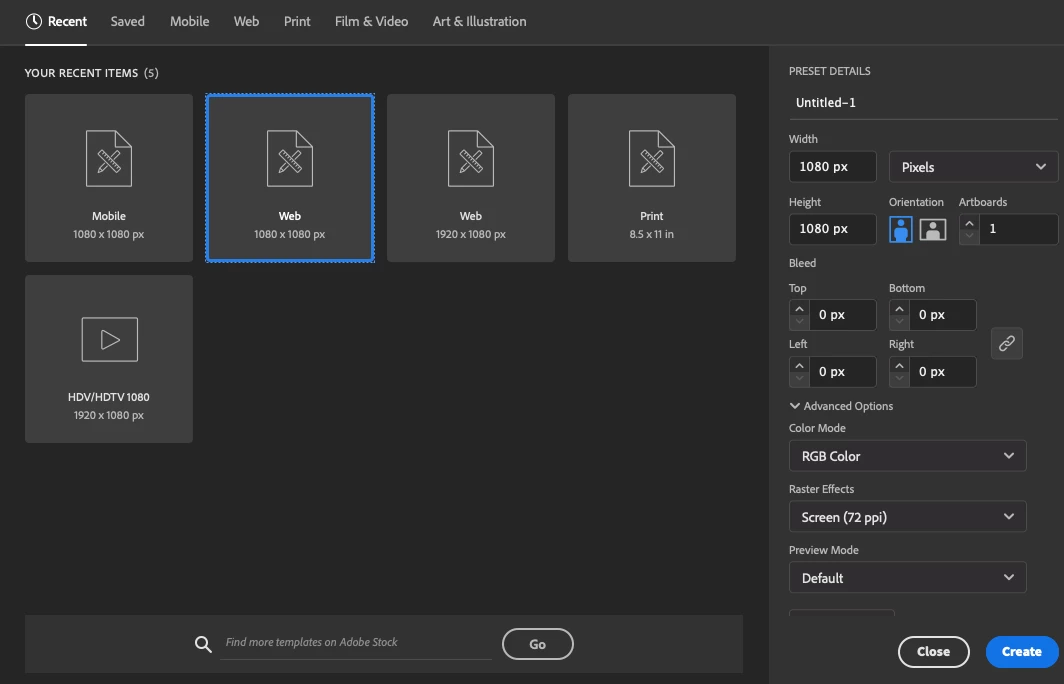
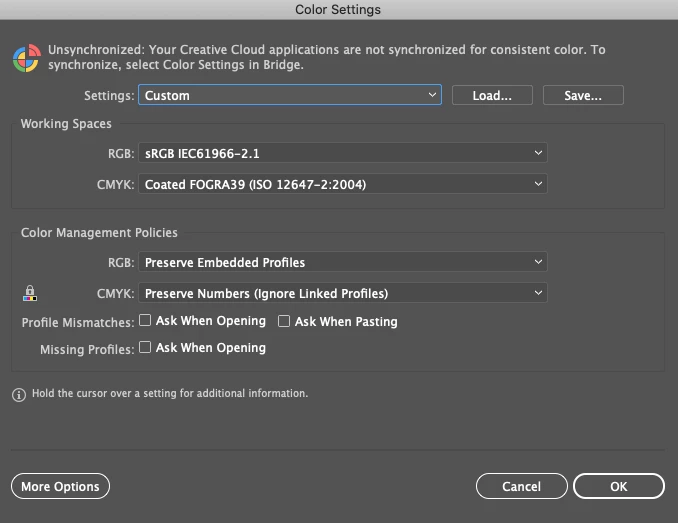
Yes, all of my settings are RGB and yet my colors are appearing dull in Illustrator. Color settings are below. Any suggestions?  
This topic has been closed for replies.

3 replies

Participating Frequently
August 31, 2021

by every measure the new file I created with dull colors is identical to the first file I was working in but my colors dull as well. When I sample the colors, they come out differently. Here are the two screens - on both I sampled the orange in the shape to the right of the cup illustration.:


New Participant
June 22, 2021

I had this same issue. Not sure if you ever figured it out, but I went to the top toolbar: View --> Preview on CPU. My colors look vibrant again.

Monika Gause
Community Expert
February 18, 2021

Which color profile is attached to the file?

Which preview option? Does it get better with CPU preview?

What is happening? You create a color and it looks dull immediately? Or does it change over time?