
Participant
February 27, 2025
Answered

RGB to CMYK light/glow/gradient issues in Illustrator

  • February 27, 2025
  • 2 replies
  • 583 views

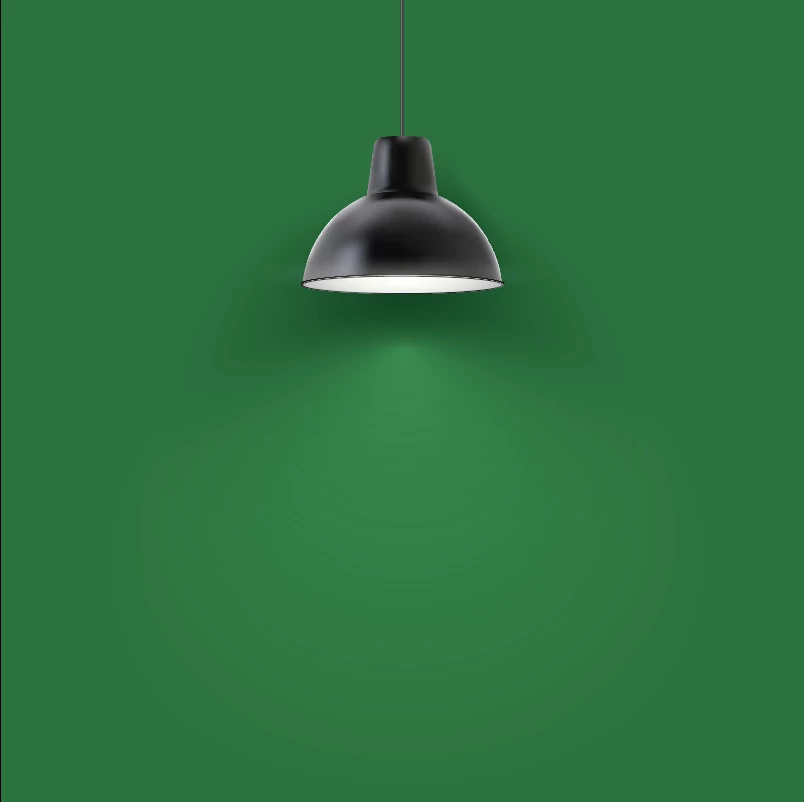
I'm trying to use the attached stock graphic for a print project, but I'm having major issues when switching from RGB to CMYK. I've tried flattening transparency, messing with the blend modes, and adjusting color settings. For reference here is what it looks like in RGB vs. CMYK (also attached the Ai file).


I've definitely seen things like this in print before, so there's got to be a work around, right?

 

Correct answer Makayla26682750pydl

Thank you for the suggestion! I couldn't get it to work with using Registration either, so ended up just exporting as RGB and bringing it into Photoshop. Seems to work so hopefully no issues arise once handed off to the printer 🤞

2 replies

Monika Gause
Community Expert
Community Expert
February 27, 2025

The lights are made with black and white gradients, right? Try and set the black to Registration, then you could get closer.


Most people just export it as an RGB pixel file at sufficient resolution and convert it to CMYK in Photoshop. Or just place the RGB pixel file in the layout and let color management do it when exporting.

Makayla26682750pydlAuthorCorrect answer
Participant
February 27, 2025

Thank you for the suggestion! I couldn't get it to work with using Registration either, so ended up just exporting as RGB and bringing it into Photoshop. Seems to work so hopefully no issues arise once handed off to the printer 🤞

Participant
February 27, 2025

Also, here is what the graphic looks like when moved or copy/pasted out of the artboard.