
Inspiring
August 9, 2019
Question

rotating animation

  • August 9, 2019
  • 3 replies
  • 429 views

Hi forum.

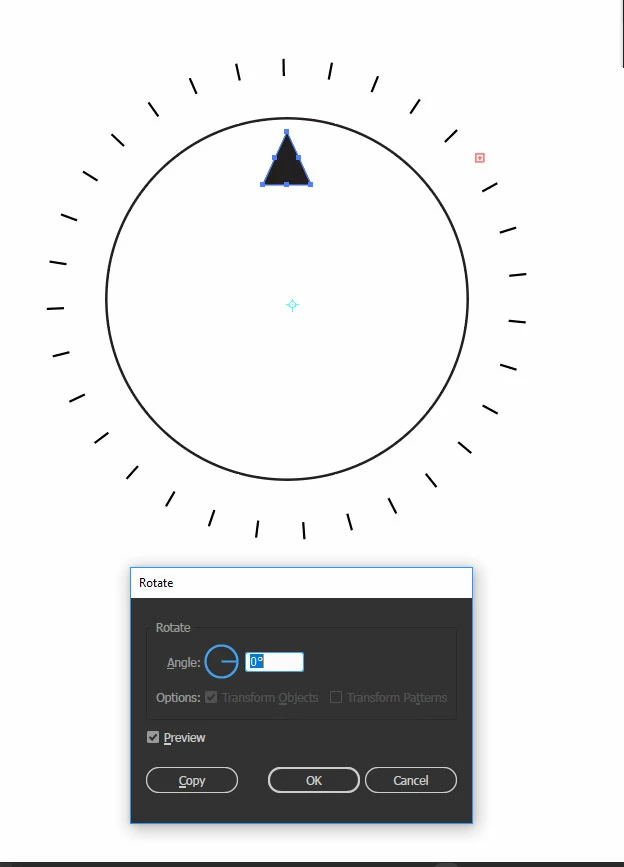
is it possible to do an animation in Illustrator making the rectangle indicator go around the ellipse, using the rotation tool. I have set up my pivot point where I'd

like the rectangle indicator to go around. Now I know Illustrator isnt the best option for a task  as such, but would there be a way that's not tedious to achieve this within

Illustrator?

Thank you.
    This topic has been closed for replies.

    3 replies

    Inspiring
    August 9, 2019

    Super thanks!

    Inspiring
    August 9, 2019

    Can you please give a bit more information regarding the steps transform effect & Blend . I am a little confused how to do this.

    Thank you.

    Monika Gause
    Community Expert
    Community Expert
    August 9, 2019

    Like this: Dropbox - Blend-clock.ai - Simplify your life

    And then export an SWF and check the options for animating.

    Monika Gause
    Community Expert
    Community Expert
    August 9, 2019

    Use the transform effect for this and make a blend. The effect will be animated automatically.

    But you will need to output it as SWF and then do the final output via Adobe Animate, since SWF is not the way to go these days.

    You could also make this via transforming a copy and then later distributing the resulting objects to layers. Then use a script to display your animation inside Illustrator. About a year ago I bumped into the person who has written such a script on Twitter.

    So you'd rather build this somewhere else depending on what you want to do with it. After Effects or Animate come to mind. Both have scripting built in togenerate this kind of stuff.