Participant
October 11, 2018
Answered

Rounded 3d cube in Illustrator

  • October 11, 2018
  • 6 replies
  • 12148 views

Hi,

I'm trying to find the best way to make a 3d rounded edges cube. I tried several attempts and I just don't know how to make it look good enough.

Is there any way to use the stylize rounded edges effect on an entire group and not as a path?
Please help me find an alternative way to achieve it, I tried several guides and didn't get the results I was hoping to get.

Thanks!

This topic has been closed for replies.
Correct answer Monika Gause

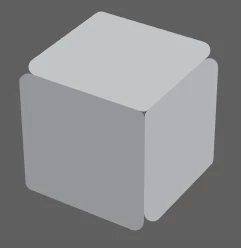
michelew83603738, thanks for your text, if you see Rozii wants rounded caps like this

but if you increase the extrude depth, the result is not that good
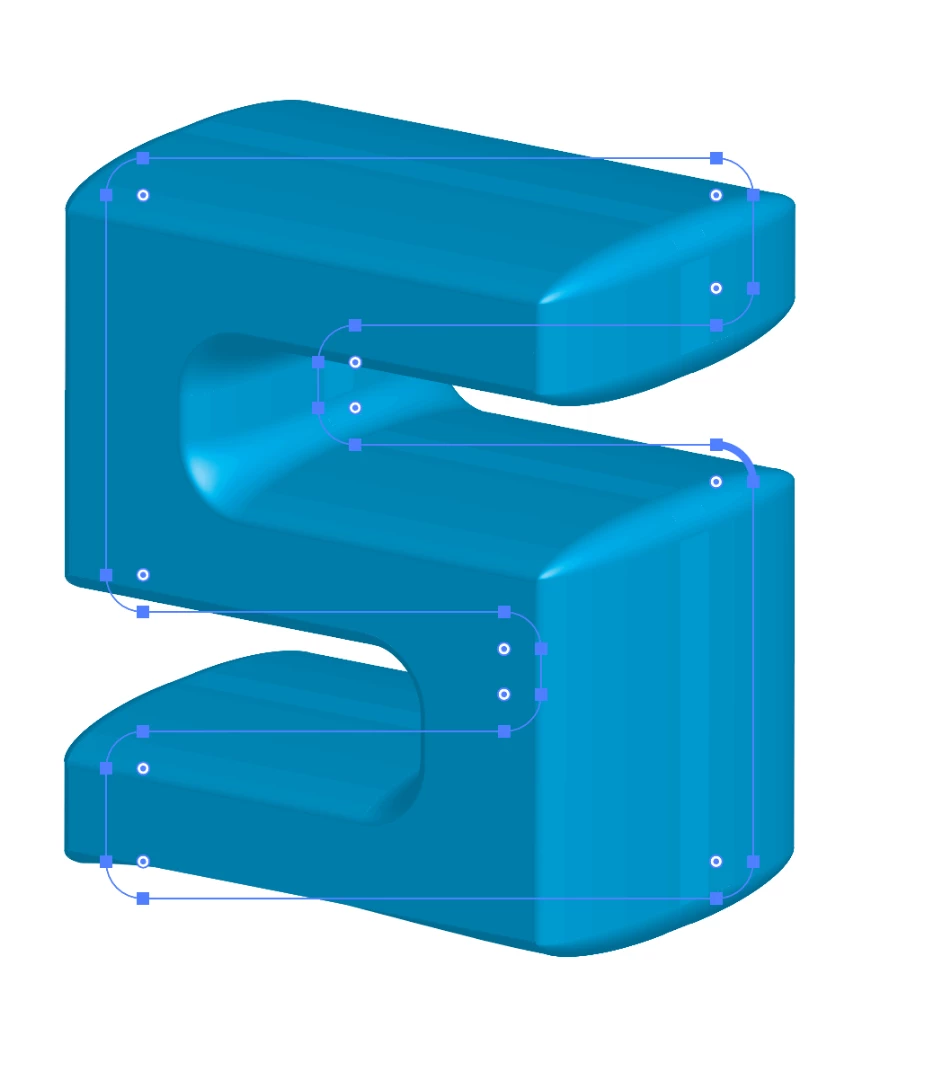

Eugenio.NYC  schrieb

michelew83603738, thanks for your text, if you see Rozii wants rounded caps like this

but if you increase the extrude depth, the result is not that good

That's not a problem. At all.

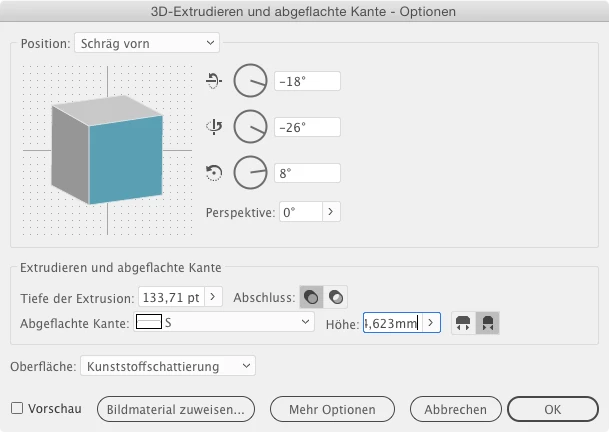
Make a bevel for it:
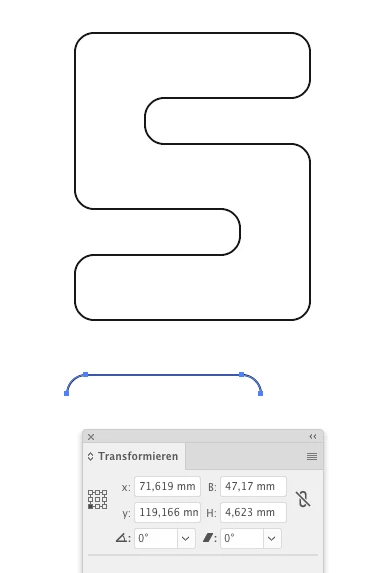
Put that bevel into the bevels file in Application folder > Adobe Illustrator > Support Files > Ressources > [Locale]

Read the instructions in that file and act like described in there

Quit and restart

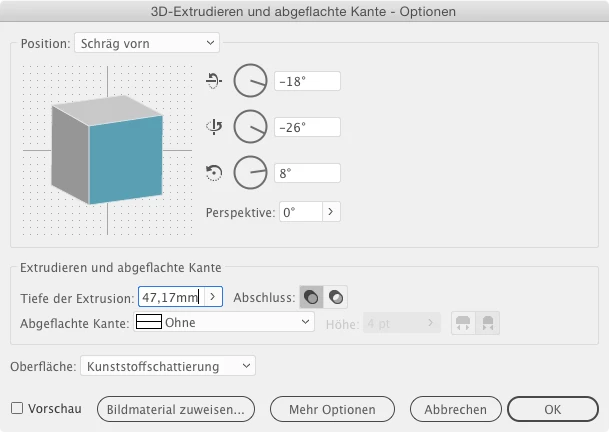
Apply Extrude effect and enter the dimensions of your custom bevel like so
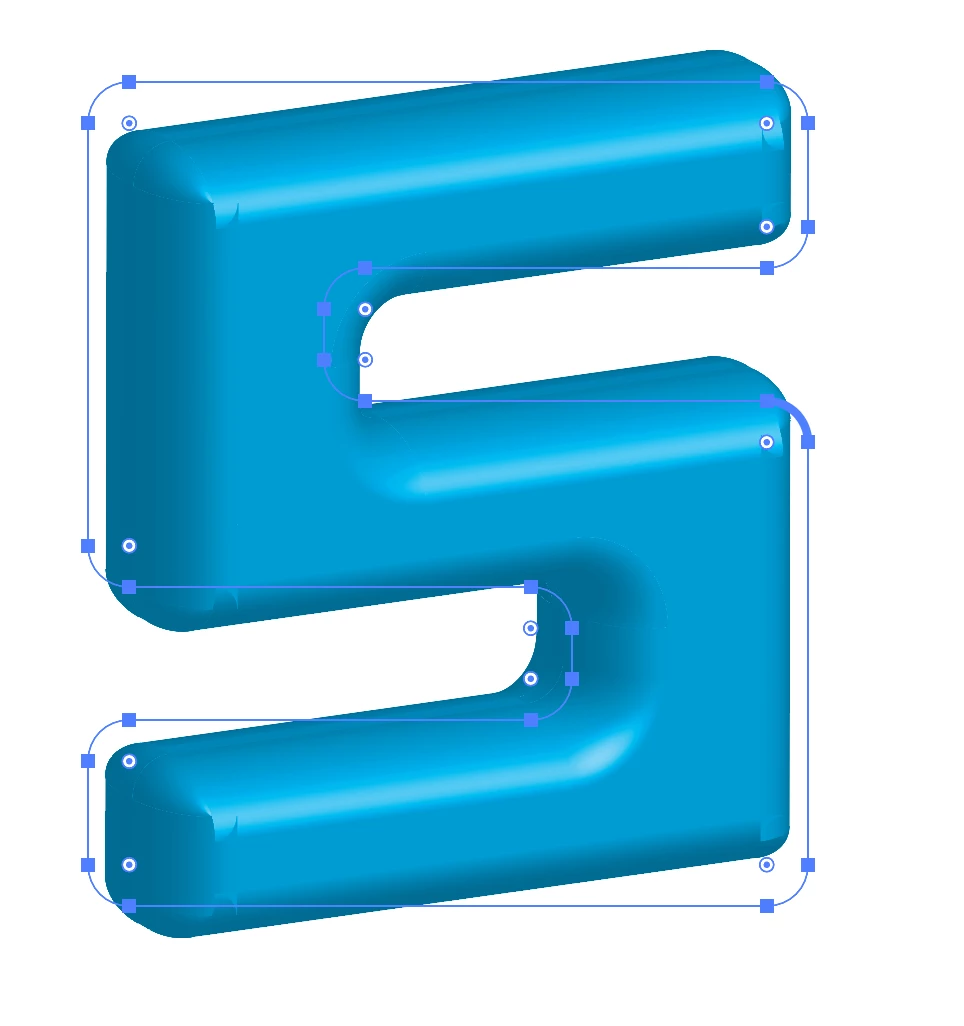
Et voila:
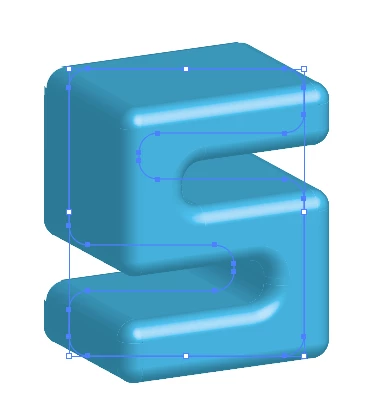
I still beleive that this should just be taken as a template to make a proper illustrator using gradients, blends, etc.

This 3D object will result in a gazillion of vector paths in the output file.

6 replies

angie_taylor
Legend
October 12, 2018

Have you tried to use Cineware for this? It’s perfect for this kind of thing;

Cineware for Illustrator - MAXON | 3D FOR THE REAL WORLD

Ray Yorkshire
Participating Frequently
October 12, 2018

Show us then !

Monika Gause
Community Expert
Community Expert
October 12, 2018

You can't do this in Cineware alone. You would have to create the model in Cinema4D first.

Inspiring
October 11, 2018

lambiloon
Community Expert
Community Expert
October 11, 2018

HI check following video this can be more help to understand...Thanks.

Ali Sajjad / Graphic Design Trainer / Freelancer / Adobe Certified Professional
Eugenio.NYC
Participating Frequently
October 11, 2018

Hi there

Maybe you can use Adobe Dimension

What do you want to do with that cube?

E

RoziiiAuthor
Participant
October 11, 2018

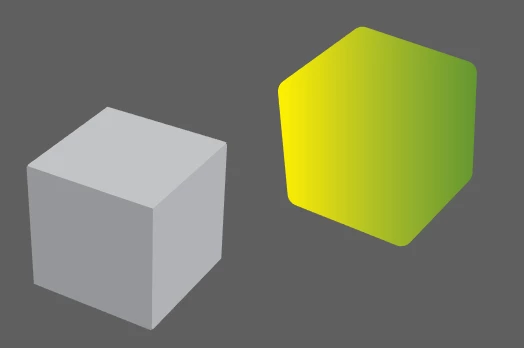
What I'm trying to do is recreate this vector:

Just want a different angle of cube (rotate it to the right) and make the cube shapes round.

Eugenio.NYC
Participating Frequently
October 11, 2018

Hi there

Do you want something like this?

Ton Frederiks
Community Expert
Community Expert
October 11, 2018

I would create the cube with the 3D effect.

Expand the appearance and use Pathfinder Unite to creat a single object.

Use the round corners on that object.

Use the object as a clipping mask or create the gradient in your object.

RoziiiAuthor
Participant
October 11, 2018

This is exactly what I did with the green cube. I'm just not sure how to make the inner paths look as good too after using the pathfinder unite.

Monika Gause
Community Expert
Community Expert
October 11, 2018

So your gowl is that the rounded corners look correct in perspective?

RoziiiAuthor
Participant
October 11, 2018

Mostly the inner squares inside the cube. I can't figure out how to make it right.