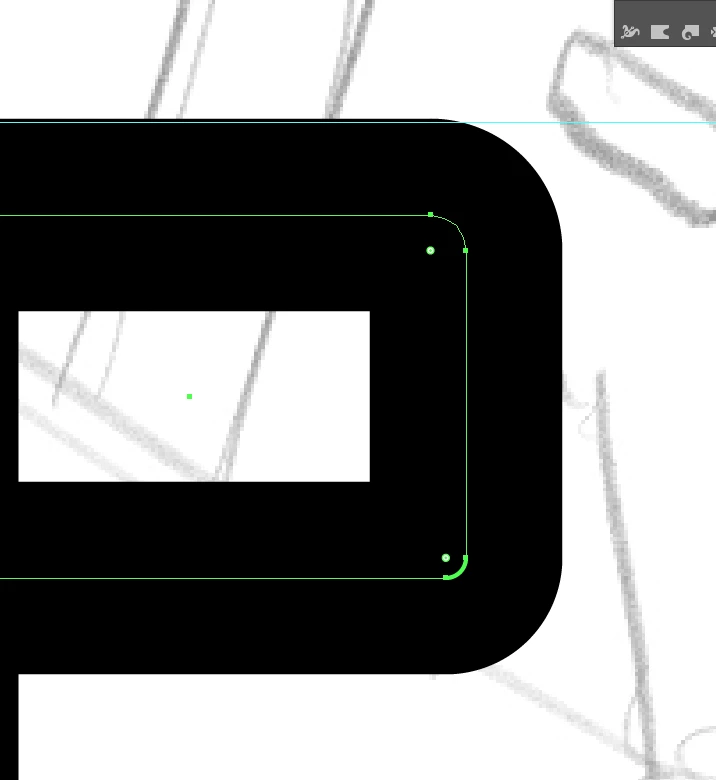
1) Choose the radius of the inner rounding (which may be the one you have for the spine);
2) Reduce both the Width and the Height of the rounded rectangle by the Stroke Weight so it corresponds to the (original) inner boundary of the Stroke;
3) In the Stroke palette choose Align Stroke to Outside.
That will give you the desired inner rounding and the corresponding outer rounding.
Otherwise, you can Outline the Stroke and then round the inner path in the filled Compound Path, but that will give a quite different look, and the filled Compound Path may be undesirable.
If you wish to have the same look as the 1) - 3) with a filled Compound Path, you can use Object>Expand Appearance and thereby retain the roundings.



 AdChoices