


Participating Frequently
March 16, 2022
Answered

S.O.S.! Weird thing happening in Ai with pointer tool.

  • March 16, 2022
  • 7 replies
  • 2259 views

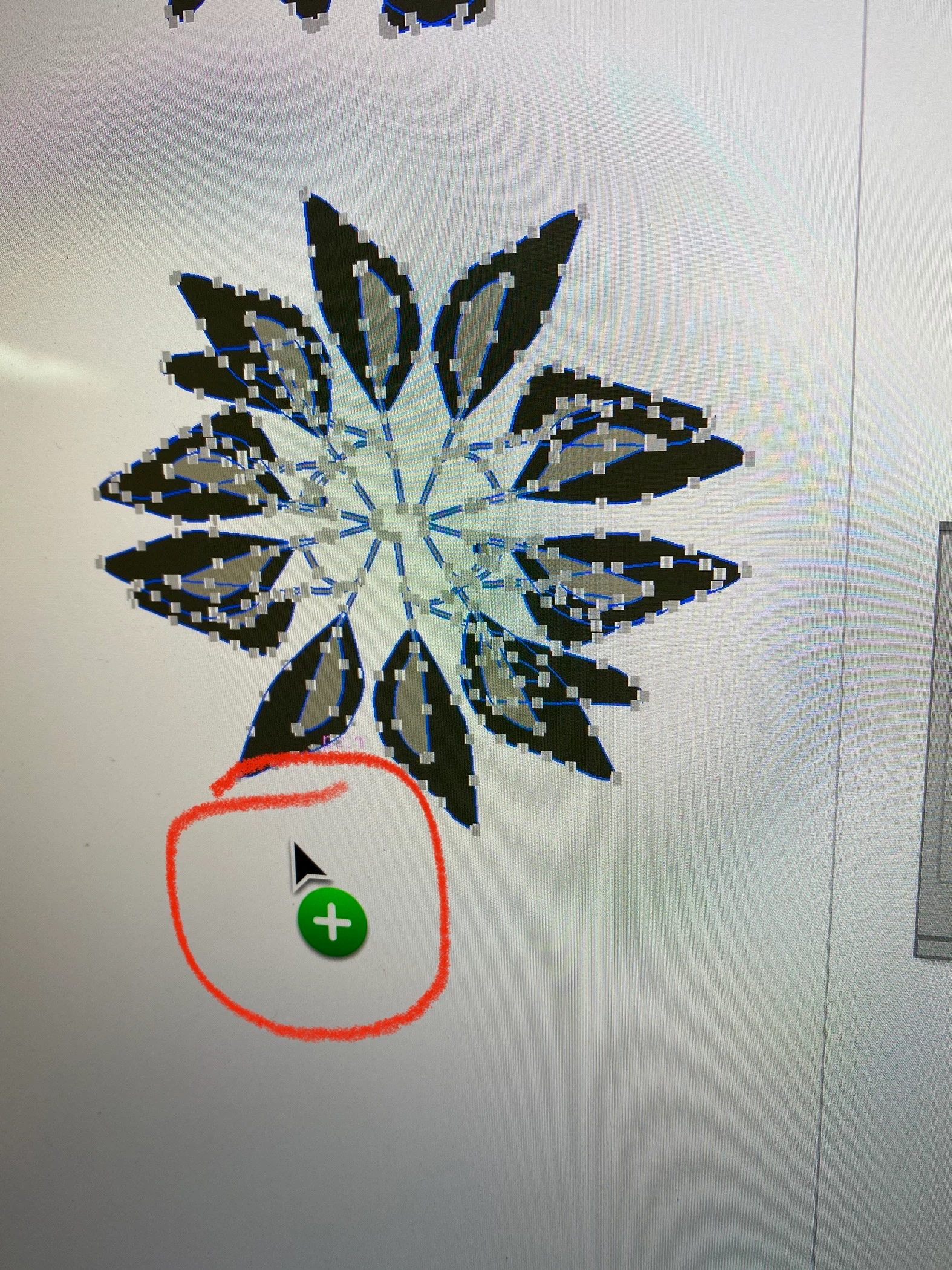
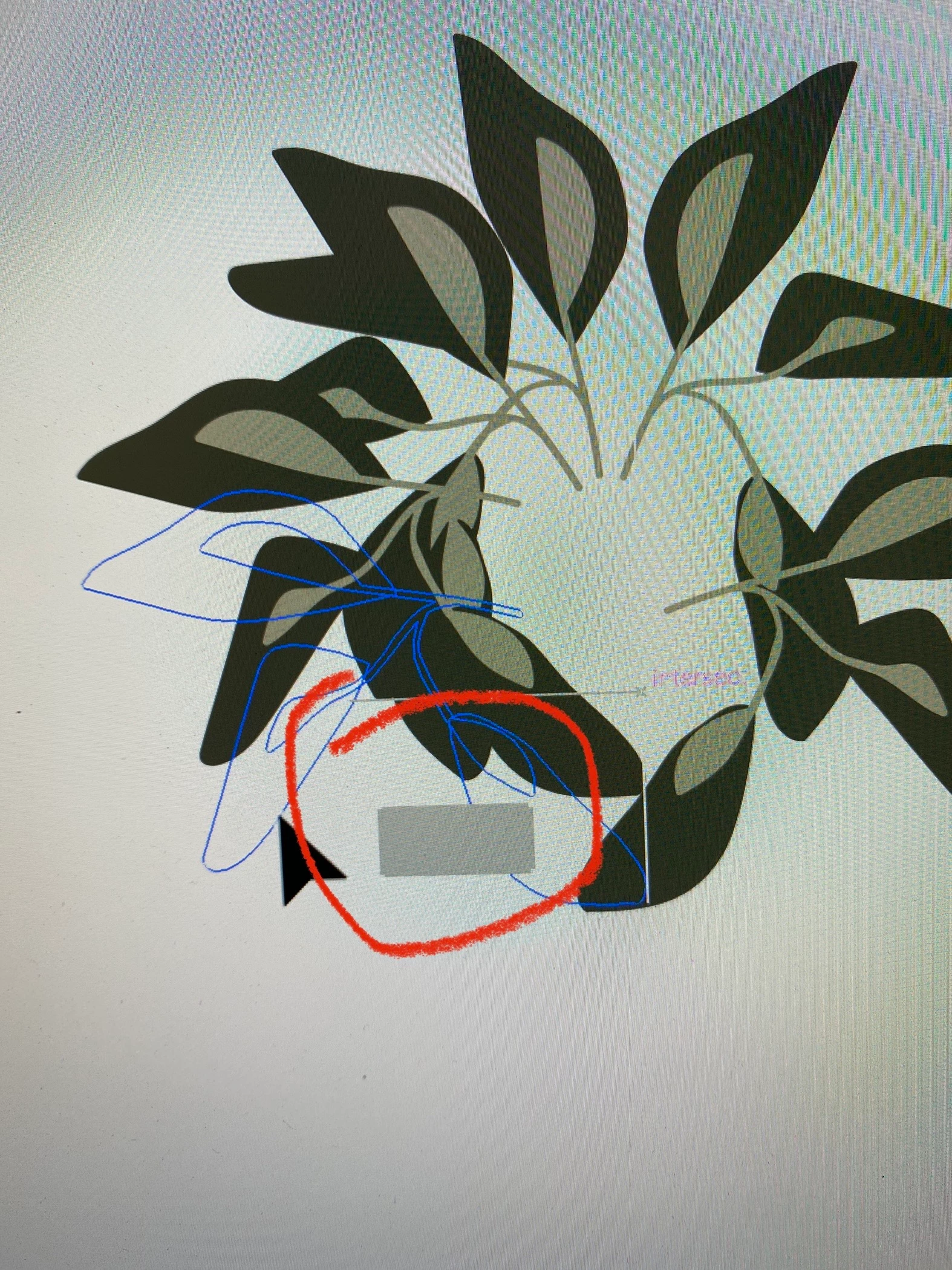
I'm on a brand new iMac with the M1 chip. Also on the latest version of Ai. I'm currently in a course learning Ai - I have been merrily working through the course for two weeks clicking and dragging every line, circle, square and leaf imaginable as I am learning Ai from the ground up. No problems at all.  Then three days ago out of the blue i'm getting strange symbols attaching to my pointer tool (gray square, + sign, green circle) and the object I'm selecting will not move.  It is not locked. After clicking on and off several times I find a sweet spot and I can again move the object.  It's as if the smart guides are detecting or snapping to something. Actually more like repelling something.  It is really slowing me down.  The course experts I'm in have never seen this and referred me to you.  I have images and video of the problem. Please help!! The video shows the problem very well but I don't know how to share it here - it's on Loom.
This topic has been closed for replies.
Correct answer Anshul_Saini

Hi All,


I am glad to inform you this issue has been fixed in our latest release Illustrator v26.5.

Please feel free to reach out if the issue persists after updating.


Regards,

Anshul Saini

7 replies

Anshul_Saini
Community Manager
Anshul_SainiCommunity ManagerCorrect answer
Community Manager
August 22, 2022

Hi All,


I am glad to inform you this issue has been fixed in our latest release Illustrator v26.5.

Please feel free to reach out if the issue persists after updating.


Regards,

Anshul Saini

Anshul_Saini
Community Manager
Community Manager
April 5, 2022

Hi @Carla23616442rbu5 @mvheim 


I am glad to inform you that this issue has been fixed in the latest Illustrator update, v26.2.1, released yesterday. I would request you to update and let us know if the issue persists.


Regards,

Anshul Saini

Inspiring
March 17, 2022

I am having this exact problem with the green "+" cursor. Just came up with the new 26.1 update. But I am NOT using Monterey — I am on an Intel iMac with Catalina 10.15.7, with a Magic Mouse.


I was wondering if drag-copy was triggering some kind of MacOS accessibility feature, but I couldn't find anything in Apple Preferences that looked like this.

Inspiring
March 17, 2022

I should have stated, this oocurs only when attempting to drag-copy or drag-constrain-copy. The object, although remaining highlighted, snaps back to the original position and fails to copy.

Inspiring
March 17, 2022

I found the following comment under Bug Reports (see screenshot). The green cursor is the MacOS copy cursor — the bug is that this should NOT be showing up within Illustrator operations.

Adobe Employee
March 17, 2022

Hi @Carla23616442rbu5 ,

Apologies for the inconvenience caused to you due to this issue.
Can you help the Illustrator team to isolate this issue further so that we can nail this down?
If yes, then please share the following information:
1) What is the MacOS version of your machine? (From the Apple menu  in the corner of your screen, choose About This Mac. You should see the macOS name, such as macOS Monterey or macOS Big Sur, followed by its version number.)
2) Are you using Apple Magic Mouse or any other external mouse?


Thanks and Regards,

Shivangi


Note: Marking this as correct to highlight


Participating Frequently
March 18, 2022
Doug A Roberts
Community Expert
Community Expert
March 16, 2022

This seems to be a bug introduced in version 26.1 on Monterey Macs.

Participating Frequently
March 16, 2022

So what do I do??

It has been suggested to me that I delete and reinstall Ai.

If i delete and re-install Ai will I loose everything? I have been backing up to cloud instead of desktop, but I am very, very new to all this and am struggling.

Doug A Roberts
Community Expert
Community Expert
March 16, 2022

You won't lose your files. You could try installing the previous AI version (26.0.3) from the CC app:

Participating Frequently
March 16, 2022

See Video of the problem below.

Monika Gause
Community Expert
Community Expert
March 16, 2022

Monterey 12.3?

Participating Frequently
March 16, 2022

I don't know what that is.  What do I do about the problem??


Participating Frequently
March 16, 2022
