
Participating Frequently
June 6, 2021
Question

Same fill color

  • June 6, 2021
  • 1 reply
  • 306 views

Hello! 

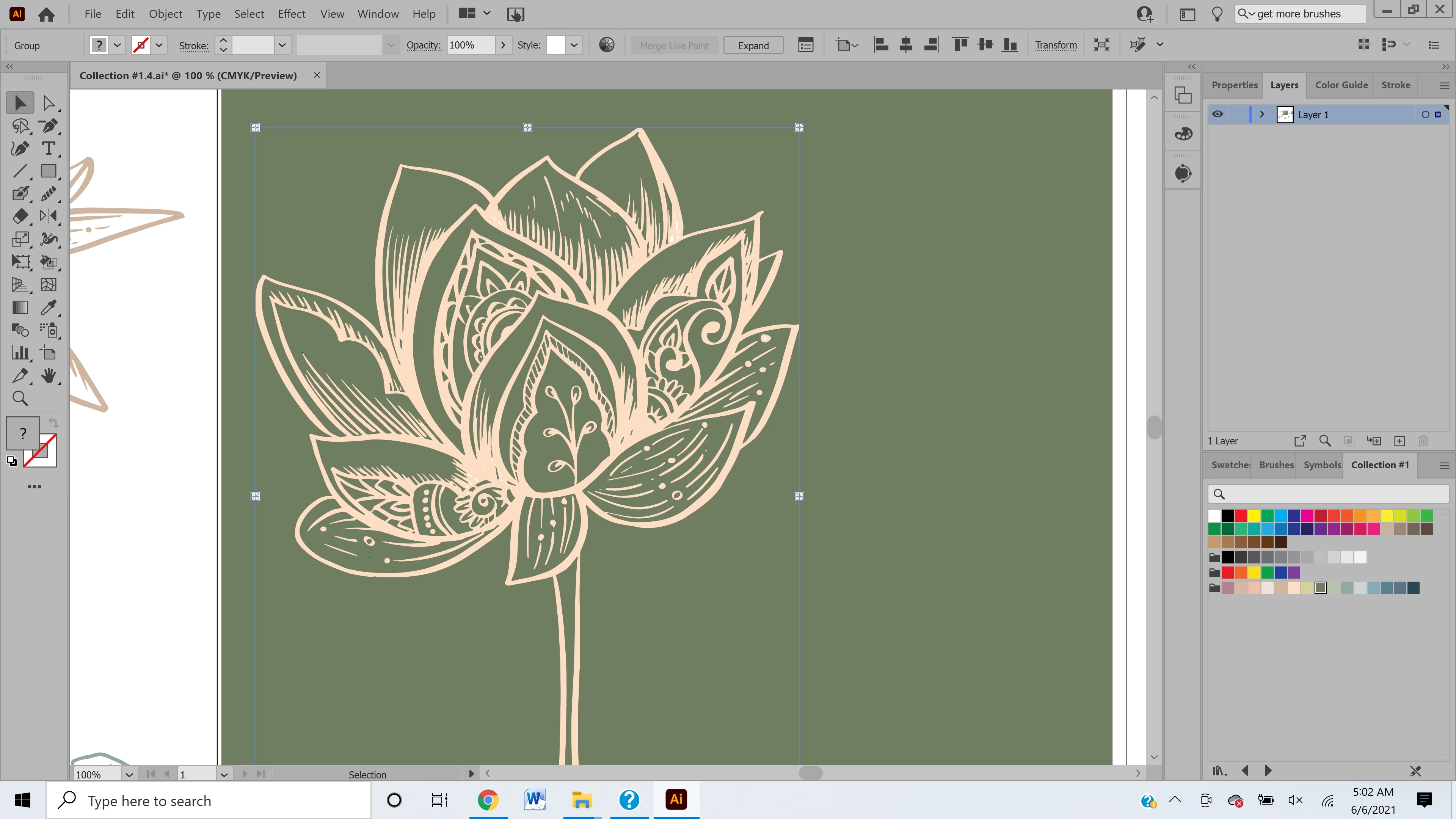
I created this flower in the picture attached and vectorized it. There are some really small areas that I want to recolor but using the paint bucket tool is taking a long time so I tried to use the Same --> fill color option but it is grayed out. Can someone please help me figure out a better way to select all of the white in the image and fill it with a color at one time?


thanks so much! 
This topic has been closed for replies.

1 reply

c.pfaffenbichler
Community Expert
Community Expert
June 6, 2021

Could you please post a screenshot with the Layer in the Layers Panel expanded or the ai-file itself (minus sensitive data)? 


To use Select > Same > Fill Color you need to have a path with that Fill Color selected, what did you start with? 

The Toolbar seems to indicate multiple Fills selected. 


Did you create the Color as »Global«? 

If so simply double-clicking it in the Swatches Panel allows to recolor all its instances. 

Participating Frequently
June 7, 2021

Hello

I already recolored using the recolor tool so unfortunately I cant take a screen shot of the layers when the issue was occuring. It's possible I was not selecting the specific fill color that I was trying to replace. I'm going to try that next time! Thank you for responding! Ill reach out if I have the issue again. 


Trisha