

davecourtemanche
Inspiring
January 12, 2023
Question

Save as PDF splash screen

  • January 12, 2023
  • 1 reply
  • 792 views

Every time I save from Illustrator as a PDF, there is an intermediary splash screen about sharing that looks corrupt and is totally not needed by me. Any ideas on how to stop it from appearing? Can't find in the preferences.
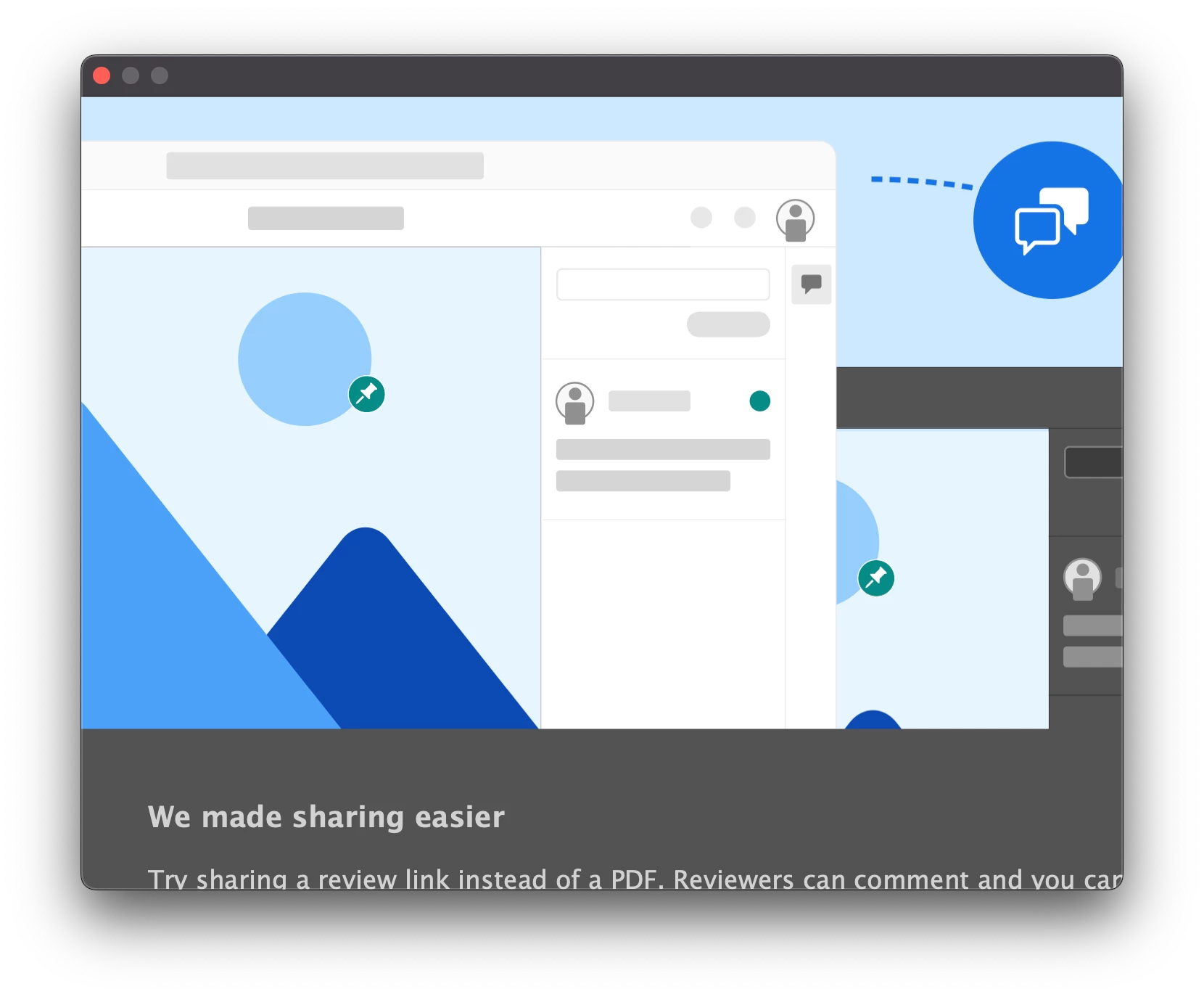
This topic has been closed for replies.

1 reply

Monika Gause
Community Expert
Community Expert
January 13, 2023

If this were the correct size, then there would be a button to not show it again. Did you perhaps edit the resolution of your monitor? Or make text bigger or something like that?

davecourtemanche
Inspiring
January 13, 2023

I didn't. Perhaps my preferences have corrupted.

Anshul_Saini
Community Manager
Community Manager
January 19, 2023

@Anshul_Saini could you please take a look at this?


Hi @davecourtemanche,


Sorry for the delayed response. As Monika said, you will need to click the "do not show again" button. It seems your Mac resolution is scaled. Once you choose the "More Space" option from System Settings > Display > More Space. This should help you see this option.


Resetting preferences will only reset the occurrence, and you will see this splash screen again.


Also, ensure UI Scaling in Illustrator preferences > general > User Interface > is set to small.


If this doesn't help, would you mind confirming the exact version of Illustrator & macOS? Also, are you using any external monitors?


Kindly update the discussion if you still need assistance with it. We'd be happy to help.


Thanks,
Anshul Saini