

Answered
Saved pattern files (color swatches) are broken
I have previously saved several patterns in the color swatches library (as .ai files). After I updated to the latest Illustrator version (I guess that's the reason) and now try to open my saved patterns, this message below opens in illustrator, I don't understand why. Translated into English it says: This is an Adobe Illustrator file that was saved without PDF content. If you want to open the file in other programs, you should resave it in Adobe Illustrator with the "Create PDF Compatible File" option enabled. This option is found in the Illustrator Built-in Format Options dialog box that appears when you save an Adobe Illustrator file using the Save As command.
Please help! 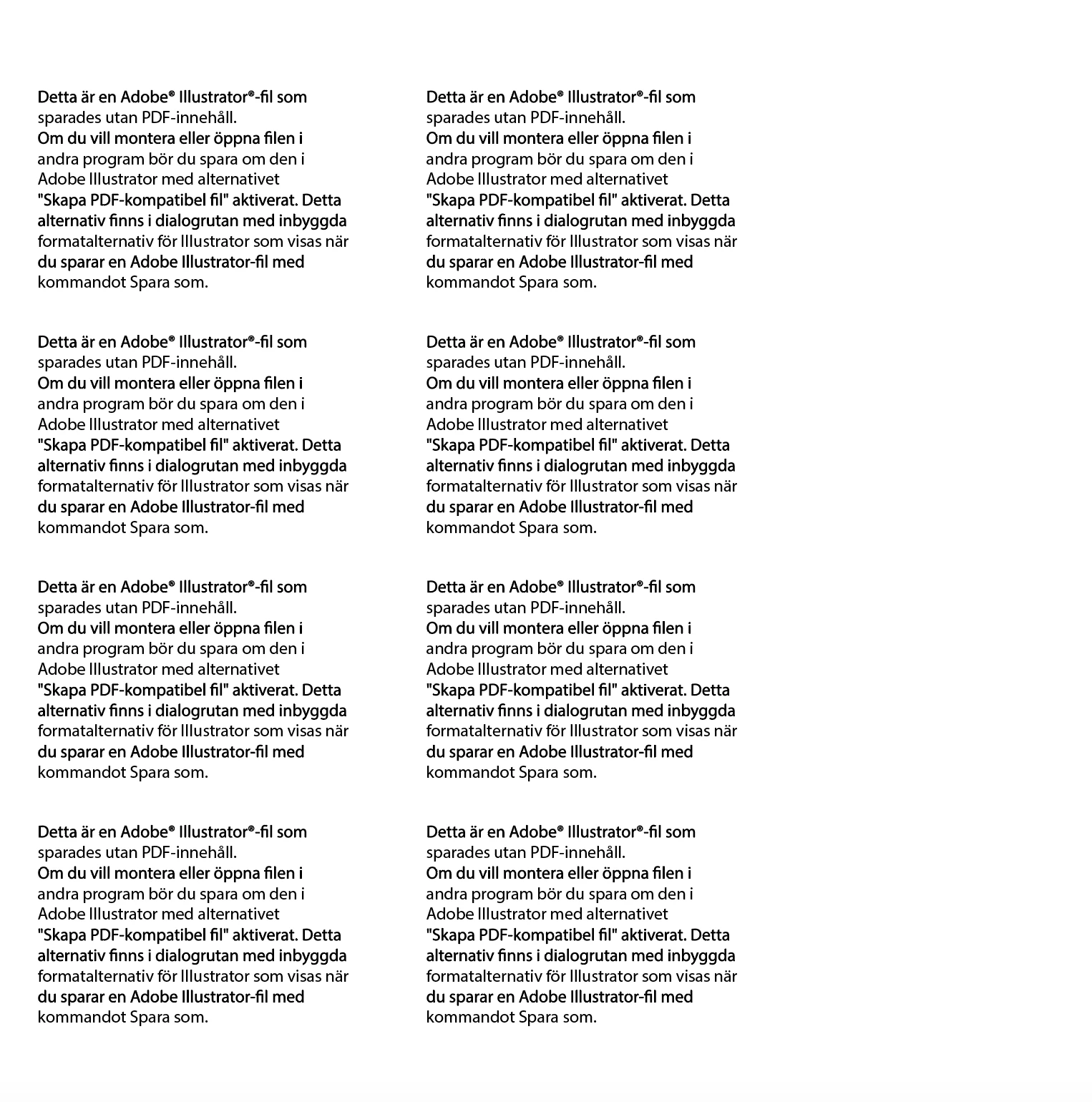


 AdChoices