Participant
November 5, 2022
Answered

Saved templates

  • November 5, 2022
  • 2 replies
  • 900 views

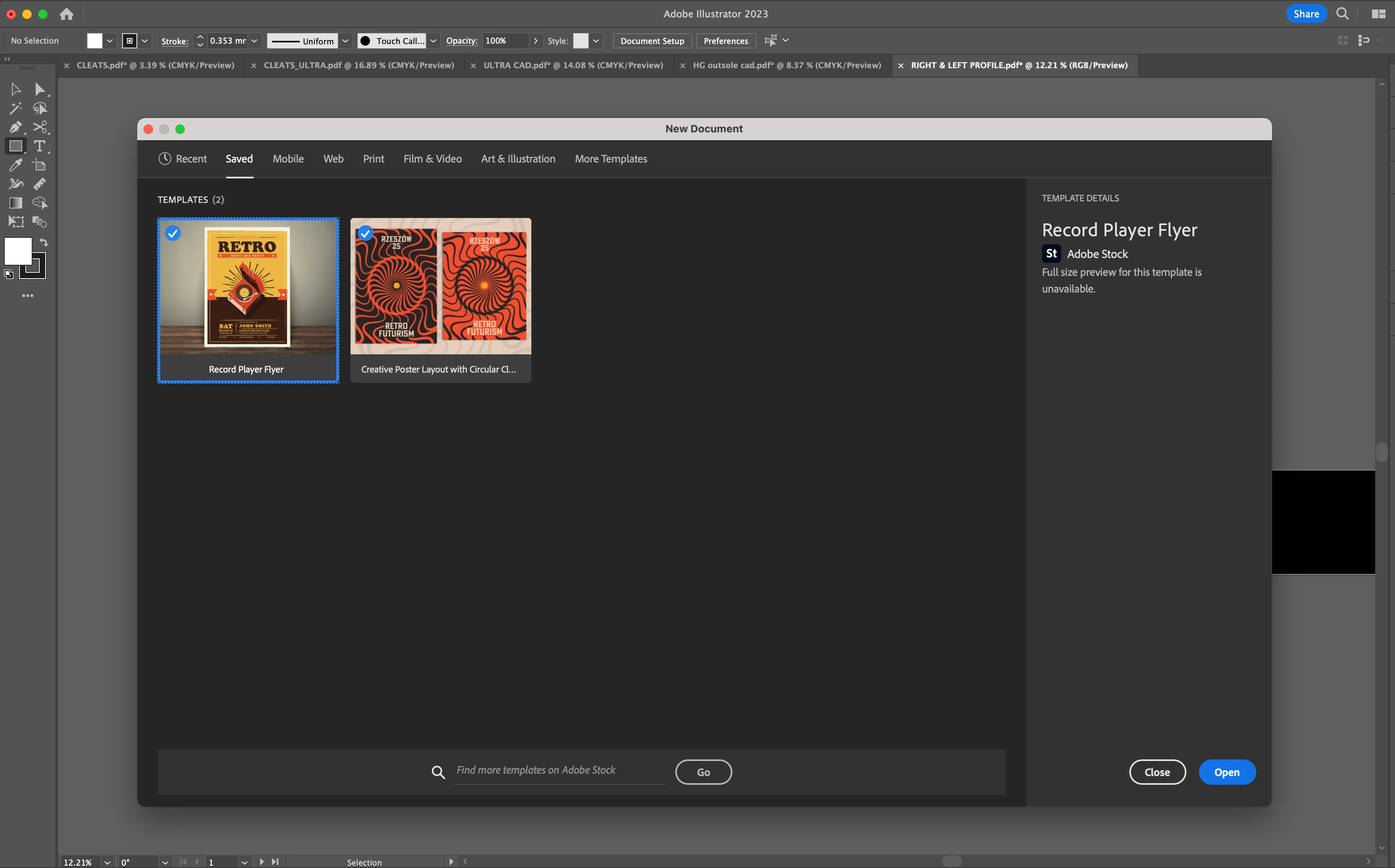
Hi there, I'd love to know how to save a personal template (not one downloaded on Adobe Stock) to the 'Saved' New Document start up page. Does anyone know if this is possible? thanks!

This topic has been closed for replies.
Correct answer Myra Ferguson

Illustrator only saves templates from Adobe Stock there. Here's a thread with more information:

2 replies

Inspiring
January 19, 2023

If you can put up with them being in the Print or Web tabs after clicking the "Show all Presets" button and scrolling down… it is kinda possible to do it. But it's very broken and only works for me some of the time and after 3 or 4 restarts of AI.

1. Open the print.ai or web.ai or filam and video.ai document in the Application/Adobe illustrator [version]/Support Files/New Documents/en_US/ folder
2. Save as to the desktop or somewhere because the folder is locked and you can't invoke admin/sudo from inside the AI app save dialogue (AFAIK). Filename you use will appear as the template/profile name.
3. Copy the saved file to same folder where you opened the original in Finder (you'll need to use admin account and enter password in the popup) from using sudo in terminl:

> sudo cp /Users/yours/Desktop/Ao.ai  /Applications/Adobe\ Illustrator\ \(Beta\)/Support\ Files/New\ Document\ Profiles/en_US 


4. quit AI

5. restart AI (i double click the new tempalte file to help AI know it is there 😉 )

6. quit AI

7. restart AI 

8. quit AI

9. restart AI 

10. quit AI

11. restart AI

12. quit AI

13. restart AI 

14. File> New File

15. select Print tab
16. click "Show all presets" button
17. The template should be there by now.

Inspiring
January 19, 2023

if it works (look for the A0 preset):


folder where the tempates that ship with AI live:


The wont show up in the Page tool document size dropdown menu thuogh 😞


An this whole process only works some of the time for me. double-sad.

I can't delete the obselete preset documents I made by deleting the .ai files in that older. triple-sad. 😞 😞 😞

Inspiring
January 19, 2023
Myra Ferguson
Community Expert
Myra FergusonCommunity ExpertCorrect answer
Community Expert
November 5, 2022

Illustrator only saves templates from Adobe Stock there. Here's a thread with more information:

Participant
November 6, 2022

Thank you Myra