

Saving SVG filters to Illustrator – MAC
I wanted to add a custom SVG filter to Illustrator by following instructions found in the first note here.

I had to find the appropriate equivalent path on my Mac which was
Macintosh HD/Applications/Adobe Illustrator 2020/Support Files/Resources/en_US/Adobe SVG Filters.svg
I was able to add the filter, save the file in sudo, and yet the filter is not showing up in my effects panel.
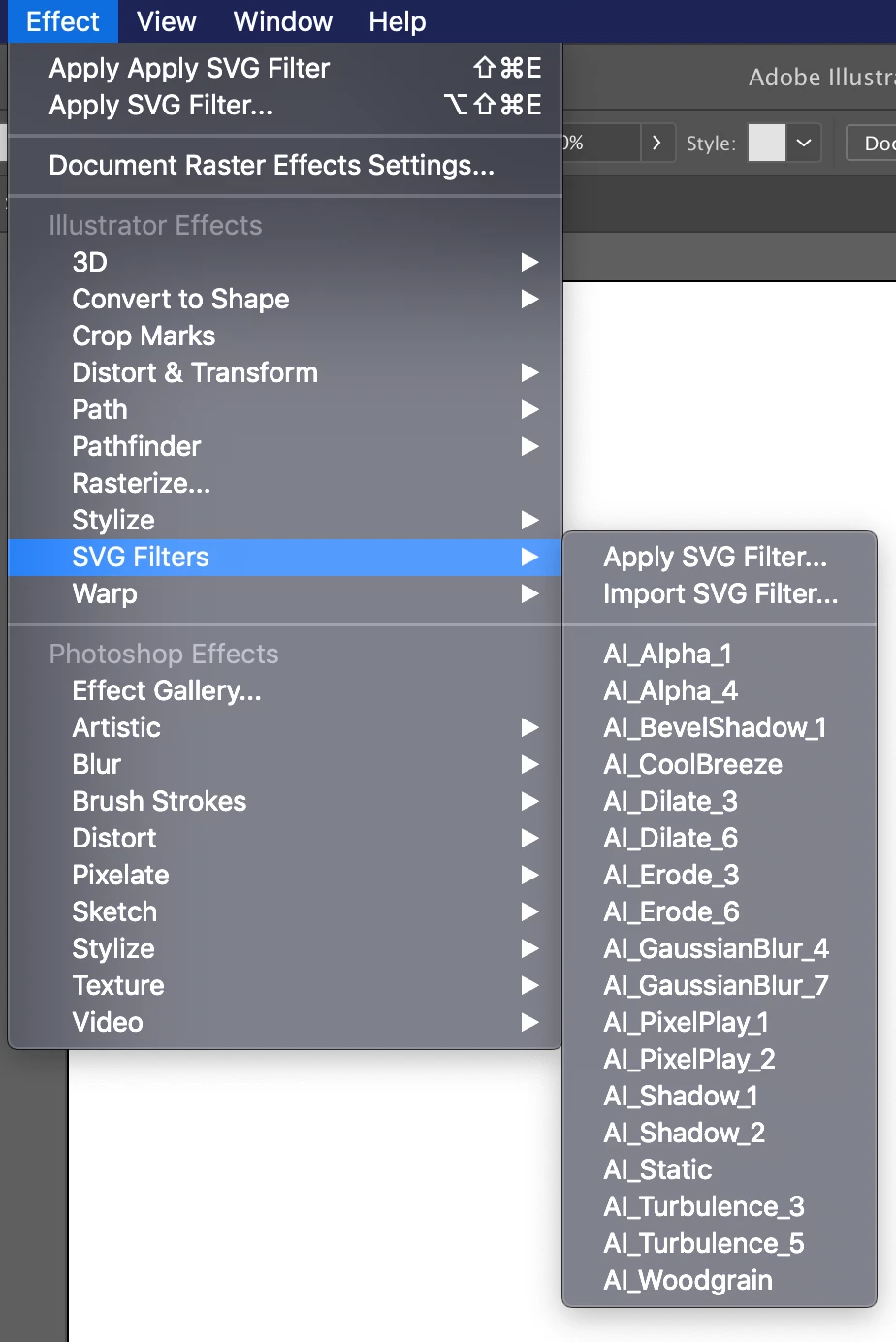
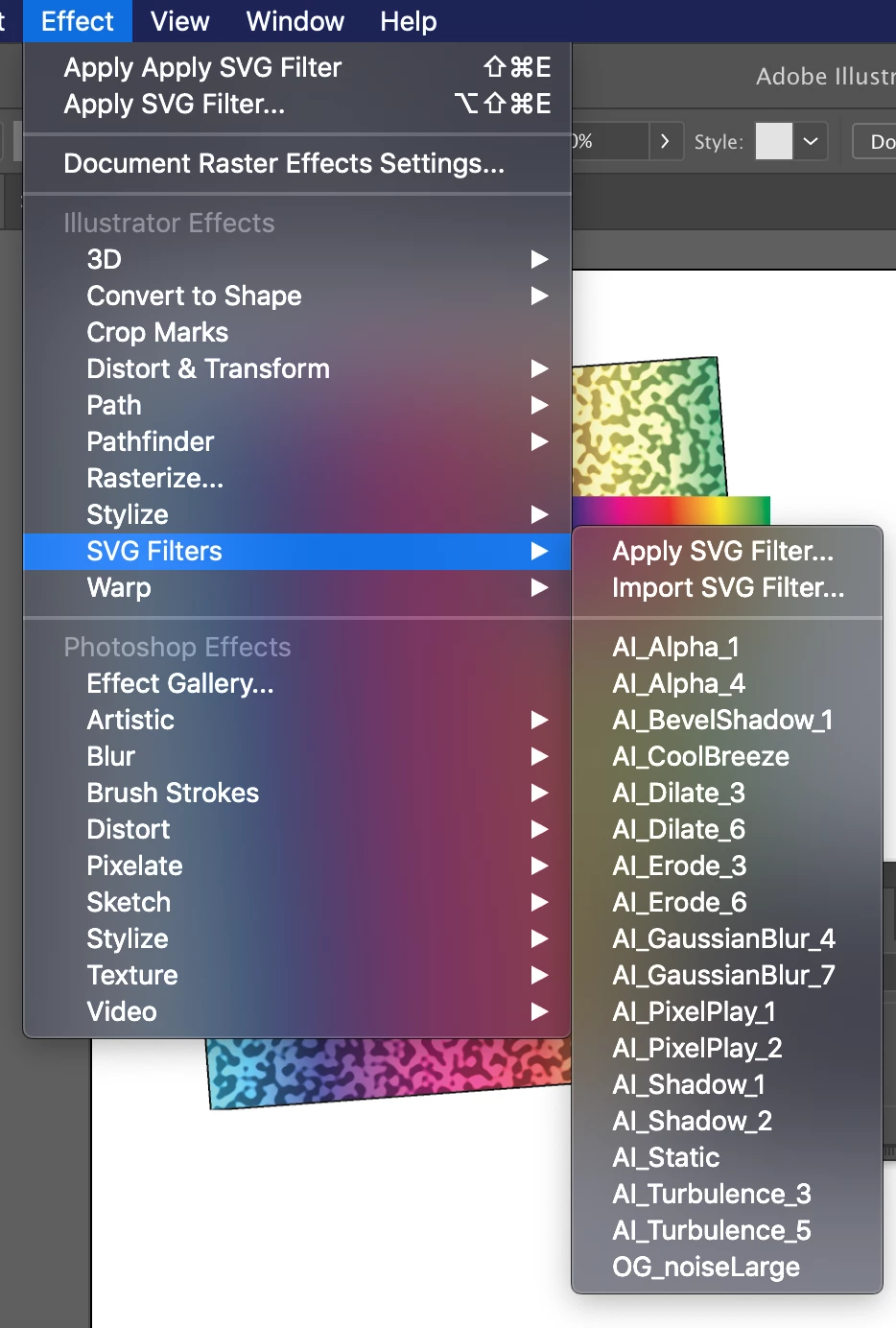
Only when I select the Import SVG Filter... option does the filter apprear in the dropdown option list – see the last filter option, OG_NoiseLarge. It works as expected. However, it only persists in that single file. OG_NoiseLarge is not available as a default when I start a new document. I restarted Illustrator, my computer, cleared the application cache, and spoke to customer service 4 times to troubleshoot...
HALP. also, Adobe why are you so lame?
 AdChoices