I have already dealt with the overprint and wrote exactly as you 🙂
As for the outline, adding what you wrote seems to have solved the problem. Thank you for help.
I added a bit more to the code, added the input from which number the elements should be counted, and if I want them in the color of the additional sample, I give the name (if not, they should be black) - I'm just wondering if it can be better solved
Would you be able to give me a skeleton code for drawing crosses to add them also centrally in the middle (vertical and horizontal), and at the top and bottom at 7mm distance from the object?
More specifically, it's about adding a cross
- a cross in the center of X and Y in line with those on the sides (as an if option, but I can handle it)
- two crosses in the X axis in the center of the object, and Y at the top at a distance of 7mm from the object, and at the bottom
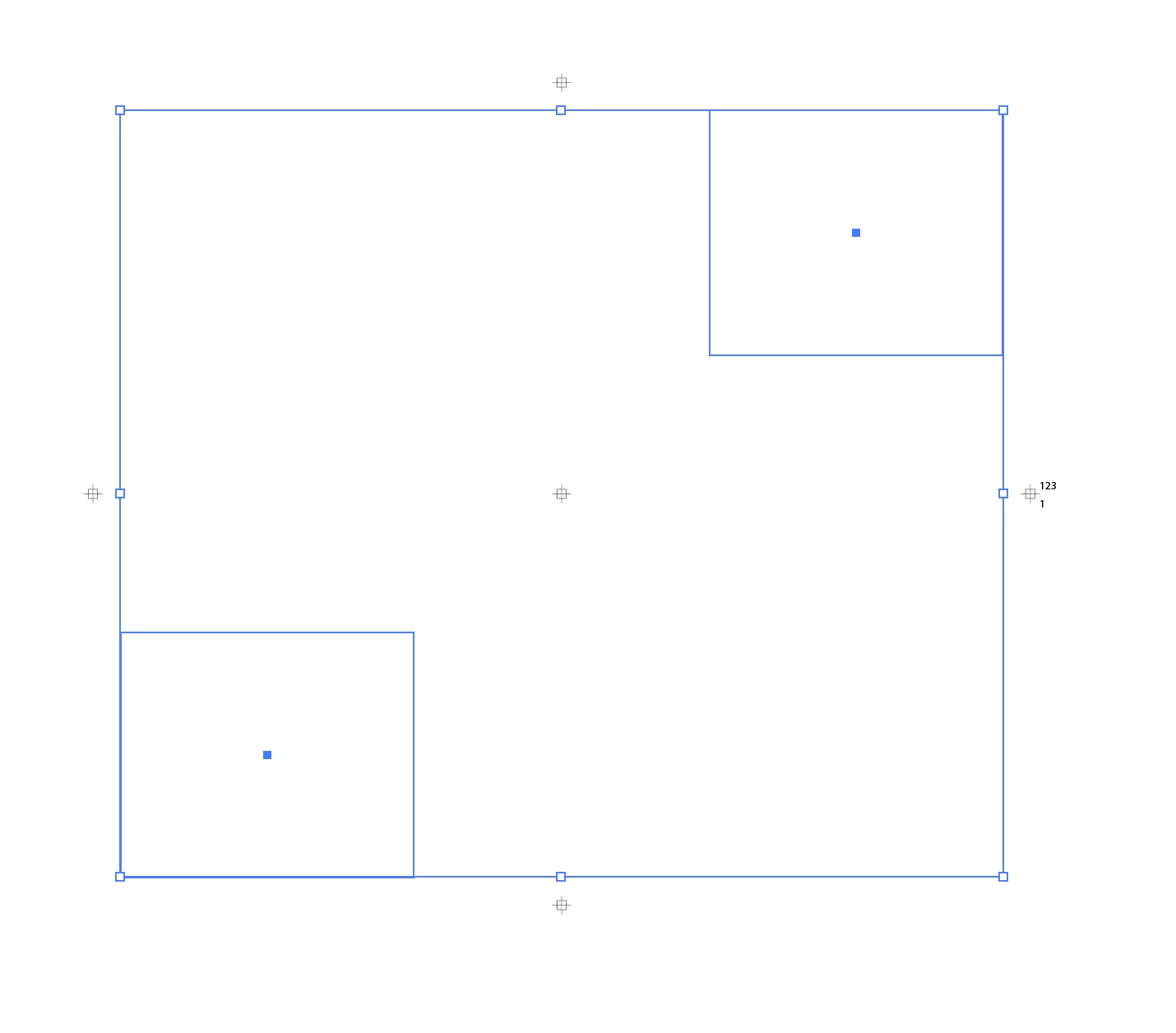
For all five crosses:
var w = 7 * 2.835;
var gap = w;
var doc = app.activeDocument;
var color = new CMYKColor();
color.black = 100;
for (var i = 0; i < app.selection.length; i++) {
    if (app.selection[i].typename == "GroupItem") {
        var b = app.selection[i].geometricBounds;
        var y = b[1] + ((b[3] - b[1]) / 2);
        var x1 = b[0] - gap - w / 2, x2 = b[2] + gap + w / 2;
        var x = b[0] + ((b[2] - b[0]) / 2);
        var y1 = b[1] + gap + w / 2, y2 = b[3] - gap - w / 2;
        function draw(top, left, w, p1, p2) {
            var square = doc.pathItems.rectangle(top, left, w, w);
            var line1 = doc.pathItems.add();
            line1.setEntirePath([[p1 - w, p2], [p1 + w, p2]]);
            var line2 = doc.pathItems.add();
            line2.setEntirePath([[p1, p2 - w], [p1, p2 + w]]);
            square.strokeWidth = line1.strokeWidth =
                line2.strokeWidth = 1;
            square.strokeColor = line1.strokeColor =
                line2.strokeColor = color;
            square.filled = false;
        }
        draw(y + w / 4, x1 - w / 4, w / 2, x1, y);  // R
        draw(y + w / 4, x2 - w / 4, w / 2, x2, y);  // L
        draw(y1 + w / 4, x - w / 4, w / 2, x, y1);  // top
        draw(y2 + w / 4, x - w / 4, w / 2, x, y2);  // bottom
        draw(y + w / 4, x - w / 4, w / 2, x, y);  // centre
    }
}



 AdChoices