

Answered
Selection Tool Icon Changes
Dear All,
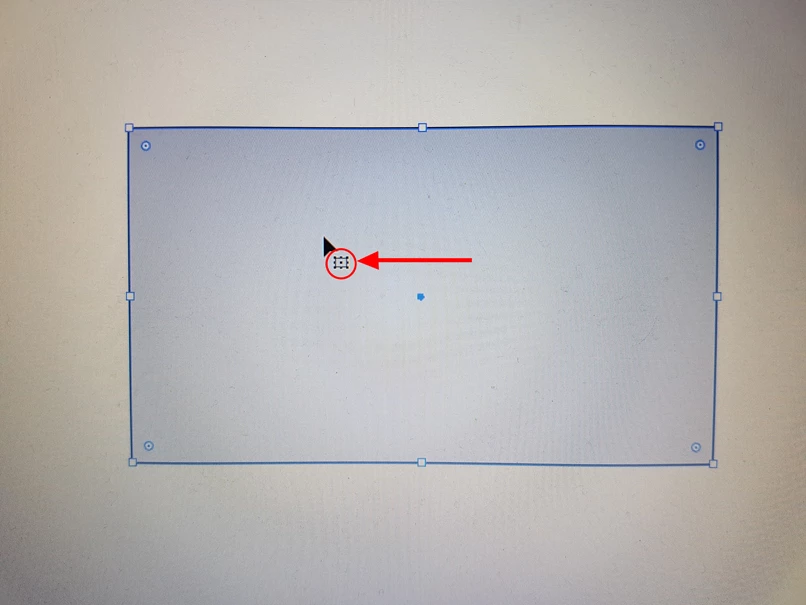
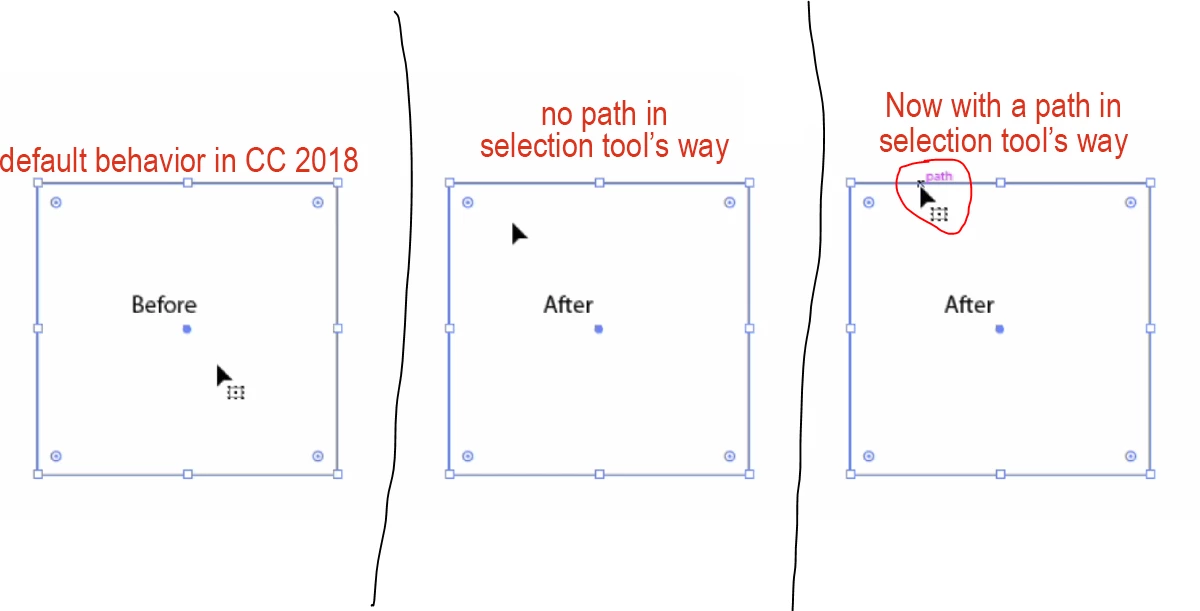
When I use "Selection Tool" and select an object or a group of objects in illustrator, this rectangular symbol displays under cursor. I want to remove it and see standard "Selection Tool" black cursor without this rectangular symbol.
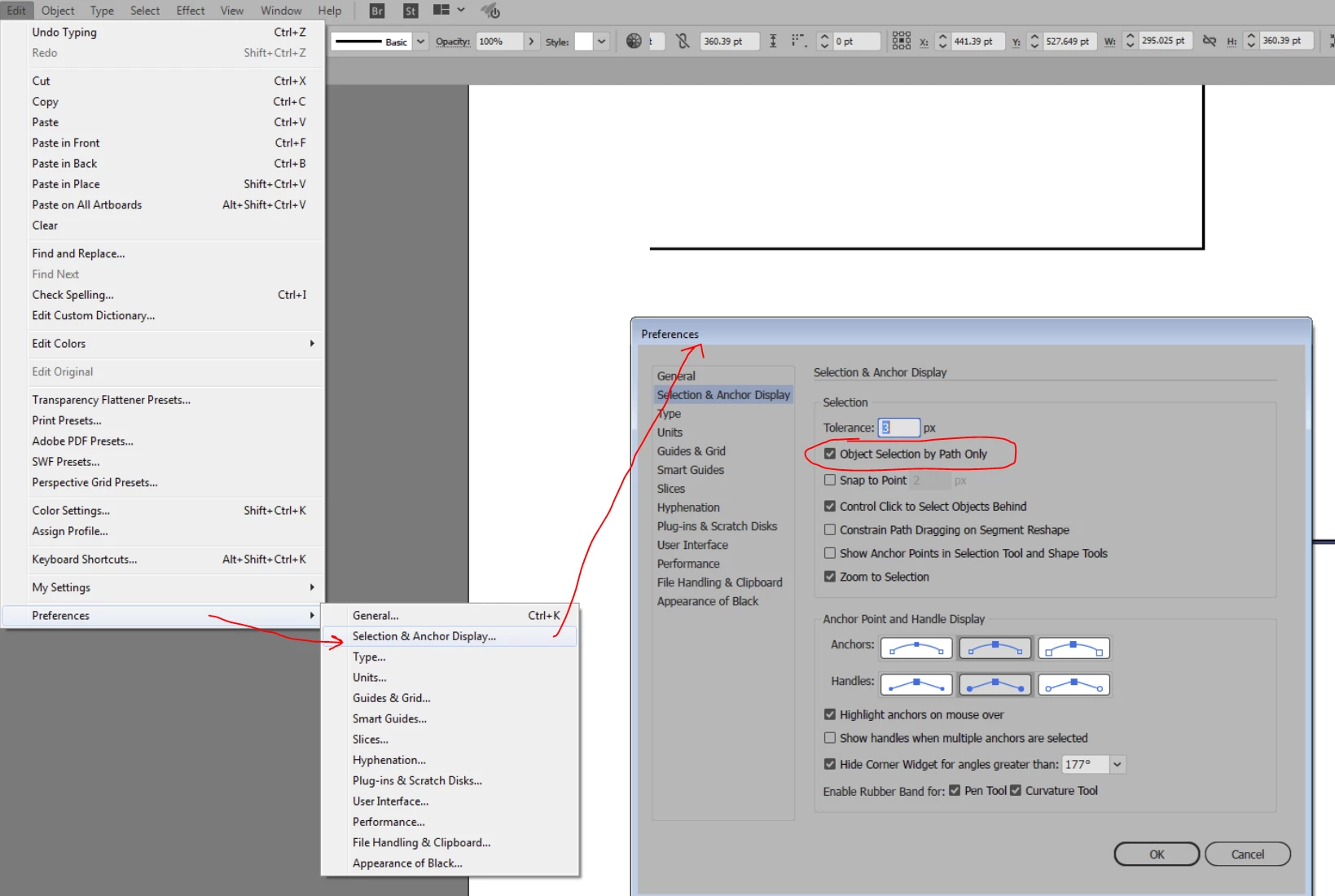
How can I remove this symbol ?
Which function close or activate this ?
Is this standard "Selection Tool" black cursor for illustrator 2018 CC ?
 AdChoices