
Question
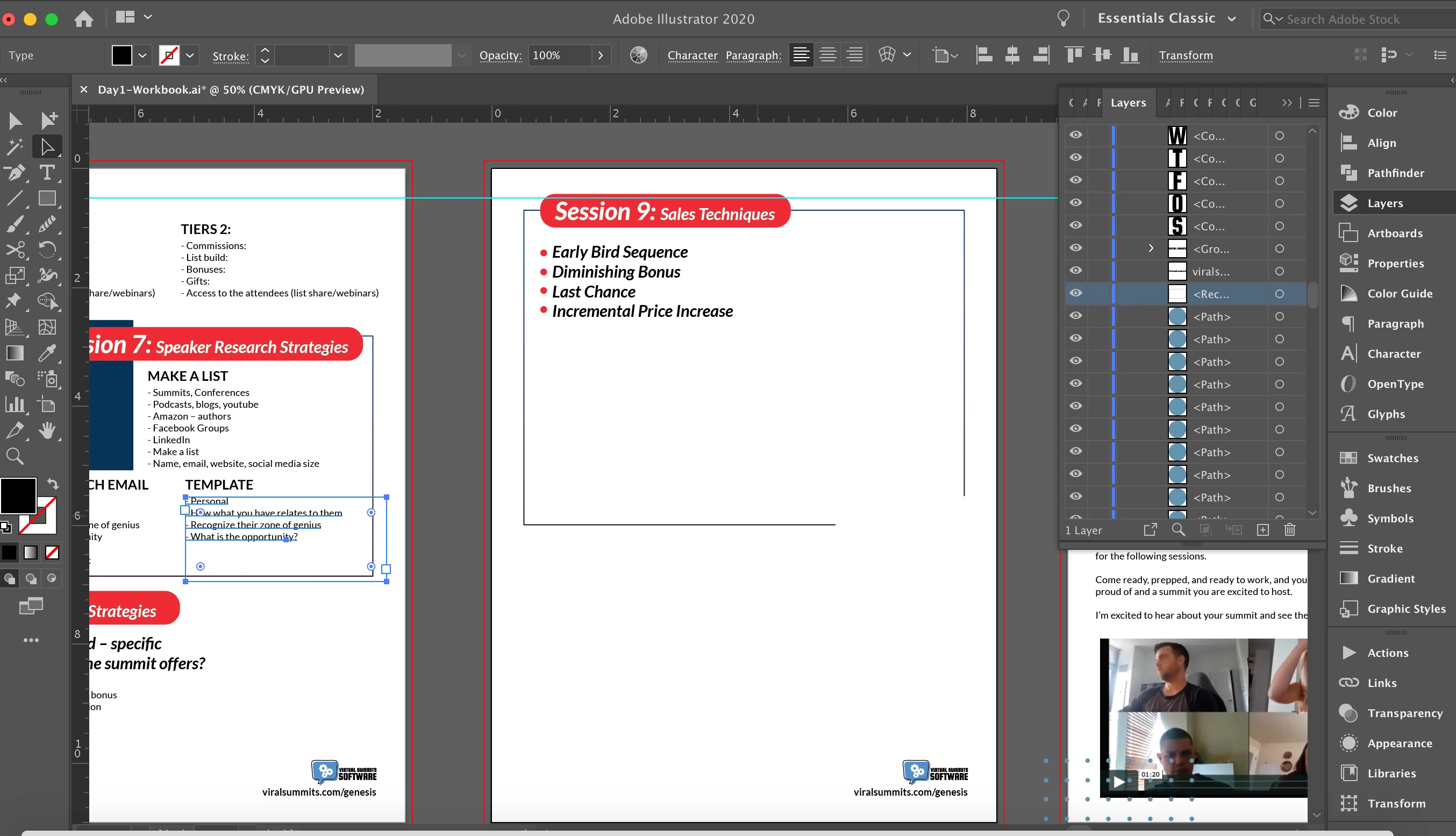
Selection tool selecting the wrong text boxes / Text box is apparently larger than the bounding box?
I am working on creating text-heavy PDFs/ebooks and for some reason my Selection Tool for text boxes isn't working.
I can click each text box individually, but if I go to drag my mouse to select multiple objects, it selects textboxes that aren't even close to the objects I'm selecting.
Below is a screenshot and here is a screen recording: https://www.dropbox.com/s/c7idgy7gaz9pwln/AdobeIllustrator%20-%20Selection%20Tool%20Problem.mov?dl=0
 AdChoices