Participant
December 28, 2020
Answered

Selection tool

  • December 28, 2020
  • 2 replies
  • 337 views

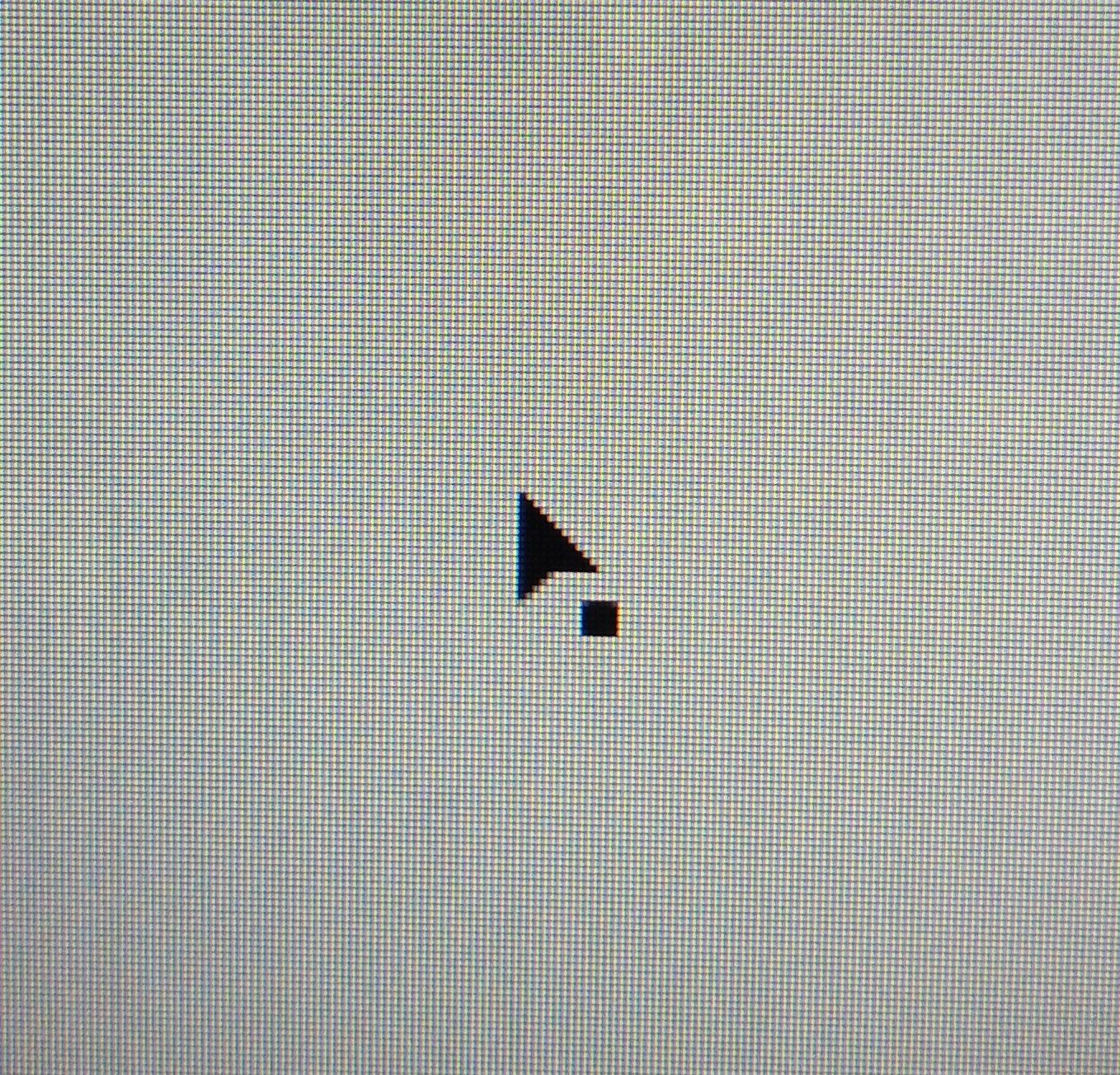
Здравствуйте. Под стрелкой Selection tool появился маленький квадратик. Как его убрать? 
This topic has been closed for replies.
Correct answer Bill Silbert

That square appears when your selection tool cursor is either touching or within a selectable (not locked) object. It becomes an open square when touching or within an object that has been selected. This feature can be handy for identifying objects that are locked since it will not appear when touching or within locked items. There is absolutely no need (or way) to disable it.

2 replies

Ashutosh_Mishra
Inspiring
January 2, 2021

Hi there,


Thanks for reaching out. In addition to the helpful response given by Bill, I'd recommend checking out this help article(https://helpx.adobe.com/in/illustrator/using/selecting-objects.html) to know more about selecting objects in Adobe Illustrator.

Hope it helps.


Regards,

Ashutosh

Bill Silbert
Community Expert
Bill SilbertCommunity ExpertCorrect answer
Community Expert
December 29, 2020

That square appears when your selection tool cursor is either touching or within a selectable (not locked) object. It becomes an open square when touching or within an object that has been selected. This feature can be handy for identifying objects that are locked since it will not appear when touching or within locked items. There is absolutely no need (or way) to disable it.
