
Participant
March 2, 2017
Question

Setting Default Character Set

  • March 2, 2017
  • 2 replies
  • 357 views

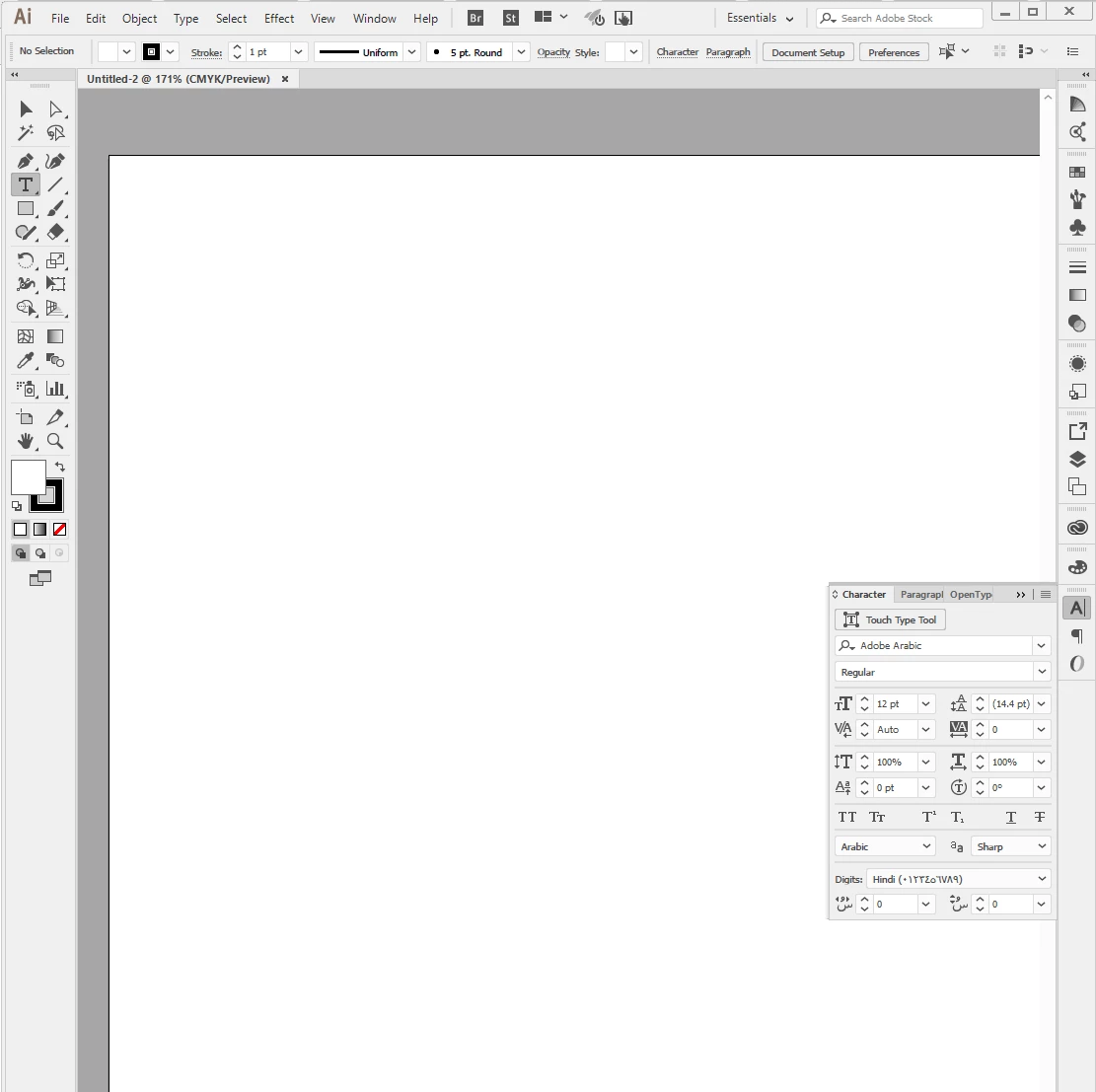
Hi All, ever since I updated my AI, PSD and INDesign the default font is set to Adobe Arabic, causing lag and other issues. I've reset prefs, tried finding and deleting Arabic fonts on my computer, I've changed the default language to English and it still comes up as the default font. See attached image.

Does anyone know how to I can fix this?
This topic has been closed for replies.

2 replies

Mike_Gondek10189183
Community Expert
Community Expert
March 2, 2017

How are you encountering this, form a new file or new file from a template?

Check your cloud prefs. If they were in arabic when you installed, change to english and reinstall Illustrator.

Participant
March 2, 2017

So I found a way to change the base templates in the hidden folders, but it doesn't change the language in the character window..

How to Change the Default Font in Adobe Illustrator: 8 Steps