
Exit
  • Global community
    • Language:
      • Deutsch
      • English
      • Español
      • Français
      • Português
  • 日本語コミュニティ
  • 한국 커뮤니티
0

Shape builder creates a gap between objects. How to prevent that?

Explorer ,
Nov 07, 2025 Nov 07, 2025

I have the letter M. I right click and "Create Outlines". Then I use the Line Segment tool and the shape builder tool to cut a certain part of the letter and separate it into a new layer. But here is the thing: I never move anything. Still... a tiny gap is created.
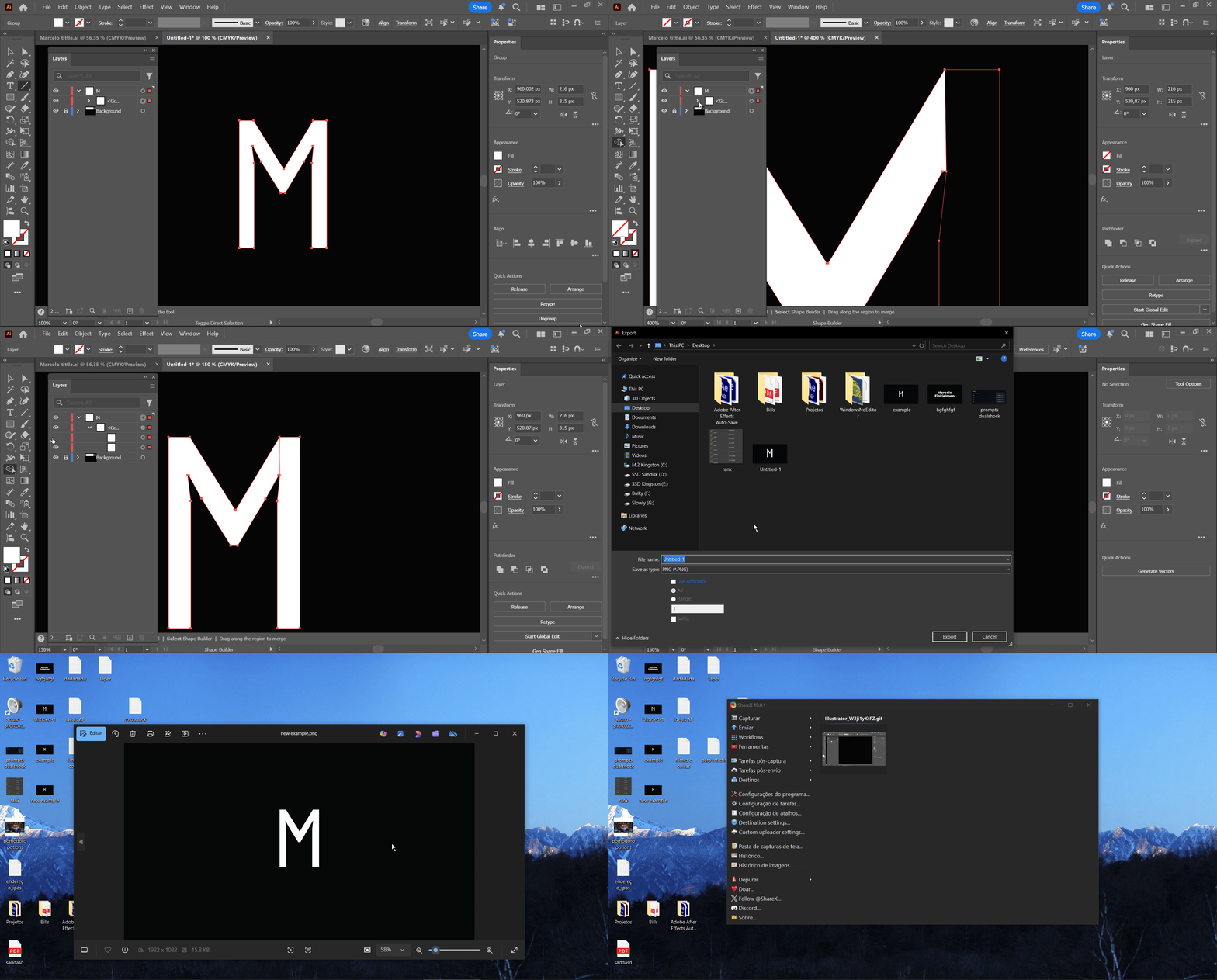

 

3BjxgJXzLQ.gif


gafas.png


That thin gap! How do prevent it?

TOPICS
How-to
82
Translate
Report
Community guidelines
Be kind and respectful, give credit to the original source of content, and search for duplicates before posting. Learn more
community guidelines

correct answers 1 Correct answer

Community Expert , Nov 08, 2025 Nov 08, 2025

Can you try Art Optimized when exporting?

Translate
Adobe
Community Expert ,
Nov 08, 2025 Nov 08, 2025

Can you try Art Optimized when exporting?

Translate
Report
Community guidelines
Be kind and respectful, give credit to the original source of content, and search for duplicates before posting. Learn more
community guidelines
Community Expert ,
Nov 08, 2025 Nov 08, 2025
LATEST

That doesn't look like an antialiasing issue.


Can you enlarge the whole construct and then zoom in? Could be that you produced a tiny loop when moving the anchor point and then didn't close that.

Translate
Report
Community guidelines
Be kind and respectful, give credit to the original source of content, and search for duplicates before posting. Learn more
community guidelines