
Answered
Shape Builder tool extends line past shape when trying to change color
I have a maddening issue with Illustrator's shapebuilder tool.
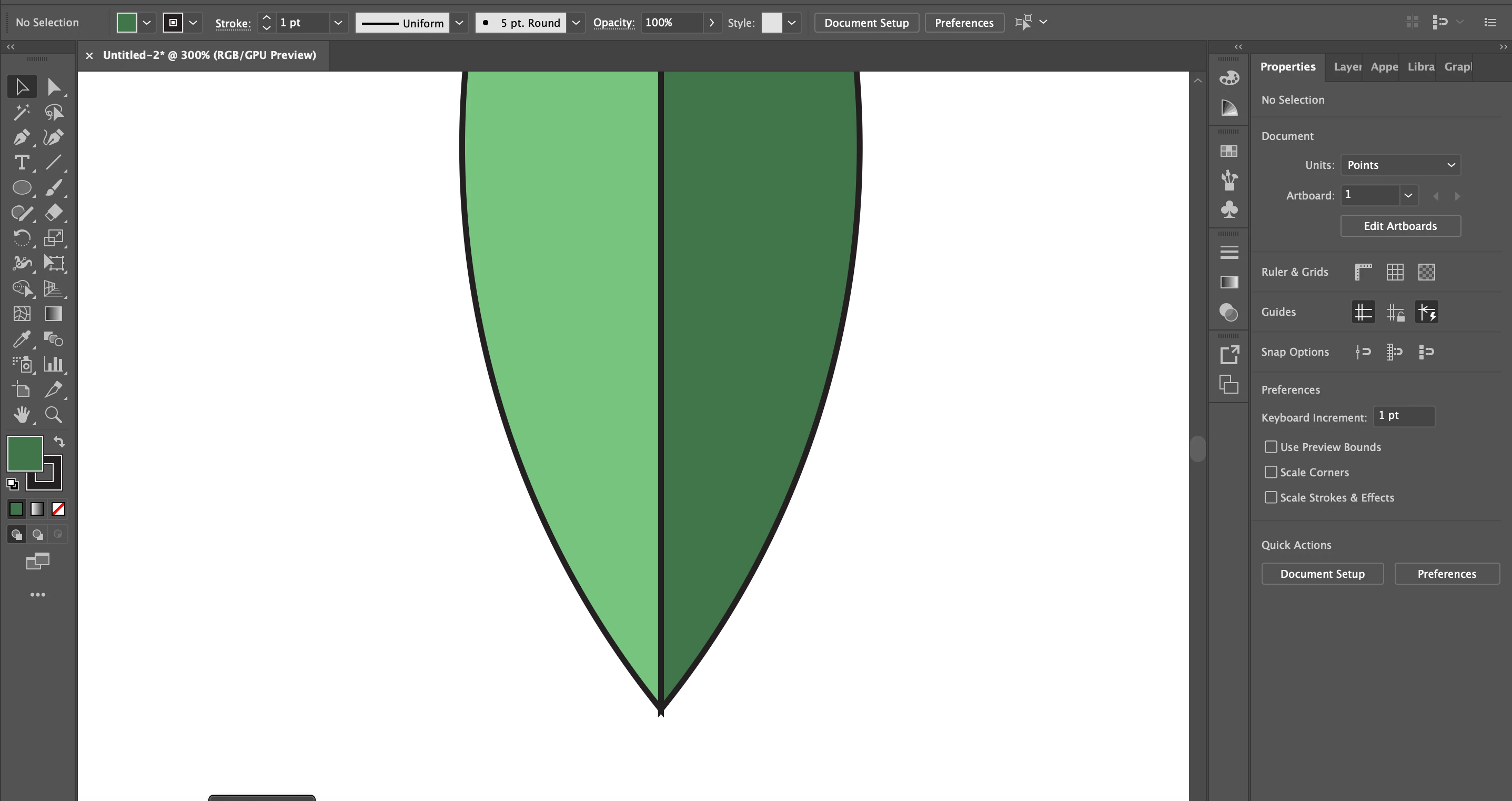
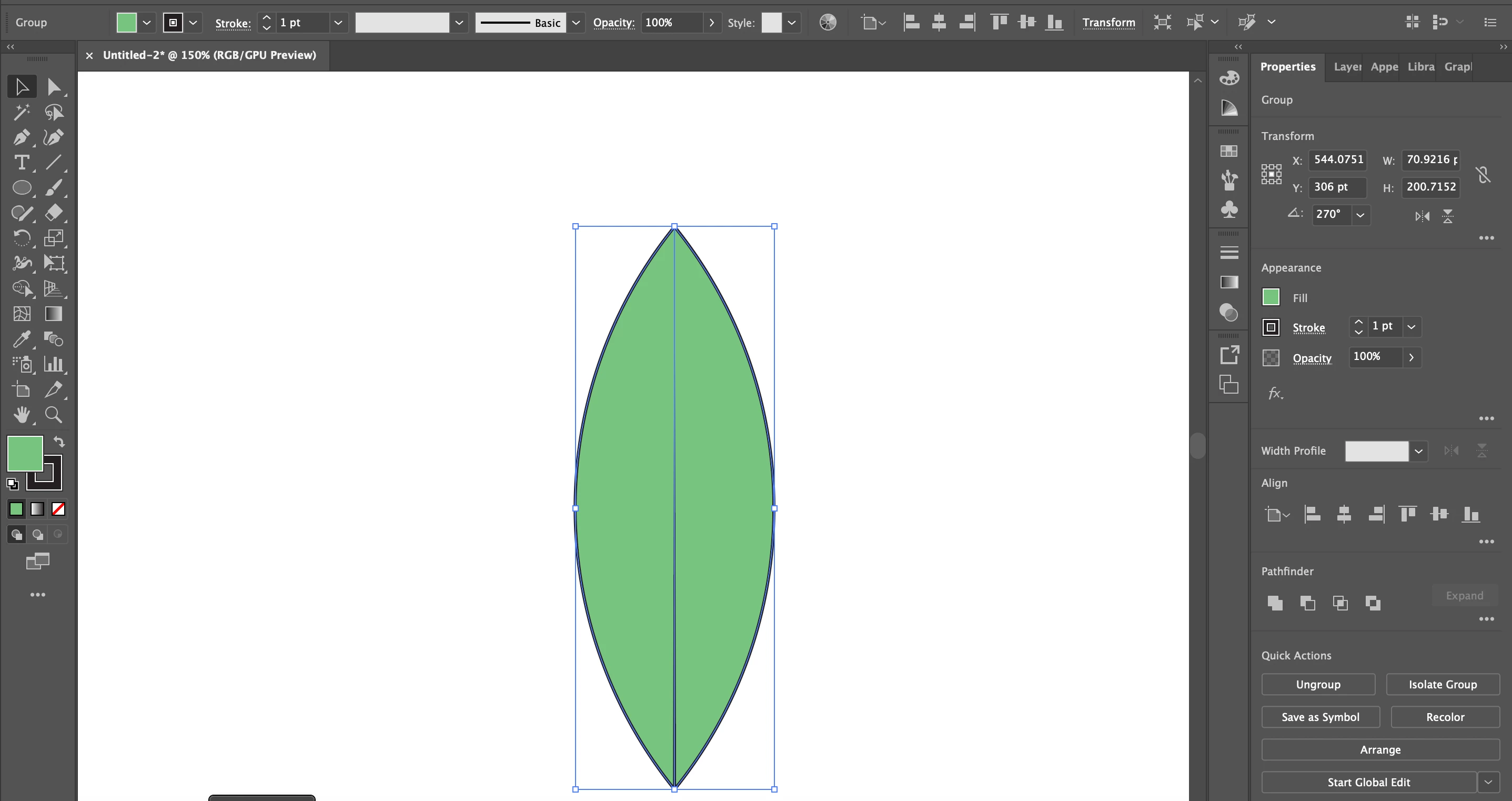
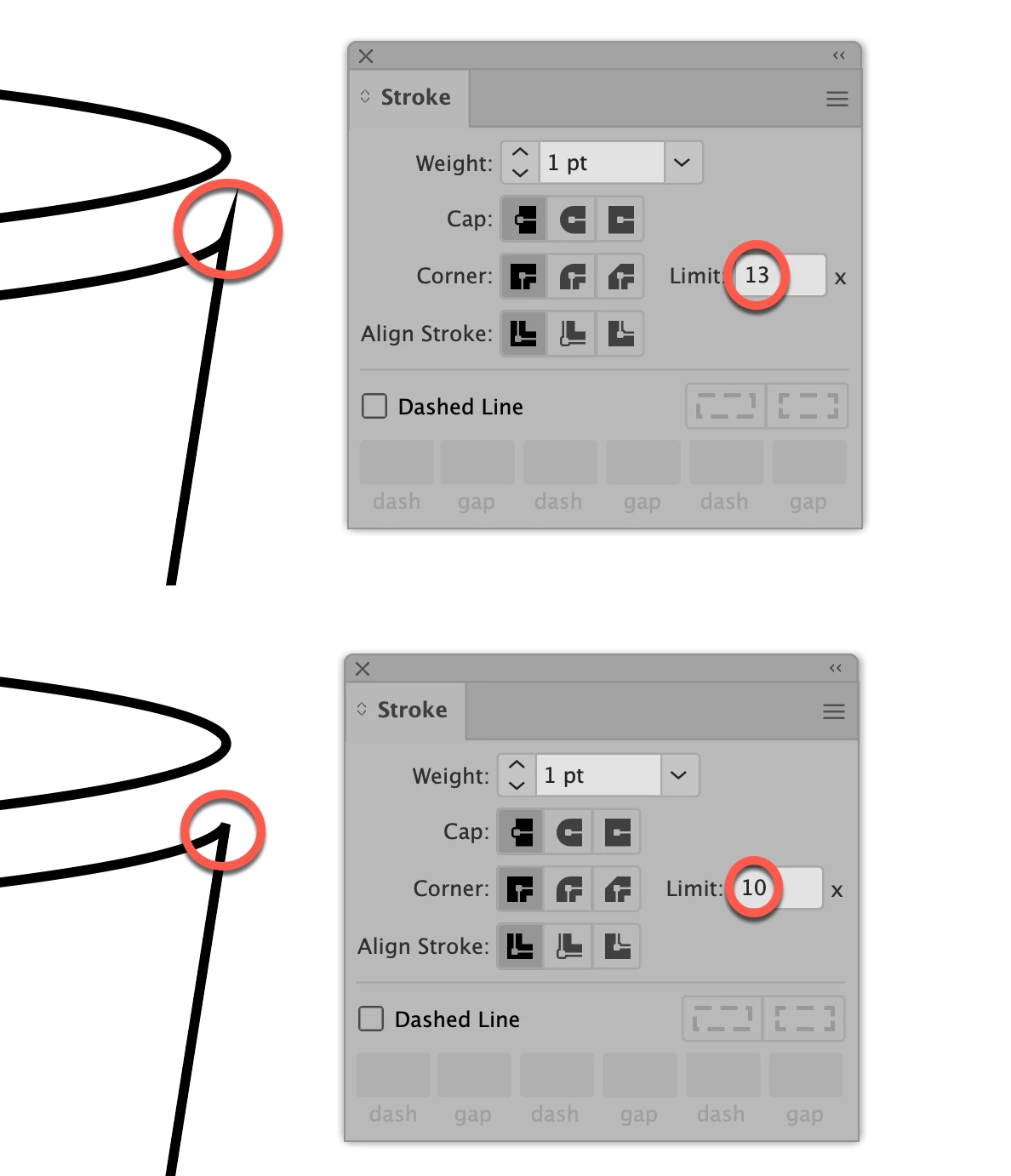
I've created a compound shape with two circles and a tapered line down the middle. I'm attempting to darken the color on the right using the Shape Builder tool. I select the shape, switch to Shape Builder tool, darken the color, click on the right side. When I click on the right side of the shape to change the color, the center line extends out past the shape (see images below). I've tried changing the corner and align stroke settings in hopes it would keep the line from pushing out past the shape. Any help or suggestions would be awesome.
Cap: Buttcap
Corner: Miter join
Align Stroke: Align stroke to center
Stroke: 1 pt
 AdChoices