

Shape builder tool makes clean end points overextend
When I create 'intricate' (for me, a beginer) graphics. I'll create an outline of the object with lines first, and then copy and paste so I have the origional. With the copy I'll continue working, using the Shape Builder Tool (Shift+M) to create solid object that I can then colour, texture, or do whatever else with. However, I often run into the issue where previously clean edges on sharp angles extend and overlap when I turn the outline into objects. Below is a prime example. I was working on a Ski helmet, and the vents are giving me trouble. Anyone know a workaround or fix of some sort?
Here are the points: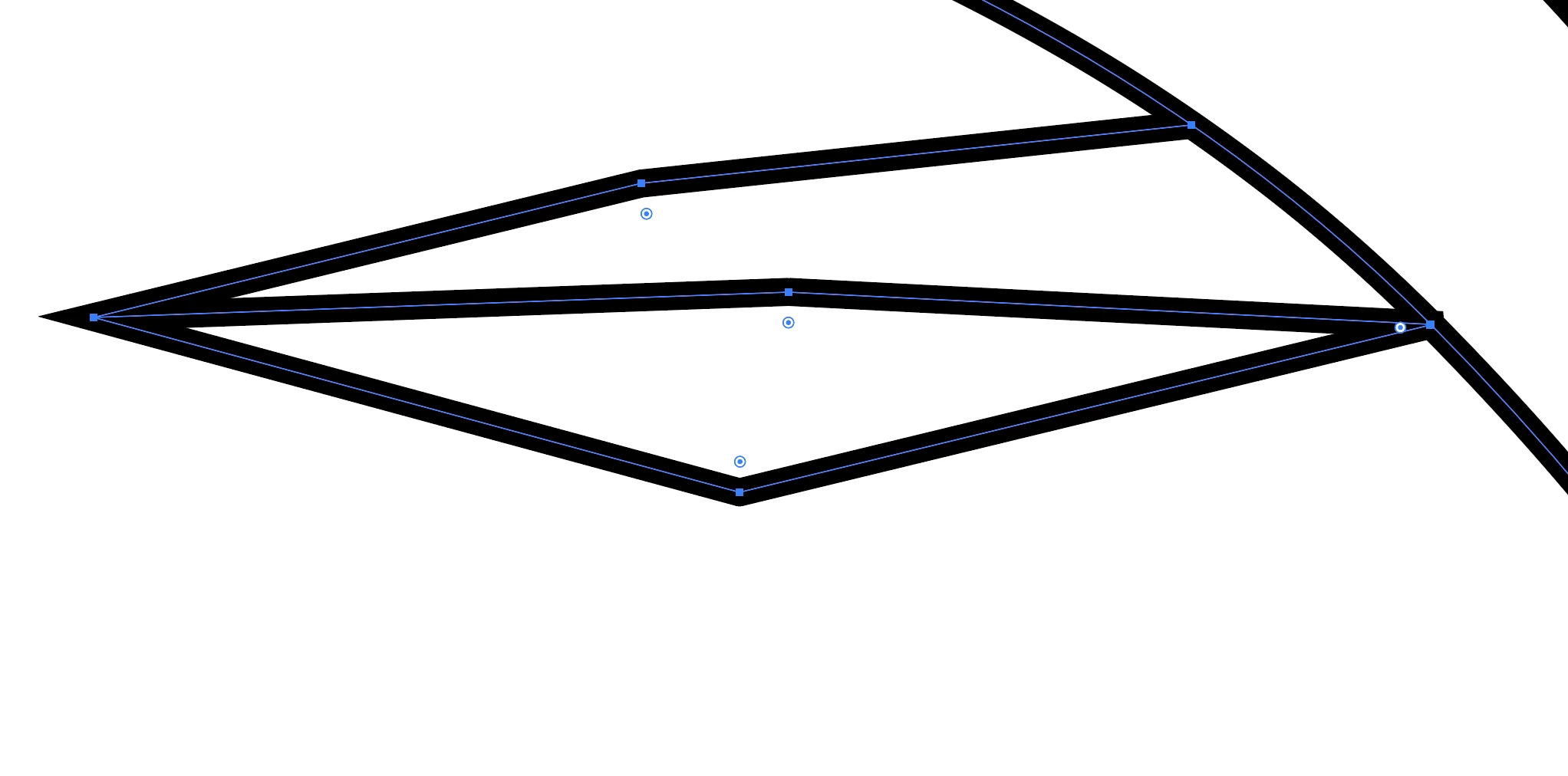 Here is the shape I am going to select and turn into an object using the Shape Buidler Tool:
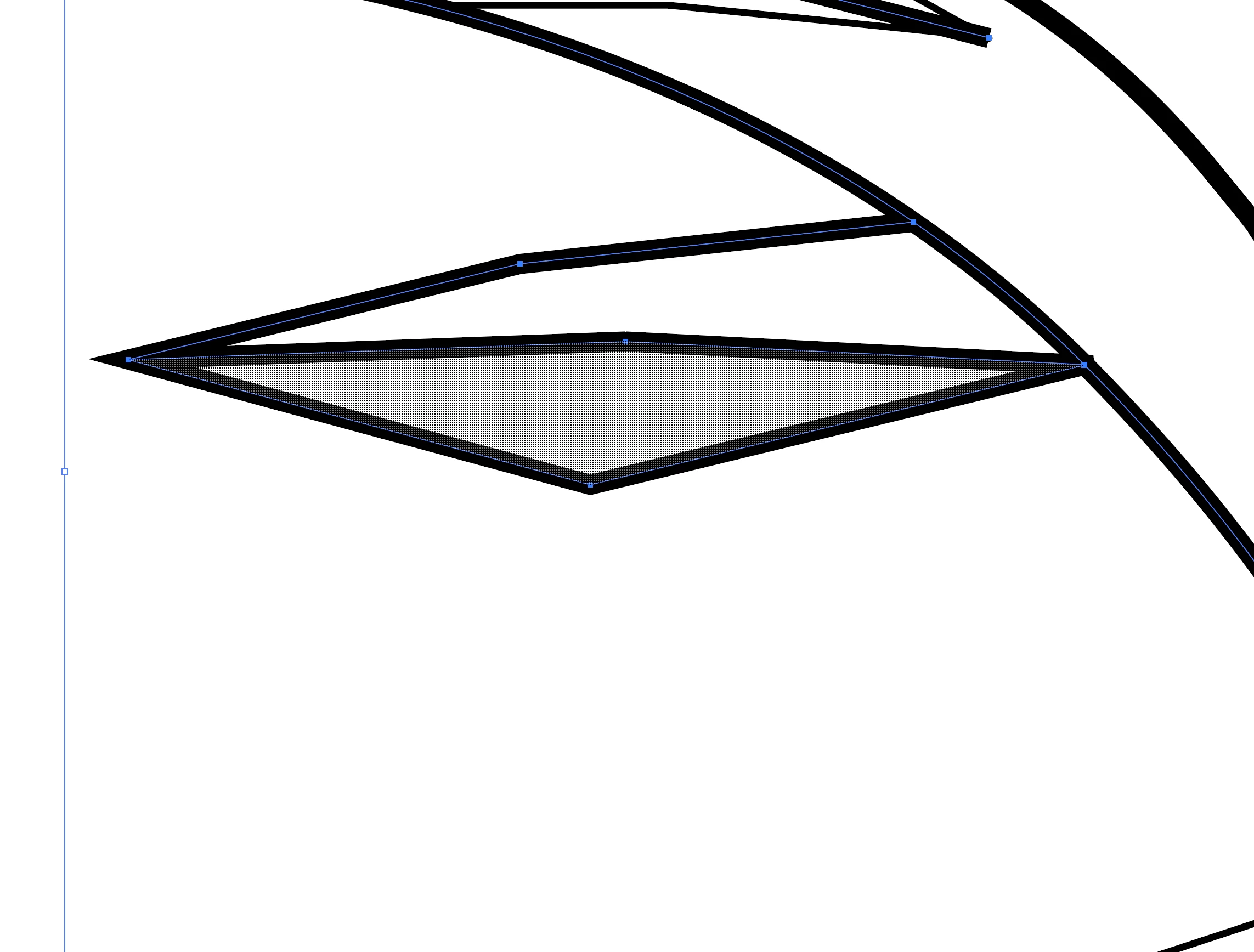 Here we can see the left edge of the new shape has extended greatly in comparison to the outline, protruding the adjacent shape's edge both in length and angle.
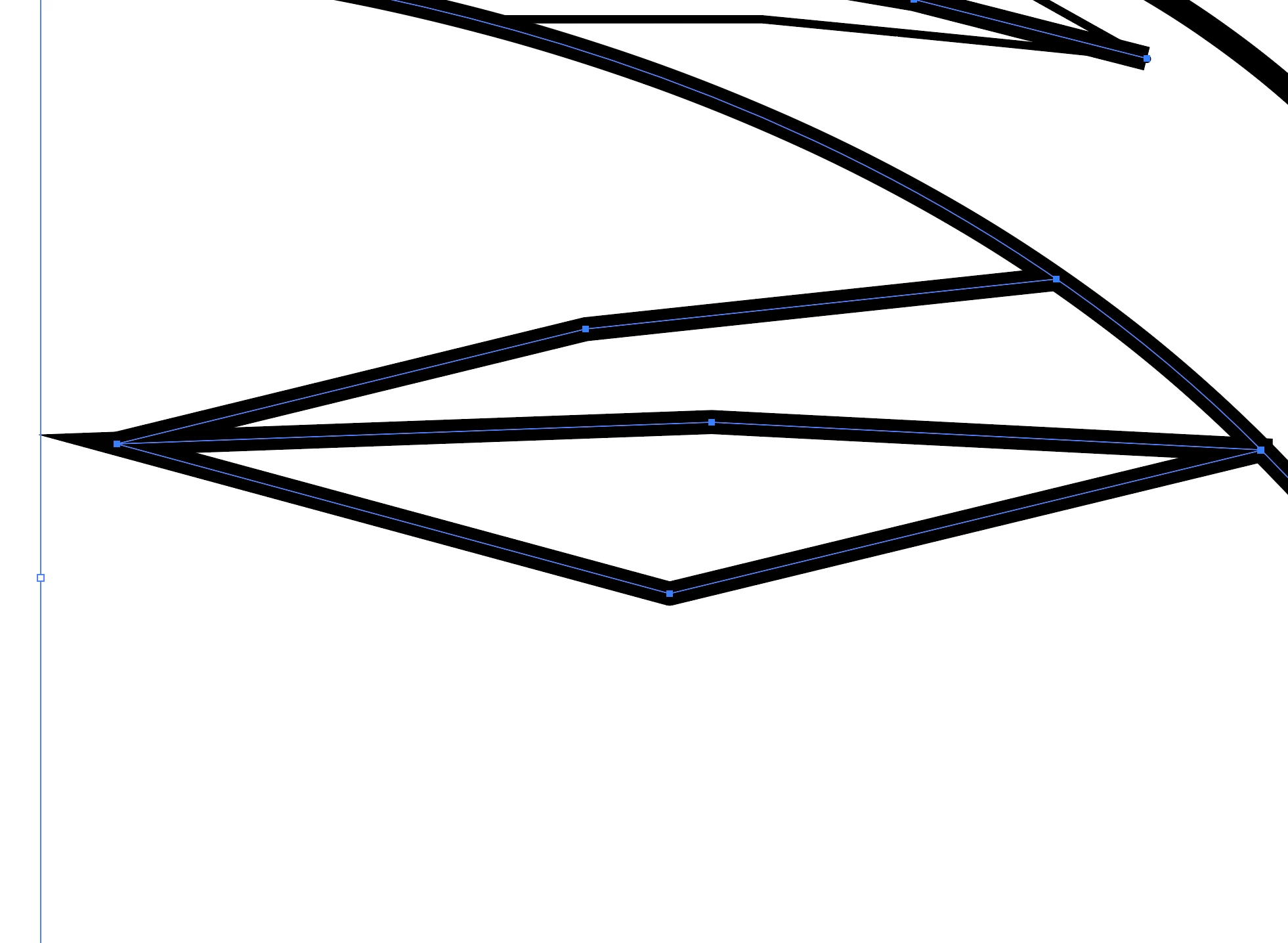 Here is the next shape I'll turn into an object:
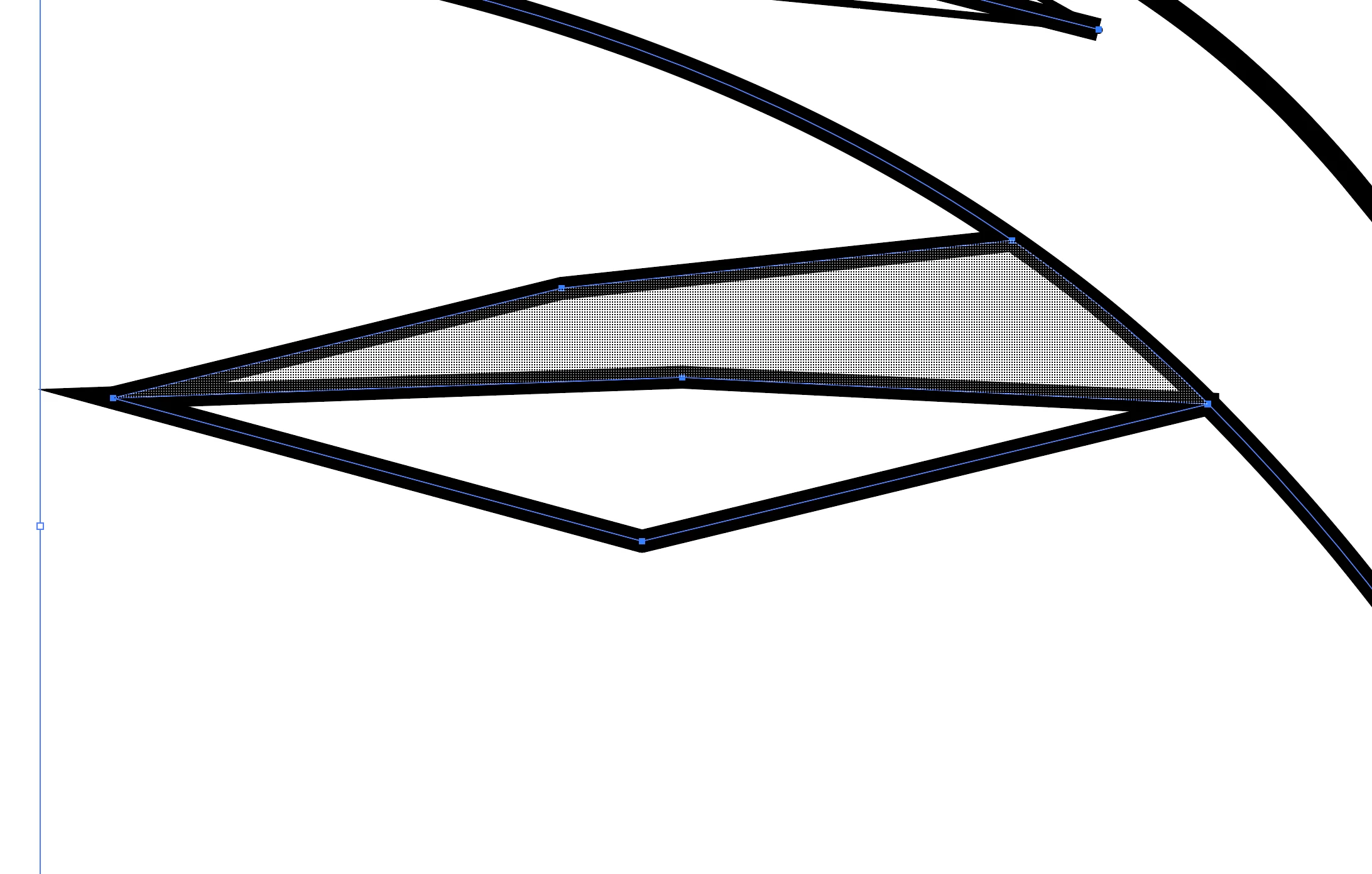 Now with both edges lengthened and angled, the sharp point is no longer clean, even though the point still seem to allign.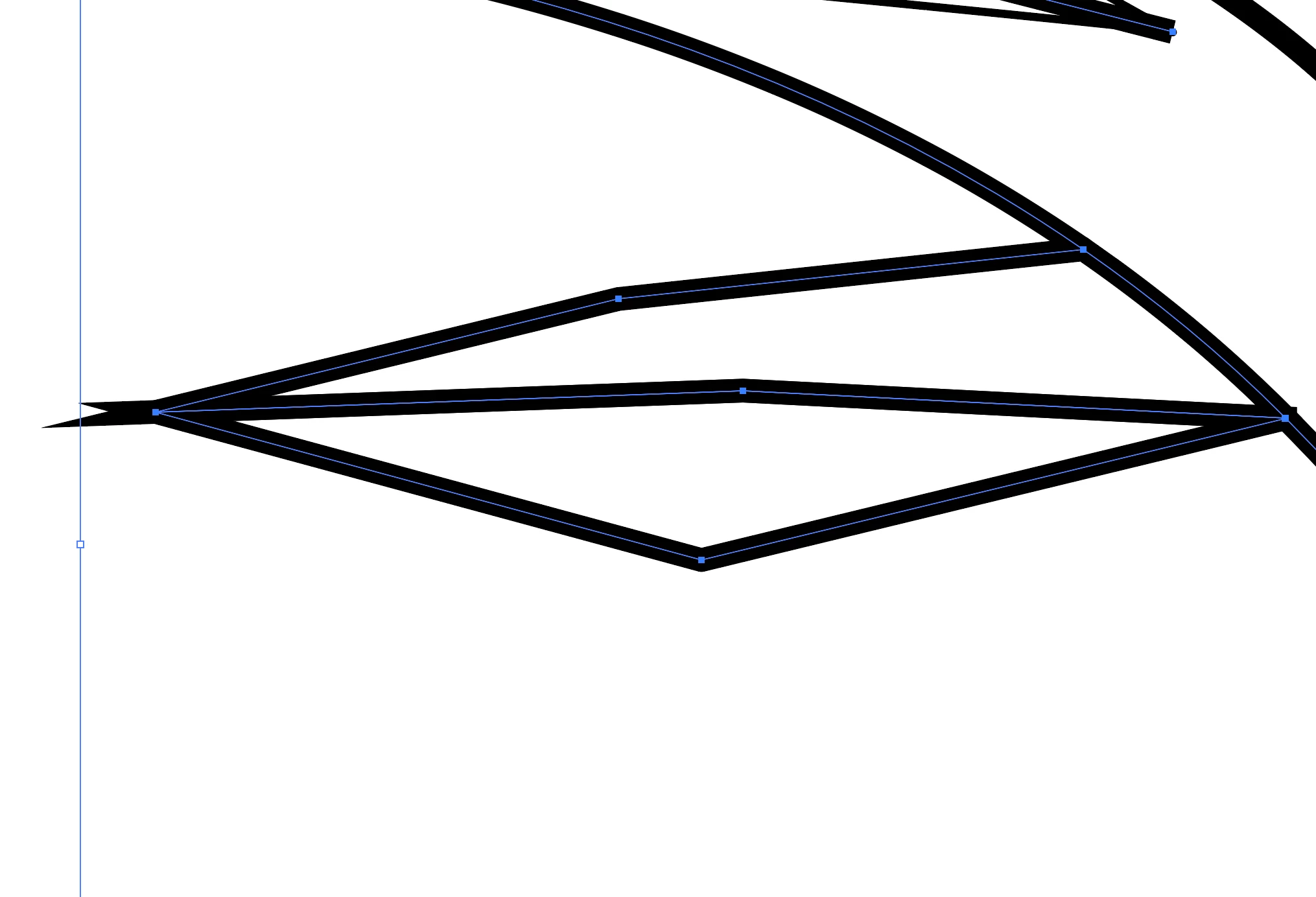
 AdChoices