Participant
April 20, 2021
Answered

Shape for Photo Path

  • April 20, 2021
  • 1 reply
  • 256 views

How do I make a vector shape (logo icon) in Illustrator into a photo 'box' that I can then pull into InDesign and have photos placed into it show in the shape? I'll be using the shape for multiple different photos so am trying to create an element that can have different photos on different pages.
This topic has been closed for replies.
Correct answer Mike_Gondek10189183

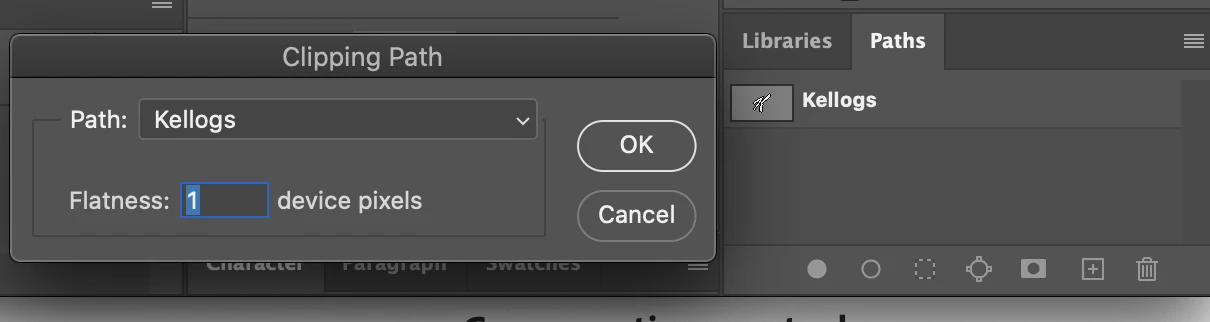
In Photoshop save an image with a clipping path.


Import into InDesign

Then use Object >> Clipping path >> Convert to Frame

Option drag a copy of that

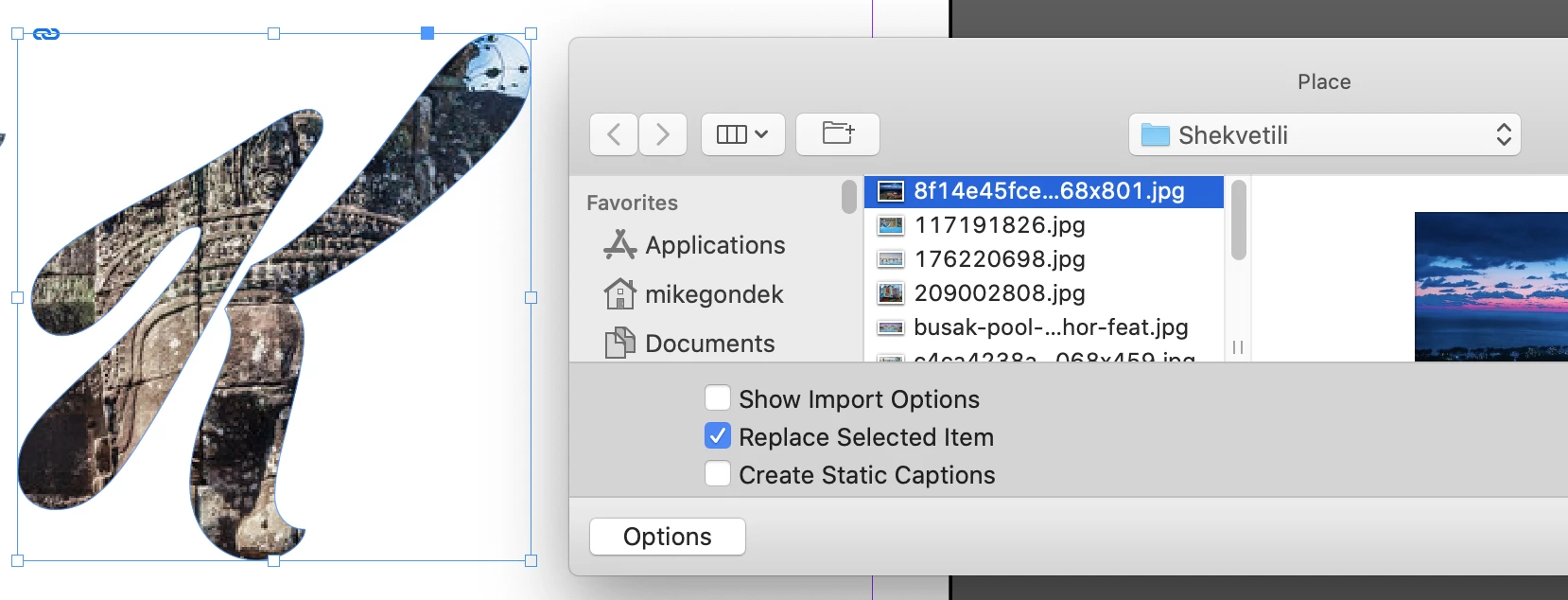
Command D to place (Choose replace item)


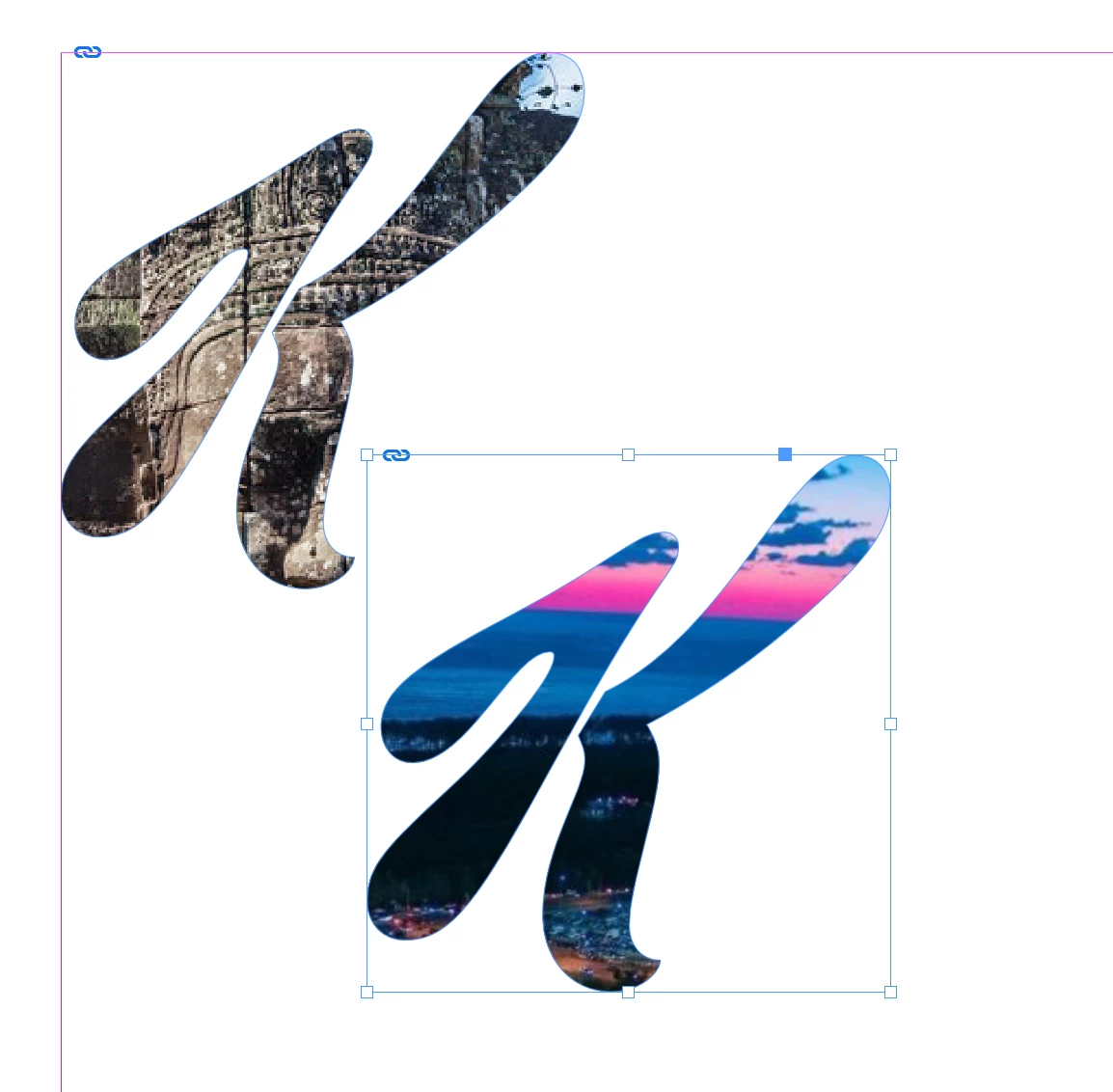
I choose the Kellog's K to show you this works with a compound path.


1 reply

Mike_Gondek10189183
Community Expert
Mike_Gondek10189183Community ExpertCorrect answer
Community Expert
April 20, 2021

In Photoshop save an image with a clipping path.


Import into InDesign

Then use Object >> Clipping path >> Convert to Frame

Option drag a copy of that

Command D to place (Choose replace item)


I choose the Kellog's K to show you this works with a compound path.