
Answered
Simple color inversion
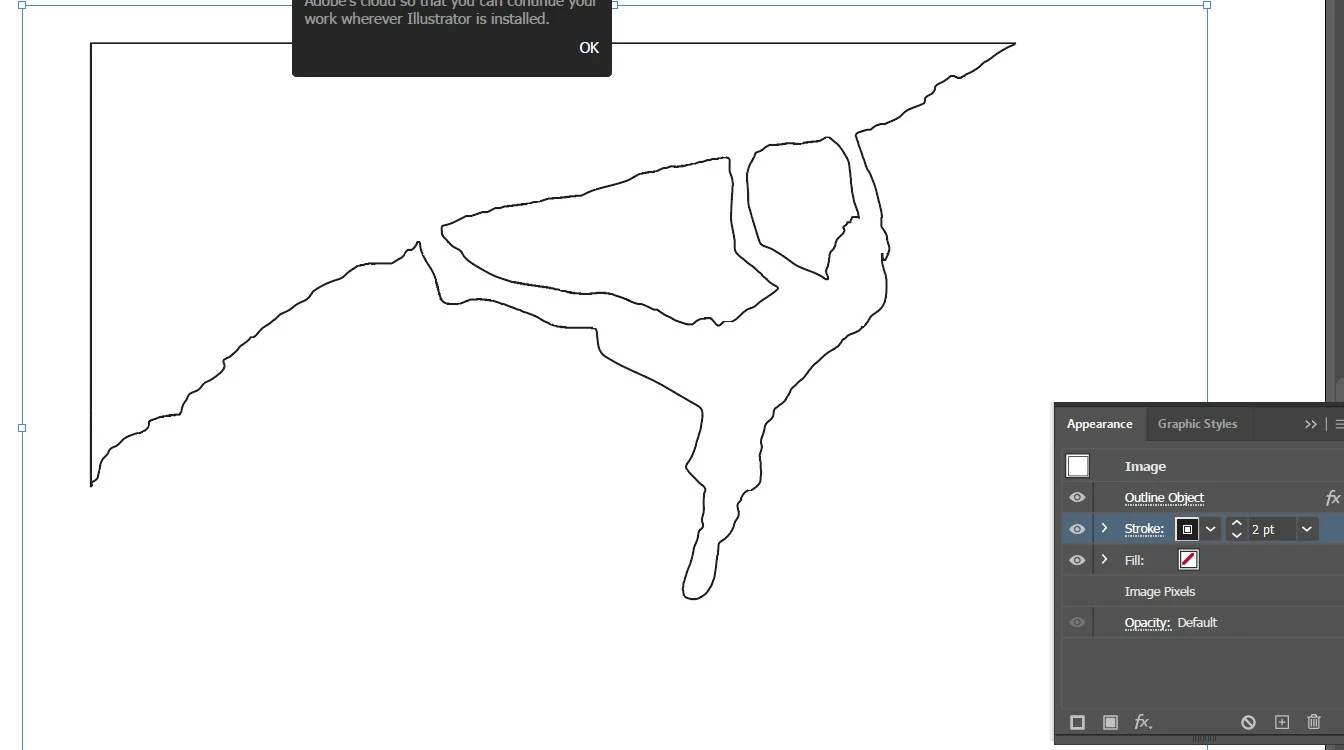
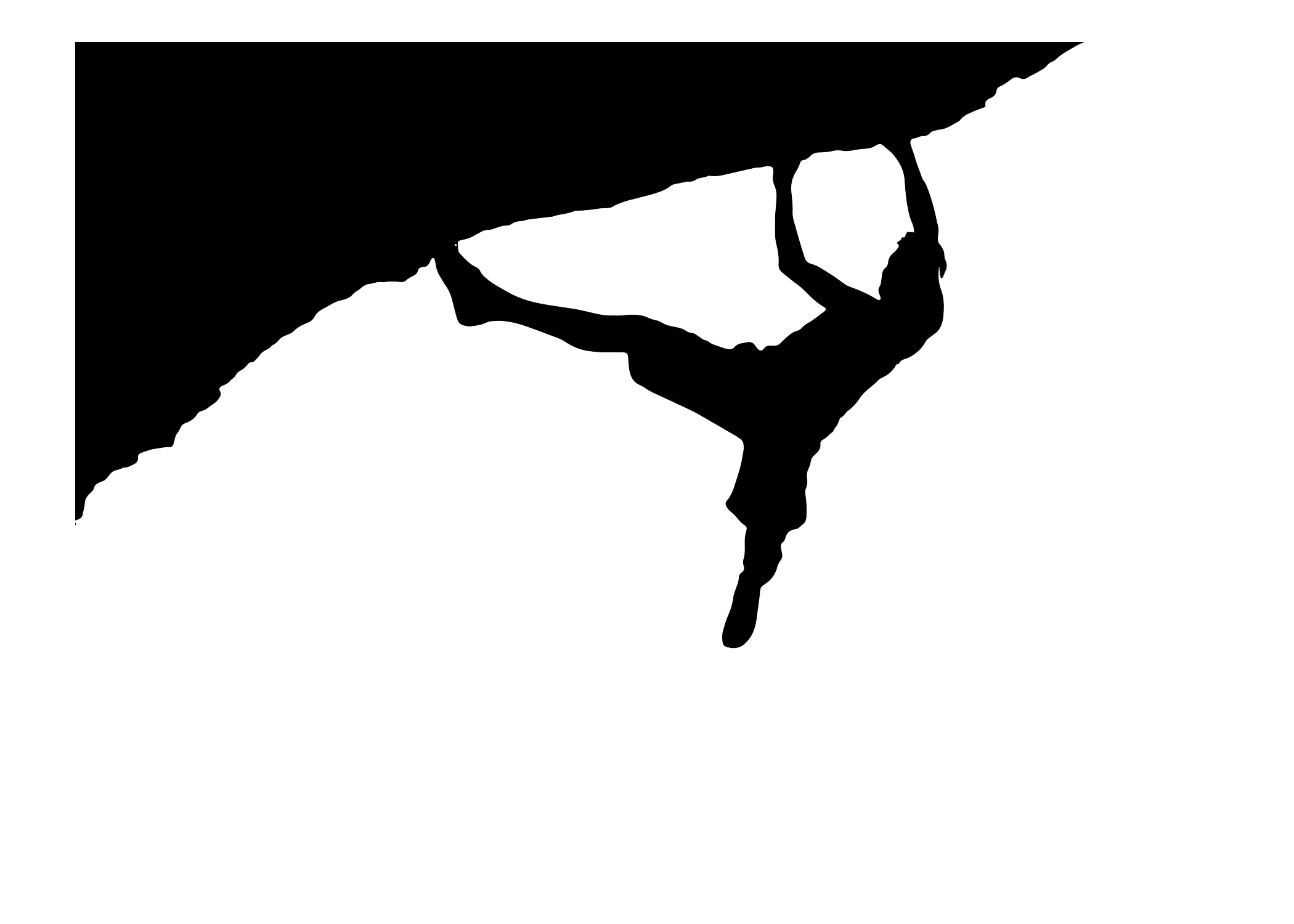
I have an image from adobe stock where all I am trying to do is create a white filled outline on a transparent background. I first applied an image trace to the image to get a black filled outline with a white background. All I want to do from this point is to make the black part of the image white and the white part of the image transparent and export it as a JPEG. How do I do this? I'm trying to use the recolor wheel to map the black color to white and white to transparent, but the black remap to white doesn't do anything and there isn't a way to specify transparent as part of the mapping. .ai file link provided: https://assets.adobe.com/id/urn:aaid:sc:US:bcfff467-2680-4c42-95f2-c0485b9c693d?view=difile
 AdChoices