

Question
Simple steps to submit a Feature Request or report a Bug in Illustrator
Visit https://illustrator.uservoice.com/ to submit a new feature request or report a bug.
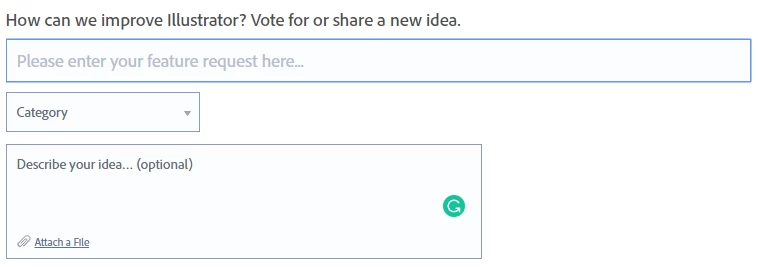
Feature Request (https://illustrator.uservoice.com/forums/333657-illustrator-feature-requests) -
- Please check if there’s already a similar feature request submitted. If yes, share your comment and upvote the existing one. If not, create a new post.
- Click Give Feedback and enter the details
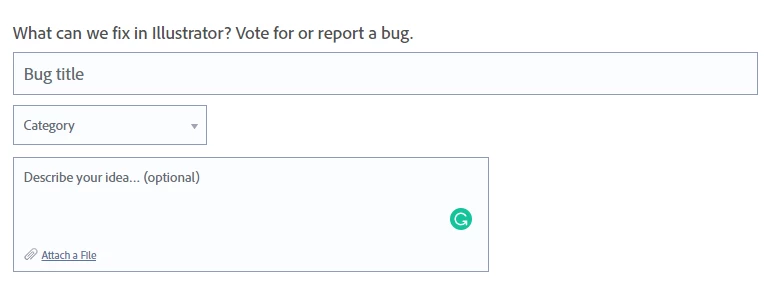
Bug (https://illustrator.uservoice.com/forums/601447-illustrator-bugs) -
Follow the same approach for reporting bugs. Attach sample files and screenshots wherever applicable.
 AdChoices