Known Participant
December 23, 2020
Answered

Smart guides to line up points appearing in some places, not others

  • December 23, 2020
  • 1 reply
  • 419 views

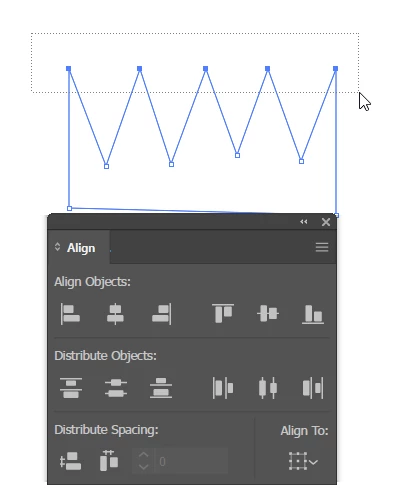
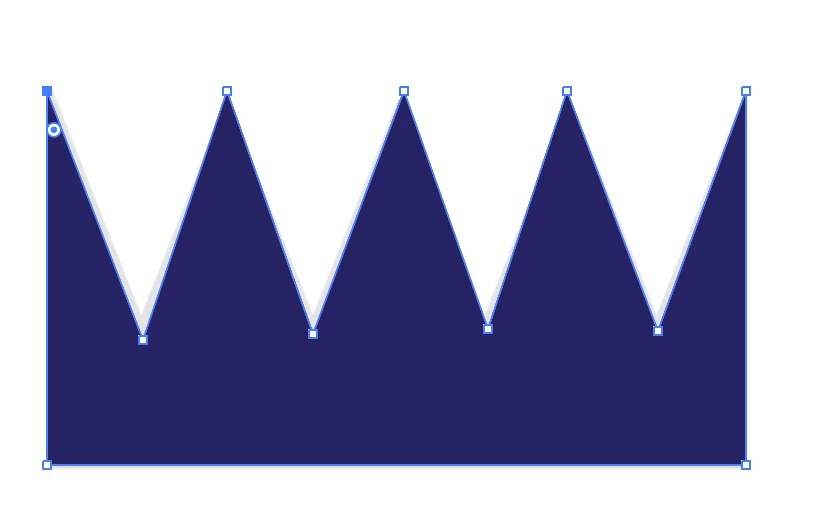
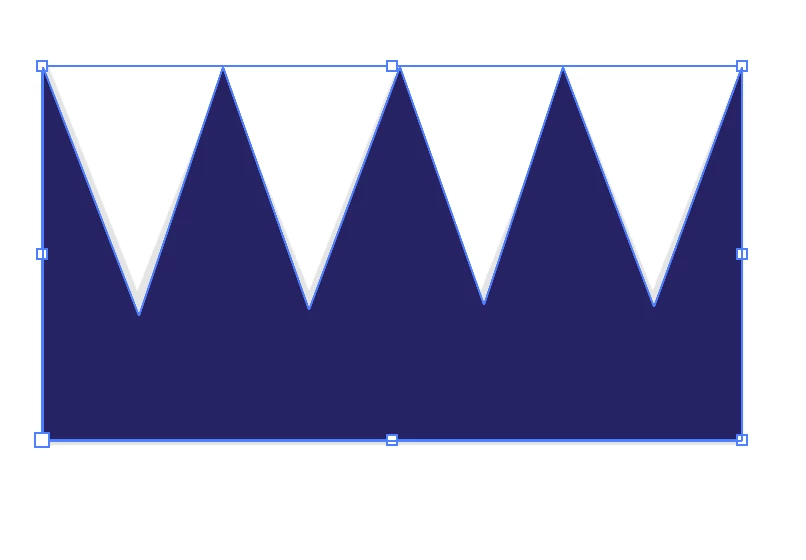
When making this crown, I was able to get Smart Guides to help me line up all the top points. However, they would not show up to help me line up the bottom points (in the "valleys" of the crown). Is there a reason for this? And if this isn't an ability of Smart Guides, is there another tool I can use to line up the bottom points? Thanks.
 

This topic has been closed for replies.
Correct answer barbara_a7746676

You could do it this way--

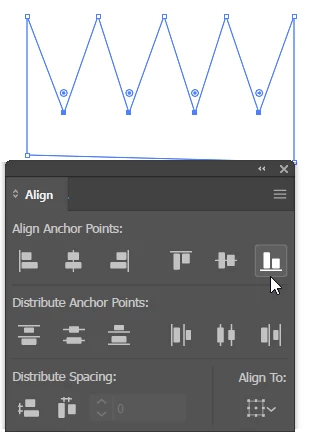
With the Direct Selection tool (white arrow) drag over the top points to select them and use the Align panel to align them.

You can do the same with the other points. 

If you click Vertical Align Bottom, all the points will align to the bottomost point. If you choose Vertical Align Top, all the points will align to the topmost point, and so forth.

1 reply

barbara_a7746676
Community Expert
barbara_a7746676Community ExpertCorrect answer
Community Expert
December 23, 2020

You could do it this way--

With the Direct Selection tool (white arrow) drag over the top points to select them and use the Align panel to align them.

You can do the same with the other points. 

If you click Vertical Align Bottom, all the points will align to the bottomost point. If you choose Vertical Align Top, all the points will align to the topmost point, and so forth.

Known Participant
December 23, 2020

Got it! Thanks for the help. 🙂